
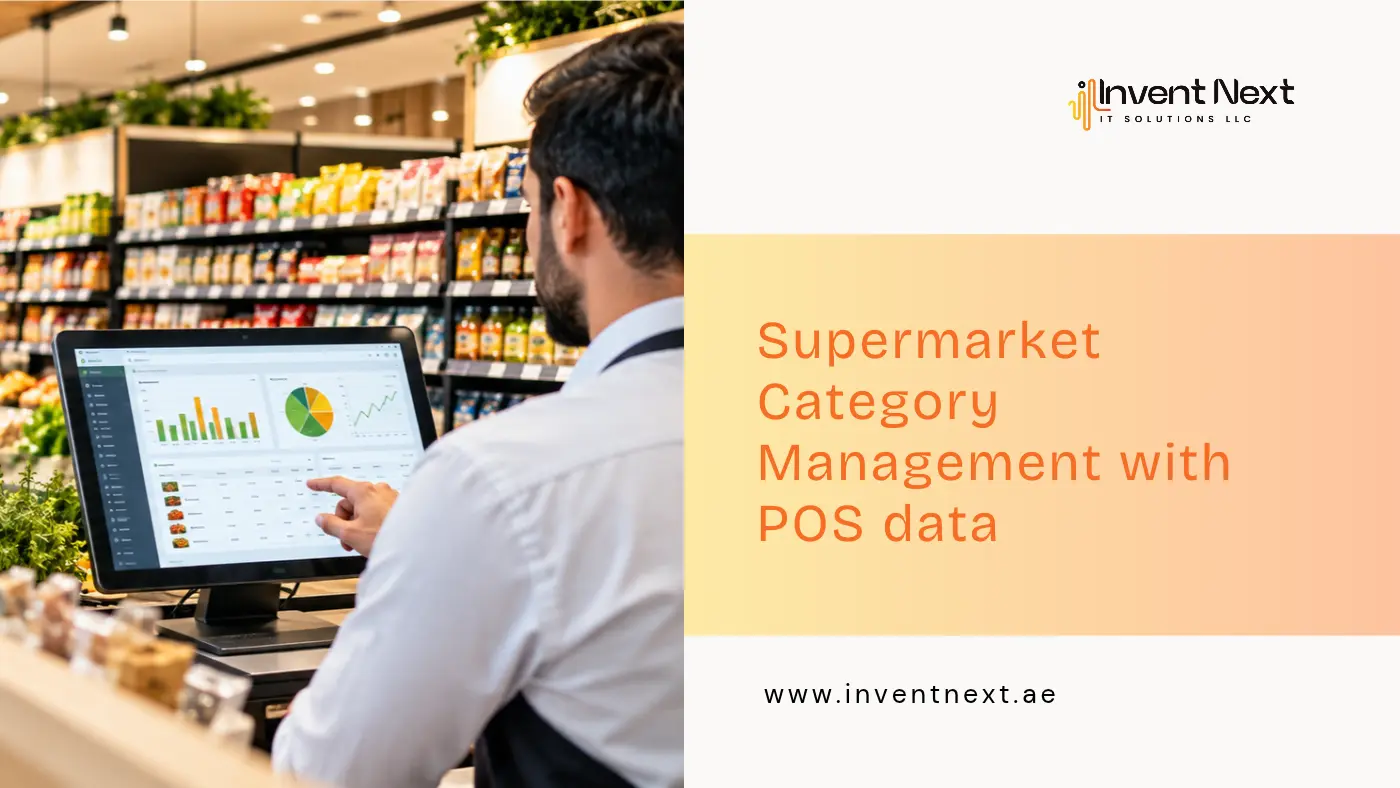
A well-run supermarket takes more than full shelves. Each product competes for limited space, and every buying decision shapes revenue, margins, and how happy shoppers are. Still, plenty of stores choose what to stock, promote, or drop based on instinct. A better starting point is real purchase behaviour. A modern Point of Sale (POS) system records every transaction and shows what sells, when it sells and how items move together. With a structured approach to supermarket category management, retailers can cut waste, keep popular items available, and earn more from each category. Ordinary checkout transactions become practical insight, helping a store serve its shoppers while growing the business.
What Is Supermarket Category Management?
Supermarket category management means treating each group of related products as its own small business. Rather than judging items one by one, retailers review whole categories such as dairy, beverages, snacks, fresh produce and household basics.
The aim is to see how every category performs, then make sound choices about range, pricing, promotions and shelf layout. A store might find that snacks peak at weekends while breakfast products sell best on weekdays. With that knowledge, managers can time their orders and offers around how customers actually shop. A POS system makes this far easier by gathering sales records and turning them into clear reports.
How POS Data Helps Improve Product Performance
A POS system does much more than take payments. It gives owners a live view of what is happening across the store.
1. Spot Best-Sellers and Slow Movers
Products do not all earn their place equally. Some leave the shelf within days, while others sit for weeks.
POS reports let retailers see:
- Fast sellers that need frequent restocking.
- Slow movers taking up valuable space.
- Products that bring in the most revenue.
- Items with the healthiest profit margins.
If a drink sells strongly week after week, keeping it well stocked prevents lost sales. If another item lags, the retailer can check its price, position and demand before deciding whether it deserves to stay.
2. Strengthen Inventory Management
Overstocking and stockouts are the two classic inventory problems, and both hurt profit. POS data shows how fast each product moves, so replenishment can be planned around real demand. Past sales help stores forecast demand, notice seasonal swings and set sensible stock levels. This matters most for short-life goods such as dairy, bakery items and fresh produce. A dependable POS system can also follow stock movement and flag items that need attention.
3. Learn How Customers Shop
Shoppers often buy certain items in the same basket. Someone picking up pasta may add a sauce, some cheese or herbs. Transaction records reveal these pairings, and retailers can use them to improve layouts.
Practical uses include:
- Shelving complementary products side by side.
- Building bundles that make sense to buyers.
- Suggesting related items during promotions.
- Designing offers around common buying habits.
Small tweaks like these can lift basket size and make shopping easier.
4. Make Smarter Pricing and Promotion Decisions
A discount can bring shoppers in, yet it does not always add profit. Sales volume may rise while the extra income fails to cover the price cut. POS reports let retailers compare results before, during and after a promotion.
They can then judge whether the offer sold more units, lifted category revenue, or simply gave away margin on purchases that would have happened anyway. For a fair comparison, measure against a similar period and account for seasonal demand, stock levels and any price changes.
5. Plan for Seasonal Demand
Demand shifts around holidays, weekends, school terms and special occasions. In the UAE, for instance, supermarkets often see different buying of beverages, dates, snacks and pantry staples during Ramadan and Eid.
Past POS records show when these shifts begin, so inventory can be prepared early. Managers can then place orders, set stock levels and prepare campaigns ahead of the rush instead of reacting after shelves empty.
Key Benefits of Using POS Data for Category Management
Retailers who use sales information consistently tend to improve in several areas.
Better Product Selection
Reports show which items shoppers favour, so the range can be refined and space given to products in higher demand.
Reduced Inventory Waste
Sharper demand forecasts prevent unnecessary stock build-up, which matters most for perishables that can expire before they sell.
Higher Profitability
When owners understand margins, volumes and promotion results together, they can make choices that protect the bottom line.
Improved Customer Satisfaction
Popular products stay in stock and related items are easy to find, which makes each visit smoother.
More Efficient Store Operations
Automated reports replace manual counting and guesswork, leaving managers more time to act on what they learn.
Choosing the Right POS System for Your Supermarket
Your category decisions are only as good as the information your software provides. A POS system Abu Dhabi retailers rely on should handle daily billing and also offer strong tools for stock and sales analysis.
Before you choose, look for these features:
- Product-level sales reports: View sales by item, category and time period.
- Inventory tracking: Follow stock movement and see what needs reordering.
- Barcode management: Bill faster and identify products accurately.
- Promotion tracking: Measure how discounts and offers perform.
- Reporting tools: Get clear summaries that guide decisions.
- Multi-branch management: Compare results across store locations.
- Integration capabilities: Link sales information with accounting or inventory workflows.
The best choice suits your store size, product range, daily operations and growth plans.
If you are comparing supermarket POS system Abu Dhabi, also weigh ease of use, how flexible the reports are, and the quality of support after setup.
Expert Tips for Better Category Management
Gathering data is just the beginning. The value comes from acting on it.
Review Category Performance Regularly
Schedule weekly or monthly check-ins on sales, stock, margins and product movement. Frequent reviews catch problems while they are still cheap to fix.
Focus on Profit, Not Just Sales Volume
A top-selling item is not always the most profitable. Look at volume and gross margin together when judging a category.
Test Changes Before Applying Them Everywhere
Try new shelf positions, prices or promotions in a small area first. Compare the results, then roll out across stores.
Combine Sales Data With Staff Insights
Reports tell you what customers buy, while your team often knows why. Using both gives you a fuller picture.
Keep Product Information Accurate
Wrong prices, outdated records and duplicate items distort reports. Clean product data means decisions rest on facts.
Common Mistakes to Avoid
Even the best POS system cannot help if the habits around it are weak.
- Ignoring slow-moving products: Review weak performers regularly so they do not pile up.
- Overstocking based on past sales alone: Factor in seasonality, planned promotions, supplier lead times and shifting preferences.
- Running discounts without measuring results: Check the effect on sales and profit before repeating a campaign.
- Focusing only on revenue: Include margins, stock turnover and waste in your category reviews.
- Ignoring local demand: Tastes differ by neighbourhood, store format and customer group.
- Collecting data without taking action: End each review with specific improvements and an owner for each one.
How Retail Software Dubai Businesses Use to Support Better Decisions
As a supermarket grows, handling products, stock and sales by hand becomes harder. Retail software brings these tasks into one place so information is easier to reach and use. With retail software Dubai businesses can use to run their stores, retailers gain clearer visibility of product performance, track inventory and make better-informed operational choices.
When POS reporting is paired with solid inventory control and regular reviews, owners can find room for improvement in individual categories and across the whole business. The goal is not simply to gather more figures. It is to make everyday decisions quicker, more accurate and better matched to what customers want.
Frequently Asked Questions
1. What is the role of POS data in supermarket category management?
POS data reveals what sells, how customers combine purchases, how stock moves and how promotions perform. Retailers use it to improve their range, plan inventory, set prices and raise category profit.
2. How often should supermarkets analyse category performance?
Weekly reviews suit fast-moving products and stock issues. Monthly reviews give a wider view of profitability and demand shifts. The right rhythm depends on the product type and the size of the store.
3. Can a POS system help reduce food waste?
Yes. Sales history helps retailers forecast demand and order more accurately. Add expiry-date checks and stock rotation, and spoilage and waste drop further.
4. What features should supermarkets look for in POS software?
Look for product-level sales reports, inventory tracking, barcode support, promotion analysis, margin reporting and, where needed, multi-branch management.
5. Is category management useful for small supermarkets?
Yes. Even a small store can use POS reports to find popular products, control stock, cut waste and decide which items deserve more shelf space. A simple weekly sales review is enough to start.
Conclusion: Turn Sales Data Into Better Product Performance
Strong supermarkets do not run on gut feeling. They study shopper behavior, watch inventory, test their promotions and keep refining each category. By putting POS data to work, retailers can see what sells, understand customer needs, reduce waste and lift profit. What matters is turning reports into clear actions that improve daily operations.
Invent Next helps businesses explore software built for retail operations and smarter management. To gain better inventory visibility, understand product performance and simplify store operations, explore the solutions at Invent Next or visit the Supermarket POS Software page to learn more.