
Picture this. It’s a Friday evening, your store is buzzing with customers, and your best-selling item just ran out because nobody noticed the stock had dipped to zero. Or worse, a customer walks out because the “in stock” item on your shelf was actually sold last week and nobody updated the count. Sound familiar? If you’ve run a retail business in the UAE for even a few months, you’ve probably lived through some version of this nightmare. Stockouts, overstocking, mismatched counts, and end-of-day reconciliation headaches aren’t just annoying. They cost real money and, more importantly, they cost you customers.
This is exactly where an inventory tracking POS system changes the game. It’s not just a cash register with a fancy screen. It’s the nervous system of your business, quietly keeping every product, every sale, and every stock movement in sync, in real time. Let’s break down why this matters, how it works, and how to pick the right one for your business.
Why Traditional Stock Management Falls Short
Manual spreadsheets and disconnected billing software were fine when businesses were small and simple. But the moment you add multiple product categories, several staff members, or more than one branch, the cracks start showing.
Here’s what typically goes wrong:
- Sales get recorded, but stock levels don’t update automatically
- Staff manually count inventory at closing time, and human error creeps in
- Purchase orders get placed based on guesswork rather than actual data
- Different branches have zero visibility into each other’s stock
None of this is anyone’s fault. It’s just what happens when your billing system and your inventory system are two separate, disconnected tools trying to talk to each other through spreadsheets and sticky notes.
What an Inventory Tracking POS System Actually Does
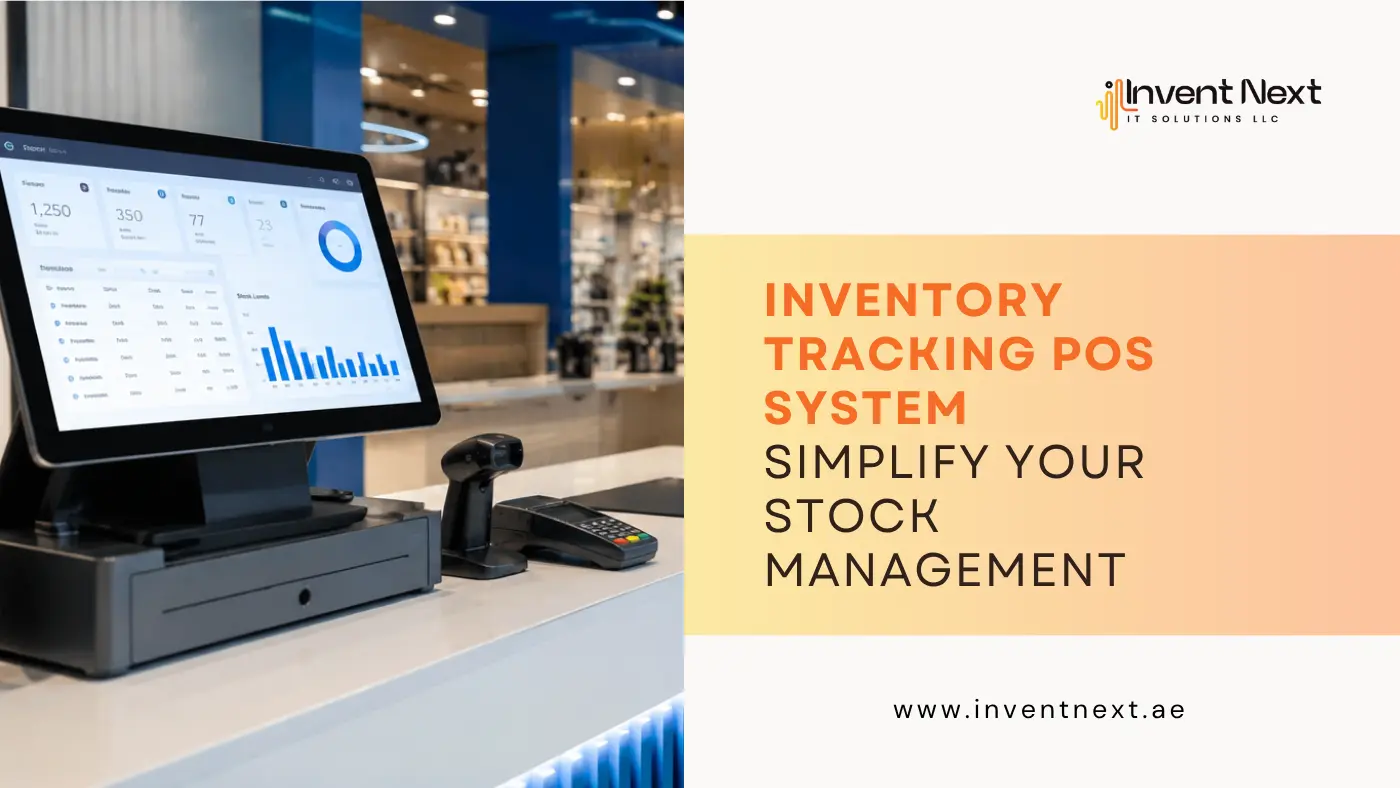
At its core, an inventory tracking POS system connects every sale directly to your stock levels. The moment a product is scanned at checkout, the system deducts it from inventory automatically. No manual entry, no end-of-day guesswork, no waiting for someone to update a spreadsheet.
Here’s what that looks like in practice:
- A customer buys a product at the counter
- The POS system instantly updates the stock count
- If stock falls below a set threshold, you get an automatic reorder alert
- Reports update in real time, giving you an accurate picture of what’s selling and what isn’t
This single integration eliminates most of the guesswork that causes overstocking, understocking, and lost sales.
Real-World Scenarios Where This Makes a Difference
A supermarket in Abu Dhabi dealing with hundreds of SKUs across groceries, dairy, and household items simply cannot rely on manual counts. A supermarket POS system Abu Dhabi retailers trust needs to track fast-moving perishables separately from slow-moving goods, flag expiry dates, and prevent shelves from running empty during peak hours.
A boutique clothing store might have the opposite problem. Too much stock sitting unsold, tying up cash that could be used elsewhere. Inventory tracking shows exactly which sizes and colors are moving and which ones are dead weight.
An auto garage juggling spare parts, oils, and accessories faces a different kind of complexity altogether. This is where specialized auto garage software Abu Dhabi businesses use becomes essential, since spare parts inventory needs to be linked directly to job cards and service history, not just sold off a shelf.
Key Benefits of Using an Inventory Tracking POS System
1. Real-Time Stock Visibility
You always know what’s in stock, what’s low, and what needs reordering, without physically counting anything.
2. Reduced Human Error
Manual stock entry is where most mistakes happen. Automating this process removes the guesswork entirely.
3. Better Cash Flow Management
When you know exactly what’s selling, you stop tying up money in slow-moving stock and start reinvesting in what actually sells.
4. Multi-Branch Synchronization
For businesses running multiple outlets, a good system keeps every branch’s inventory data centralized and visible from one dashboard.
5. Smarter Purchase Decisions
Instead of ordering based on instinct, you order based on actual sales patterns and seasonal trends.
6. Faster Checkout and Fewer Disputes
Accurate pricing and stock data at the counter means fewer billing errors and happier customers.
Choosing the Right System: What to Compare
Not all systems are built the same, and picking the wrong one can cost you more time than it saves. Here’s a quick comparison of what to look for:
| Feature | Basic POS | Inventory Tracking POS System |
| Stock updates on sale | Manual | Automatic, real-time |
| Low stock alerts | Not available | Built-in notifications |
| Multi-branch sync | Limited or none | Centralized dashboard |
| Purchase order automation | Manual | Data-driven suggestions |
| Reporting | Basic sales reports | Detailed stock, sales, and trend reports |
| Integration with accounting | Often separate | Usually built-in or connected |
If your current setup looks more like the left column, it’s probably time for an upgrade.
Expert Tips for Getting the Most Out of Your System
- Set reorder thresholds thoughtfully. Don’t just pick a random number. Base it on your actual sales velocity for each product.
- Train your staff properly. Even the best system underperforms if the people using it don’t understand how stock adjustments and returns should be logged.
- Audit regularly, even with automation. Physical spot checks every month help catch shrinkage, theft, or system errors early.
- Use reporting data to negotiate with suppliers. Knowing your exact reorder patterns gives you leverage on bulk pricing.
- Integrate with your accounting software. This saves hours of manual reconciliation every month.
Common Mistakes Businesses Make
- Ignoring staff training. A powerful system is useless if your team enters data incorrectly.
- Not customizing alerts. Generic low-stock thresholds don’t work for every product category.
- Overlooking mobile access. If you can’t check stock levels from your phone while you’re away from the store, you’re missing a major advantage.
- Choosing a system that doesn’t scale. What works for one outlet might completely fall apart once you open a second or third branch.
- Skipping regular software updates. Outdated systems are more prone to bugs and security issues.
Why Local Businesses in the UAE Need This More Than Ever
The retail and service landscape here moves fast. Competition is fierce, customer expectations are high, and margins can be tight. A reliable POS system Abu Dhabi business owners can depend on isn’t a luxury anymore, it’s a baseline requirement for staying competitive.
Whether you’re running a single storefront or managing a growing chain, the right Point of sale software in UAE businesses use should be able to handle your specific industry needs, not force you into a one-size-fits-all mold.
For retailers specifically, having dependable retail POS system Dubai shops rely on means fewer stockouts, smoother checkouts, and better customer retention over time. And for businesses managing larger inventories or B2B operations, a proper warehouse management software companies trust ensures nothing gets lost between the storage facility and the sales floor.
Get Started with InventNext
InventNext provides complete POS systems built for businesses across the UAE, covering retail, supermarkets, warehouses, and auto garages. From real-time inventory tracking to multi-branch management, our solutions are designed to handle the everyday challenges of running a business here, not generic software forced to fit local needs. Get in touch with InventNext today to set up a POS system suppliers in UAE that keeps your stock, sales, and staff all working from the same accurate data.