
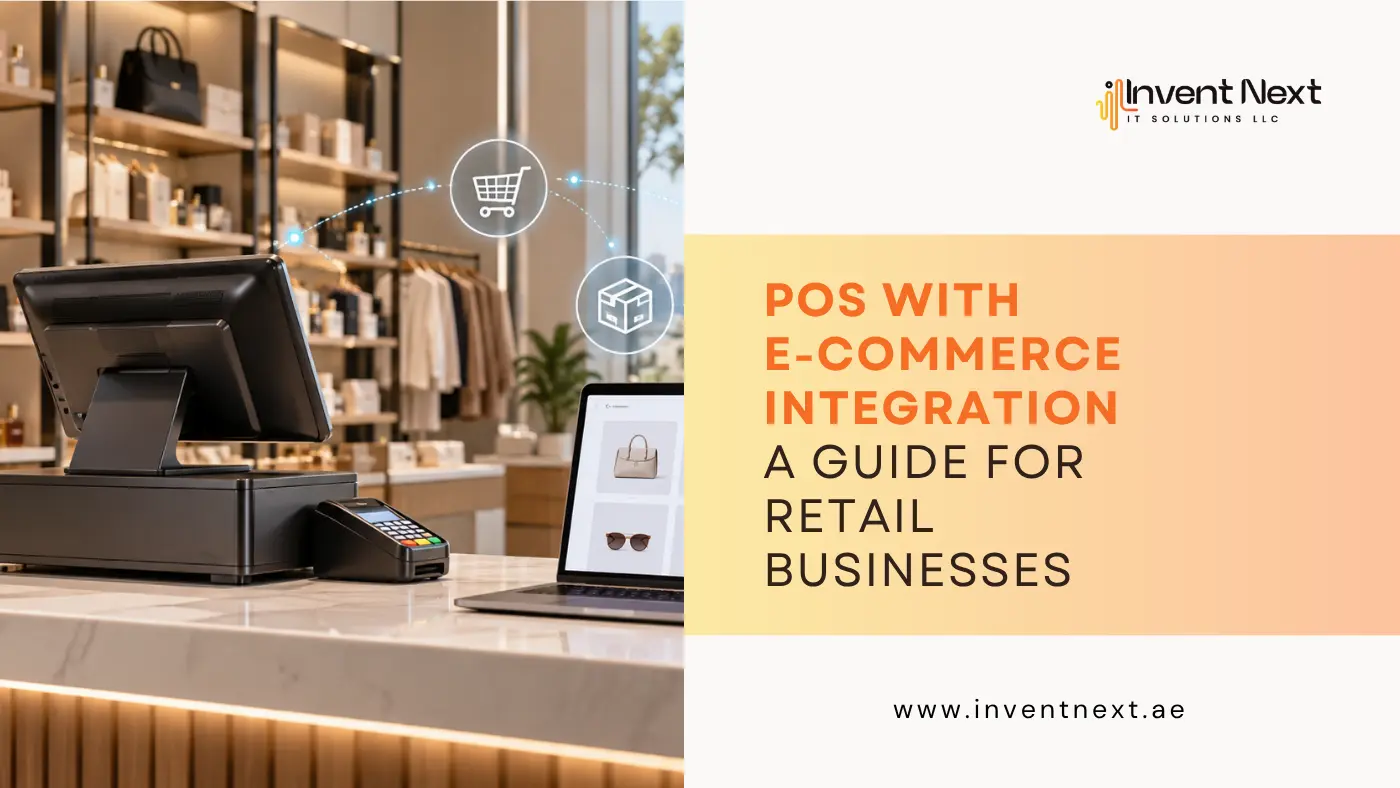
A customer checks a product on your website, visits your store later, and expects the item to be available. Another customer orders the same product online while a third person buys it from the checkout counter. If your online store and physical shop are working with separate inventory records, keeping track of all these transactions can become difficult very quickly. This is one of the reasons retailers are moving towards POS with e-commerce integration.
Instead of treating online and offline sales as two separate operations, an integrated system connects them through shared business data. From inventory and orders to customer information and sales reports, the right setup can give retailers much better control over their daily operations. More importantly, it can reduce repetitive work and help businesses provide a smoother experience to customers.
What Is POS with E-commerce Integration?
A point of sale system is traditionally used to manage transactions at a physical store. It handles billing, payments, product information, inventory updates, discounts, returns, and sales reports. An e-commerce platform manages the digital side of the business. It allows customers to browse products, place orders, make online payments, and receive order updates.
When these two systems are connected, information can move between the physical store and online shop. For example, imagine a retailer has 50 units of a particular product. If five are sold in the physical store, the available quantity can be updated online. If another customer purchases three units through the website, the stock can be reflected in the POS system as well. This creates a more connected retail operation instead of forcing employees to maintain separate records.
Why Are More Retailers Connecting POS and Ecommerce?
Customers do not necessarily think in terms of sales channels. They simply want accurate product information, convenient purchasing options, and a smooth experience. A retailer may have a physical shop, an e-commerce website, a warehouse, and multiple branches. Managing each one independently can create gaps in information.
An integrated system can help businesses bring important information together, including:
- Product details
- Stock quantities
- Online orders
- In-store transactions
- Customer records
- Returns and exchanges
- Discounts and promotions
- Sales reports
For businesses operating in Abu Dhabi, choosing a suitable POS system Abu Dhabi solution can also help create a centralized approach to managing retail transactions and inventory.
How Does the Integration Work?
The basic idea is straightforward. The POS system and e-commerce platform communicate with each other so that selected information remains synchronized. Suppose a store sells a product through its website. The e-commerce order is recorded, and the inventory quantity is adjusted. When another customer purchases the same product at the physical store, the POS transaction can update the available stock.
Depending on the platforms being used, integration may synchronize:
- Product information
- Inventory quantities
- Prices
- Customer details
- Online orders
- Order status
- Sales information
The exact capabilities depend on the software and integration method, so businesses should always confirm which data can be synchronized before implementation.
What Are the Main Benefits?
Better Inventory Visibility
Inventory problems are among the most common challenges for growing retailers. Selling an item online that is no longer available in the warehouse or store can lead to cancelled orders and unhappy customers. With connected inventory data, retailers can get a clearer picture of what is available across different sales channels. This is especially useful when products are moving quickly or when a business operates several locations.
Less Manual Data Entry
Without integration, employees may need to enter online orders, stock changes, and product information into multiple systems. That takes time and creates opportunities for mistakes. Automation can reduce repetitive data entry and allow staff to spend more time on customer service, order fulfilment, and other important tasks.
Centralised Sales Information
Retailers need accurate sales information to understand business performance. An integrated system can make it easier to review sales from different channels and identify which products are generating the most demand. Instead of checking multiple spreadsheets or dashboards, managers can work with information from a connected system.
Easier Order Management
Online orders involve more than receiving a payment. Businesses need to track products, fulfilment, stock availability, returns, and customer information. A connected system can make these processes easier to monitor and coordinate.
Better Customer Experience
Customers expect consistency. If a website says a product is available but the store has already sold the last unit, the business has a problem. Similarly, customers may expect store staff to know about an order they placed online. Accurate information across channels helps reduce these situations.
Choosing the Right POS Software
Not every POS solution is suitable for every retail business. The needs of a supermarket are very different from those of a fashion retailer or electronics store. When comparing POS software Abu Dhabi, businesses should look beyond basic billing features and consider how the software fits into their wider operations.
Important areas to evaluate include:
- Ecommerce compatibility
- Inventory synchronisation
- Barcode management
- Multi-store support
- Customer management
- Sales reporting
- Returns and refunds
- Payment integration
- User permissions
- Accounting integration
- Scalability
The system should also be simple enough for employees to use confidently during busy periods.
How Retail Businesses Can Use Ecommerce Integration
Clothing and Lifestyle Stores
A fashion retailer may have hundreds or thousands of product variations based on size, colour, style, and collection. Connecting the ecommerce platform with the POS system can make it easier to maintain product and inventory information across both channels.
For retailers searching for retail software in Abu Dhabi, ecommerce compatibility should be considered alongside inventory and store management features.
Multi-Location Retailers
Businesses operating across several branches often need centralized visibility. Managers may want to know which location has a particular product, which branch is generating more sales, or where stock needs to be transferred.
Retail software Dubai solutions can support businesses that need to coordinate operations across physical locations while also managing digital sales.
Supermarkets
Supermarkets handle a high volume of transactions and a large number of products. Speed and accuracy are therefore essential.
A suitable POS software for supermarket UAE solution should support barcode scanning, product management, inventory tracking, promotions, multiple payment methods, and detailed reporting.
Larger supermarket operations may also require systems capable of supporting multiple checkout counters and branches. For businesses operating large supermarket networks, POS systems for supermarket Dubai can provide tools for managing transactions and inventory across busy retail environments.
Where Warehouse Management Fits In
A connected retail operation does not stop at the checkout counter. Warehouses play an important role in ensuring products are available for online orders and physical stores. If warehouse stock is not accurately reflected in the sales system, retailers can still experience overselling and fulfilment delays.
Integrating the retail and warehouse sides of the business can provide better visibility into stock movement, receiving, picking, packing, and order fulfilment. For businesses managing larger inventories, warehouse management software Dubai can become an important part of a connected retail technology setup.
Expert Tips for Successful POS E-commerce Integration
Choosing the software is only one part of the process. Proper preparation can make the implementation much smoother.
Clean Your Product Data First
Before integration, review product names, SKUs, prices, categories, and stock quantities. Incorrect data can create problems after synchronization.
Decide Which System Controls What
Establish clear rules for product information, pricing, inventory, and customer data. This reduces conflicts between platforms.
Train Your Staff
Employees should know how to process sales, returns, stock adjustments, and online orders correctly. Even a well-designed system will not work effectively if staff are unsure how to use it.
Test Before Going Live
Run sample orders and transactions before fully launching the integration. Check whether stock levels, prices, order details, and customer information are being transferred correctly.
Monitor the System
After implementation, regularly review inventory and transaction data. Small synchronisation issues are easier to correct when they are identified early.
Common Mistakes Retailers Should Avoid
One of the biggest mistakes is choosing software based solely on price. A low-cost system may not provide the integrations or scalability required as the business grows. Another common problem is starting the integration with inaccurate inventory data. Technology cannot compensate for incorrect product records.
Retailers should also avoid adding unnecessary complexity. Employees need a system that supports their daily workflow rather than making routine tasks harder. Finally, do not ignore future requirements. If the business plans to add branches, expand ecommerce sales, or introduce new product categories, the POS solution should be able to accommodate that growth.
Frequently Asked Questions
1. What does POS with ecommerce integration mean?
It means connecting a physical point of sale system with an e-commerce platform so that important information such as inventory, products, orders, and sales can be shared between the two systems.
2. Can e-commerce integration update physical store inventory?
Yes. Depending on the POS and e-commerce platforms, online and in-store transactions can automatically update shared inventory information.
3. Is POS e-commerce integration useful for small businesses?
Yes. Even smaller retailers can benefit from reduced manual work, better inventory visibility, and centralized sales information.
4. What should I consider before choosing an integrated POS system?
Look at ecommerce compatibility, inventory management, reporting, payment options, scalability, ease of use, security, customer support, and compatibility with your existing business tools.
5. Can POS and ecommerce integration support multiple stores?
Many modern POS solutions support multiple locations. However, the exact features vary between providers, so businesses should verify multi-location capabilities before selecting a system.
Final Thoughts
Retail management becomes considerably more complicated when online stores, physical shops, warehouses, and multiple branches operate independently. The challenge is not simply processing transactions. It is keeping information accurate and making sure every part of the business works from the same data.
POS with e-commerce integration provides a practical way to connect these operations. By synchronising inventory, orders, product information, and sales data, retailers can reduce manual work and gain better visibility into their business. The right solution should not simply process payments. It should support the way your business actually operates today while giving you room to grow tomorrow.
Connect Your Retail Operations with Invent Next
Looking for a reliable POS solution that can connect your retail operations and e-commerce business? Invent Next provides POS and business software solutions designed to help retailers manage sales, inventory, and day-to-day operations more efficiently.
Contact us and explore the solutions available from Invent Next and choose a POS system that fits your business requirements.