
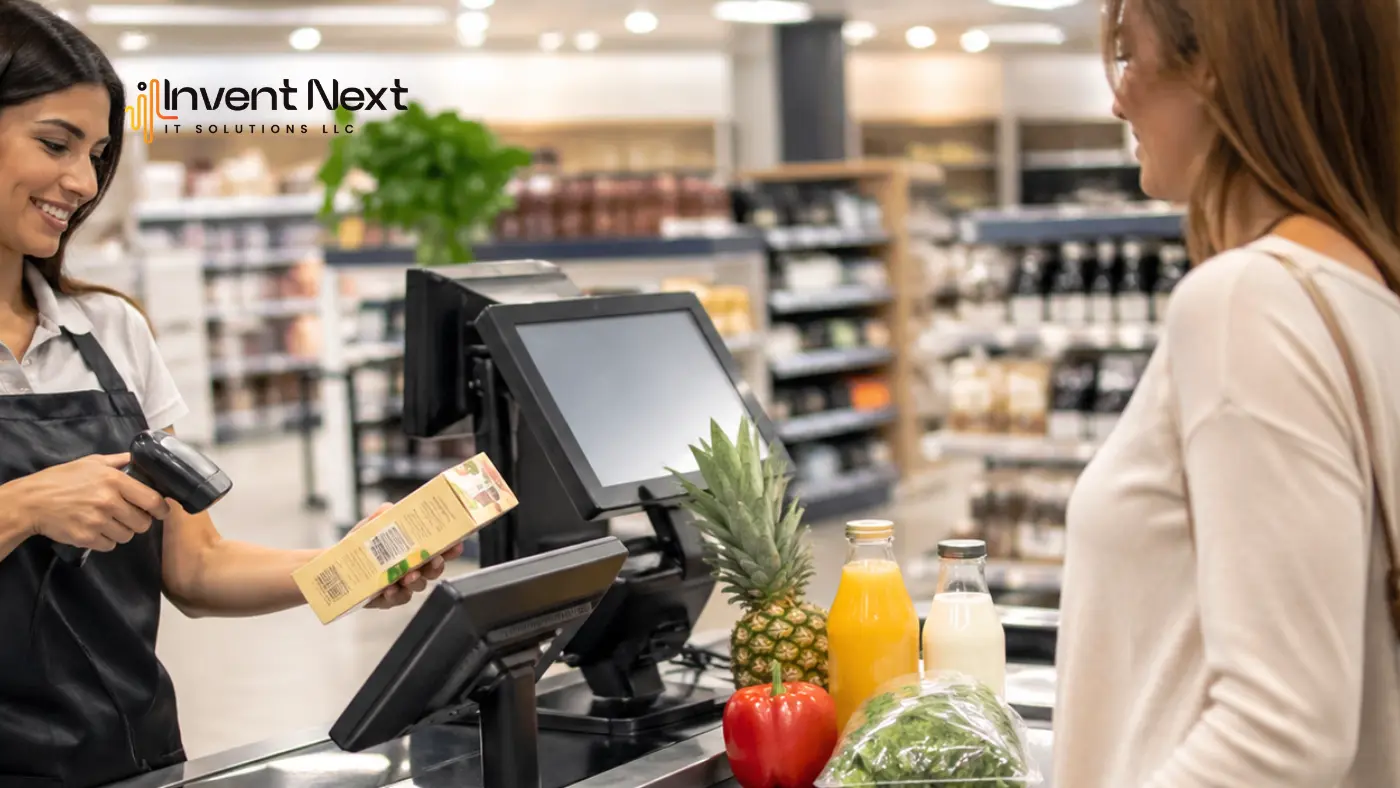
Speed defines modern retail. Customers don’t want to wait, and businesses can’t afford billing errors or stock confusion. If your checkout process still depends on manual entry, you’re already a step behind. A POS with barcode scanner changes that—not just at the till, but across your entire operation. This guide walks you through everything you need to know before making that investment.
What a POS with Barcode Scanner Actually Does
Most people think of a barcode scanner as a checkout tool. But when a barcode is scanned, your POS system isn’t just reading a price; it’s updating inventory, recording the transaction, and feeding your sales data. All of this happens automatically, in under a second.
Here’s what that looks like in practice:
- Every sale reduces your stock count in real time; no manual stocktakes needed
- Pricing is pulled directly from your database, eliminating cashier errors
- Sales reports build themselves throughout the day
- Slow-moving items become visible before they become a cash flow problem
For larger operations managing stock across storage facilities, connecting your POS with a warehouse management system Dubai providers offer adds another layer—syncing shelf stock with back-store inventory and flagging reorder needs automatically.
What to Look for Before You Buy
Choosing the right system isn’t about finding the most feature-rich option. It’s about finding one that fits how your store actually operates.
Ease of Use Comes First
A POS system is only as good as the people using it. Run the demo with someone from your actual floor team. If a new staff member can process a transaction correctly after 15 minutes of guidance, that’s a good sign.
Transaction Speed Matters More Than You Think
A two-second delay per scan sounds minor. During a Saturday afternoon rush with 30 customers in line, it’s the difference between smooth operations and a frustrated queue. Your system should process each scan in under 200 milliseconds. Test this during the demo — not after signing the contract.
Inventory Management Should Be Built In
Automatic stock updates after every sale are non-negotiable. But good inventory management goes further: low-stock alerts, variant tracking, and the ability to pull a stock report without stopping operations.
Businesses in the UAE should also ensure their chosen point of sale software UAE aligns with local compliance requirements — including VAT calculation, Arabic language support, and regional accounting standards. These aren’t optional features here; they’re baseline expectations.
Hardware Compatibility Shouldn’t Be an Afterthought
Your scanner, receipt printer, payment terminal, and cash drawer all need to work together without custom workarounds. Ask vendors which hardware is supported, which is recommended, and what happens when a peripheral needs replacing.
Benefits Beyond the Checkout Counter
A well-implemented POS with barcode scanner reshapes how you run your entire business.
- Faster checkout, better customer flow. Peak hours stop being a bottleneck when transactions are processed in seconds.
- No more pricing errors. Every price is drawn from a central database. Promotions apply automatically.
- Actionable sales data. Which products perform best? What are your peak hours? Your system answers these questions daily without you having to ask.
- Scalable operations. For businesses planning expansion, retail software Abu Dhabi with centralized dashboards makes managing multiple locations significantly more straightforward.
Common Mistakes to Avoid
- Prioritising price over fit. A low-cost system that lacks scalability will cost more in workarounds over time. Think in three-year total cost, not day-one price.
- Ignoring offline capability. Internet connections fail. Confirm that your system processes sales locally during outages and syncs when connectivity returns.
- Skipping proper training. Budget time for structured staff onboarding before go-live—not a rushed walkthrough on the first day.
- Not testing integrations. If your POS connects to accounting software or supplier portals, test those connections before launch, not after.
How It Sharpens Business Decisions
The best retail decisions are made with data. A modern POS generates daily revenue breakdowns, product-level performance, return rates, and peak hour patterns automatically, as your store operates.
For financial oversight, connecting your POS with billing software Abu Dhabi solutions ensures sales records feed directly into your accounting workflow, reducing manual reconciliation and improving reporting accuracy.
Expert Tips Before You Commit
- Request a 30-day pilot before full deployment — reputable vendors will accommodate this
- Clean your product catalog before migration; duplicate entries cause downstream problems
- Insist on local support, not just an email ticket system—response time matters when checkout fails at peak hour
- Verify VAT compliance is native to the system, not dependent on a third-party plugin
Frequently Asked Questions
Is a barcode scanner essential or optional?
Optional in theory — essential in practice for any store managing more than a handful of products. Manual entry at scale is slow, error-prone, and unsustainable.
Can small stores benefit from this?
Absolutely. Small stores often see the most dramatic improvement precisely because the jump from manual to automated is so significant.
How disruptive is the setup?
A single-store setup can go live within a few days. Multi-location rollouts typically take two to four weeks with proper planning.
What if a product doesn’t have a barcode?
Most POS platforms let you assign custom PLU codes and print labels using a basic label printer common in food retail and handmade product categories.
Final Thought
A POS with barcode scanner is the operational foundation your store runs on every transaction, every stock count, every business decision. Get it right and the benefits compound over time. Get it wrong, and you spend years working around a system that was never built for how you actually operate. Take the time to evaluate properly, involve your team, and choose a vendor who stays responsive long after the sale.
Ready to streamline your retail operations? Get started with Invent Next’s advanced POS with barcode solutions and experience faster billing, smarter inventory, and complete business control. Call +971 552088101 today to speak with our experts and find the right POS solution for your business.