
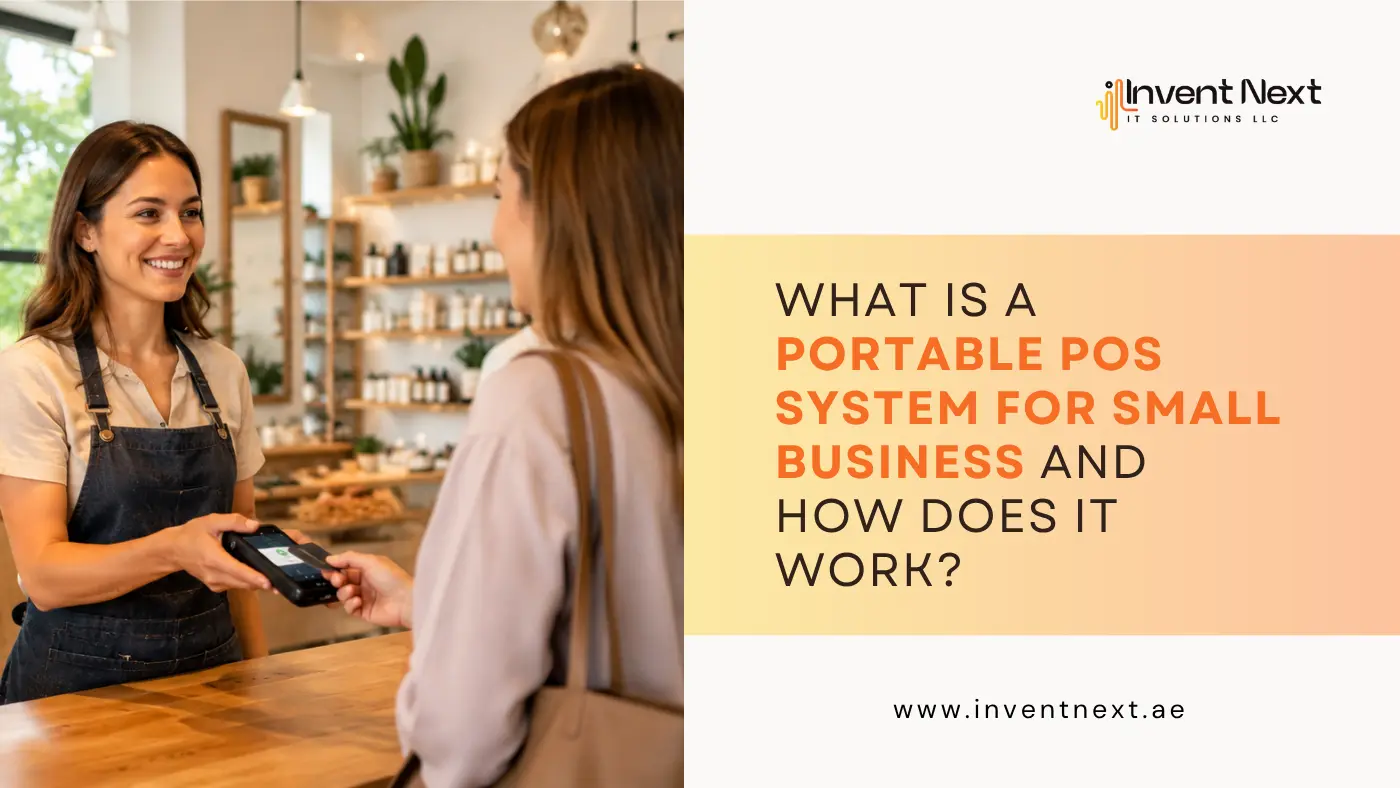
Imagine you’re running a busy weekend market stall. Customers are lined up, card in hand, ready to pay. But your clunky counter-based register is back at the shop, and all you have is your phone and a small card reader. Does that stop you from making a sale? Not anymore. That’s exactly where a portable POS system for small business changes the game. It puts the power of a full checkout experience right in your pocket, whether you’re at a pop-up event, a client’s doorstep, or a busy food truck corner. No wires, no fixed counters, no missed sales.
But what exactly is a portable POS system? How does it work, and is it the right fit for your business? Let’s break it all down.
What Is a Portable POS System?
A portable point-of-sale (POS) system is a mobile, wireless version of a traditional cash register and payment terminal. Instead of being tied to a fixed checkout desk, it lets you process transactions from almost anywhere using a tablet, smartphone, or handheld device.
At its core, it handles everything a standard POS does:
- Accepting payments (card, cash, contactless, or digital wallets)
- Generating receipts via SMS, email, or print
- Tracking inventory in real time
- Generating sales reports and analytics
- Managing customer data and loyalty programs
The difference is freedom. You’re not anchored to one spot. You go where the customer is.
How Does It Actually Work?
A portable POS system typically runs on a mobile app or cloud-based platform. Here’s a simple breakdown of how it functions:
1. Hardware Setup You connect a card reader (via Bluetooth or USB-C) to your phone or tablet. Some systems come as an all-in-one handheld device.
2. Cloud Software The system runs on cloud-based POS software, meaning your data is stored online, not on a local server. This allows real-time syncing across multiple devices and locations.
3. Payment Processing When a customer pays, the system communicates securely with payment gateways to authorise the transaction within seconds. It supports chip cards, tap-to-pay, QR codes, and more.
4. Data Sync Every sale, every stock movement, every customer interaction is automatically logged and updated in your dashboard. You can access this from any device, anywhere.
5. Reporting At the end of the day, you get clear insights: top-selling items, peak hours, revenue totals, and more. All without manually counting anything.
Why Small Businesses Are Making the Switch
The appeal of a portable POS system for small business goes beyond convenience. It directly impacts your revenue and customer experience.
Faster Checkouts Mean Happier Customers
Long queues kill conversions. A portable POS lets your staff process payments tableside, curbside, or anywhere on the floor. Restaurants using Restaurant POS software Dubai solutions have seen notable reductions in wait times simply by moving payment processing to the table.
Real-Time Inventory Control
Every item sold is automatically deducted from your stock. No more end-of-day reconciliation headaches. For a retailer using a Retail POS system Dubai platform, this kind of real-time accuracy can prevent overselling and stockouts.
Lower Setup Costs
Traditional POS setups require hardware, wiring, IT support, and dedicated counter space. A portable system needs none of that. A smartphone and a card reader are often enough to get started.
Flexibility Across Locations
Whether you have one shop or five, your data lives in the cloud. You can monitor every outlet from a single dashboard. Businesses using a POS system Abu Dhabi have found this particularly useful for managing seasonal pop-up locations without investing in new hardware.
Which Businesses Benefit the Most?
Not every business has the same needs, but portable POS systems are genuinely useful across a wide range:
- Food & Beverage: Cafés, food trucks, catering teams, and fast-casual restaurants
- Retail: Boutiques, pop-up shops, market stalls, and multi-location stores
- Supermarkets: High-volume stores benefit from queue-busting mobile checkout lanes. Solutions built for POS systems for supermarket Dubai typically include barcode scanning, weight-based pricing, and loyalty integration
- Automotive: Garages and repair shops need more than just payment tools. Garage software in Dubai often integrates with portable POS to manage job cards, parts inventory, and service histories from a mobile device right at the vehicle bay
- Service Businesses: Plumbers, technicians, delivery teams, and field agents who invoice and collect payment on the spot
Common Mistakes to Avoid
Even the best tools can underperform if used incorrectly. Here are some mistakes small business owners often make when adopting a portable POS:
- Choosing hardware without checking software compatibility. Not all card readers work with every app. Always verify integration before buying.
- Ignoring offline functionality. Wi-Fi and mobile data aren’t always reliable. Choose a system that can process payments offline and sync later.
- Skipping staff training. A system is only as good as the person using it. Dedicate time to proper onboarding.
- Overlooking security features. Make sure your POS provider is PCI-DSS compliant and offers encrypted transactions.
- Not tracking data. Many business owners collect data but never review it. Your sales reports are a goldmine for making smarter decisions.
FAQ
Do I need an internet connection to use a portable POS?
Most portable POS systems require an internet connection for full functionality, but many offer an offline mode that lets you continue accepting payments during downtime. Transactions sync automatically once connectivity is restored.
Is a portable POS system secure for processing card payments?
Yes, provided you choose a system that is PCI-DSS compliant. Look for end-to-end encryption, tokenisation, and two-factor authentication to keep customer data and transactions safe.
Can a portable POS replace a full counter-based system?
For many small businesses, yes. If your transaction volume is manageable and you don’t need dedicated hardware like large receipt printers or customer-facing screens, a portable system can fully replace a traditional setup.
How much does a portable POS system cost?
Costs vary widely. Basic setups with a card reader and free app can start at almost nothing, while feature-rich platforms with monthly subscriptions typically range from AED 100 to AED 500+ per month, depending on features and number of users.
Can I manage multiple business locations with one portable POS account?
Most modern cloud-based POS platforms support multi-location management from a single account. You can track inventory, sales, and staff performance across all outlets in one dashboard.
The Bottom Line
The way businesses accept payments has changed permanently. Customers expect fast, frictionless checkouts, whether they’re at a restaurant, a retail shop, or a repair garage. A portable POS system delivers exactly that, while also giving you better data, tighter inventory control, and the flexibility to operate wherever your business takes you.
If you’ve been putting off making the switch, the barrier to entry has never been lower. Start small, learn the system, and scale as your confidence grows. The right POS setup doesn’t just process payments; it helps you run a smarter, more profitable business.
Ready to upgrade your business with a smarter POS solution? Call +971552088101. Get in Touch with InventNext Today