
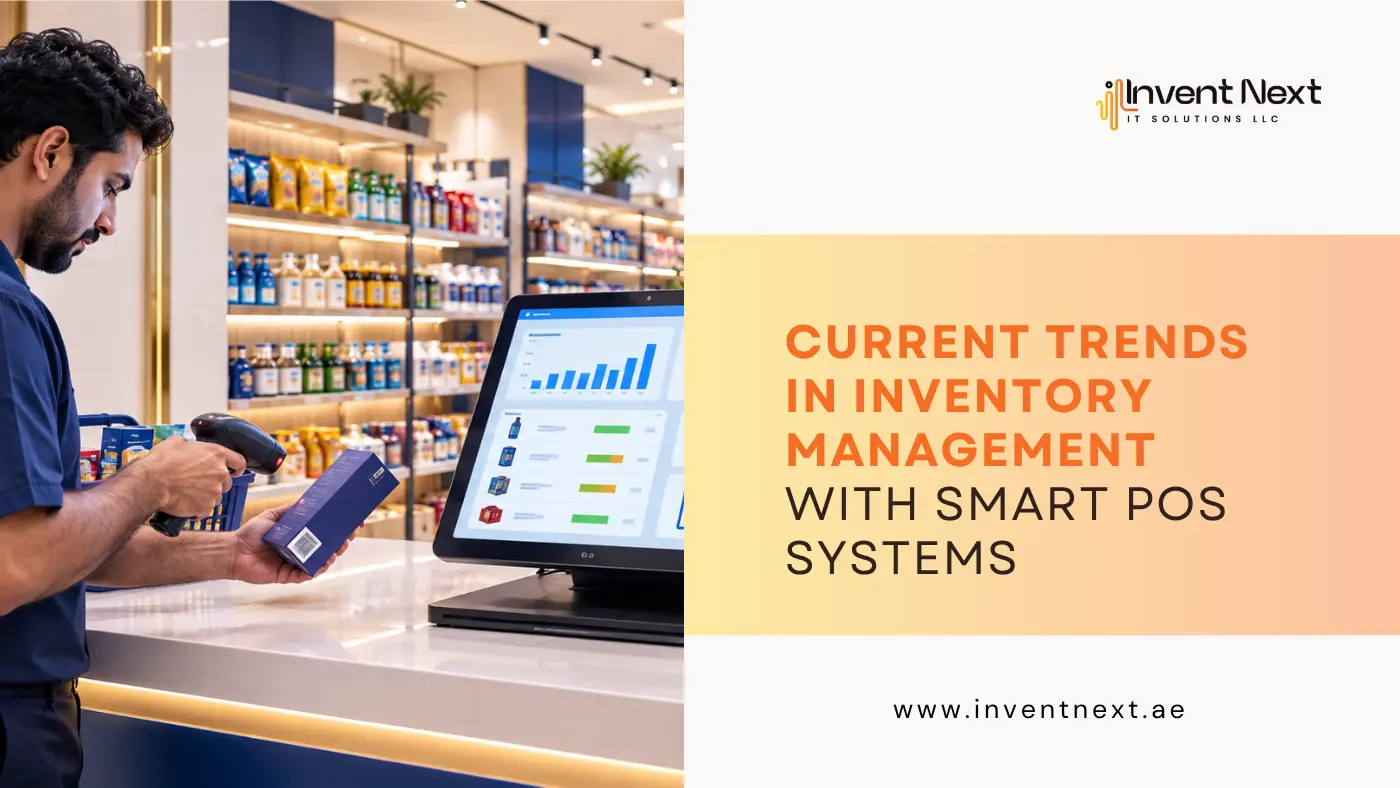
Picture this. It’s a Friday evening, your busiest hour, and a customer asks if you have their favourite item in stock. Your staff disappears into the back room, comes back five minutes later with a shrug, and the customer walks out. That single moment, multiplied across a week, a month, a year, is what’s quietly draining profit out of thousands of retail businesses across the UAE right now. Here’s the good news. That entire scene is avoidable. Inventory management with smart POS systems has moved from being a “nice to have” to the single biggest differentiator between businesses that scale smoothly and businesses that stay stuck, firefighting stock issues every single day. Let’s talk about the current trends in inventory management with smart POS systems.
Why Inventory Management Suddenly Feels Different
A few years ago, inventory management meant a spreadsheet, a physical stock count once a month, and a lot of guesswork. That approach doesn’t survive in today’s retail environment, where customers expect products to be available the moment they want them, whether they’re walking into your store or ordering online.
Modern inventory management with smart POS systems brings real-time visibility into every single transaction. Every sale, return, and stock movement updates automatically, which means the guesswork that used to eat into your margins is finally gone. Retailers across the region are catching on fast. Whether it’s a small boutique or a multi-branch supermarket chain, the shift toward connected, data-driven inventory control is no longer optional. It’s simply how competitive businesses operate now.
The Trends Actually Reshaping the Industry
1. Real-Time Stock Syncing Across Locations
If you’re running more than one branch, or even a single store with an online presence, keeping stock levels aligned across channels used to be a nightmare. Smart POS platforms now sync inventory the moment a sale happens, whether it’s in-store or through an app.
This is where a solid POS system Abu Dhabi business owners trust becomes so valuable. It removes the disconnect between what’s on your shelf and what’s showing online, so you never oversell a product you don’t actually have.
2. AI-Powered Demand Forecasting
Instead of ordering stock based on gut feeling, businesses are now using historical sales data to predict what they’ll need next week, next month, or during a specific season.
This matters enormously for seasonal businesses. A supermarket stocking up before Ramadan, or a garage anticipating higher demand during extreme summer heat, can now plan purchasing with real precision instead of educated guessing.
4. Low Stock and Reorder Alerts
Smart systems now flag products before they run out completely, giving you time to reorder without ever hitting a zero stock situation on your bestsellers.
5. Cloud-Based Access From Anywhere
Business owners no longer need to be physically present to check stock. A quick look at a phone or laptop shows exactly what’s happening across every branch, at any time of day.
Industry-Specific Applications Worth Knowing
Different businesses have different inventory headaches, and the right software adapts to that.
Retail and Fashion Stores A reliable retail POS software that retailers depend on tracks sizes, colours, and variants down to the exact SKU, preventing the classic problem of having stock “somewhere” but not knowing exactly where.
Supermarkets and Grocery Chains Perishables, expiry dates, and high transaction volume make grocery retail uniquely demanding. A strong supermarket POS system Abu Dhabi businesses rely on tracks expiry windows automatically and flags items nearing their sell-by date, cutting down on waste and lost revenue.
Warehouses and Distribution Centers For businesses managing large volumes of goods across multiple storage points, a proper warehouse management system that operators use integrates directly with sales data, so stock transfers between warehouse and store happen without manual double entry.
Auto Garages and Spare Parts Businesses Garages deal with thousands of individual parts, many of which look nearly identical. A dedicated auto garage software Abu Dhabi shops use links parts inventory directly to job cards, so mechanics can check part availability before promising a customer a completion date.
Practical Tips to Get More Out of Your POS Inventory Setup
Getting a smart POS system is only half the job. Using it properly is what actually moves the needle. Here are a few practices worth adopting:
- Set reorder points for every product, not just your bestsellers. Slow-moving items that run out unexpectedly can still disrupt customer trust.
- Review stock reports weekly, not just at month’s end. Small discrepancies caught early are far easier to fix than a pile-up of errors.
- Train staff properly on scanning discipline. A system is only as accurate as the data going into it.
- Use forecasting features before major sales events, especially around holidays or promotional periods.
- Audit physical stock quarterly, even with automated tracking, since occasional manual checks catch issues that software alone might miss.
The Bigger Picture: Why This Matters for Growth
Businesses that get inventory management with smart POS systems right aren’t just avoiding stockouts. They’re freeing up time, reducing waste, cutting unnecessary reordering costs, and giving customers a consistently reliable experience. That reliability builds trust, and trust is what keeps customers coming back.
In a market as competitive as the UAE, where customers have plenty of choice, the businesses that win aren’t always the biggest. Often, they’re simply the ones that never run out of what the customer actually came for.
Frequently Asked Questions
1. What is inventory management in a POS system?
It’s the process of tracking stock levels, sales, and reordering needs automatically through your point of sale software, rather than relying on manual counts or spreadsheets.
2. How does a smart POS system reduce stock losses?
It gives real-time visibility into what’s selling, what’s running low, and what’s sitting unsold, allowing owners to make faster, more informed purchasing decisions.
3. Is a smart POS system suitable for small businesses?
Yes. Most modern systems are scalable, meaning a small single-branch shop and a large multi-location chain can both use the same core features, just at different scales.
4. Can POS inventory systems handle multiple branches?
Absolutely. Real time syncing across branches is one of the biggest advantages of switching to a cloud based POS setup.
5. Does switching to a new POS system require retraining staff completely?
Most modern systems are designed to be intuitive, so staff typically need only a short onboarding session to get comfortable with day to day use.
If your business is still relying on manual stock counts or disconnected systems, now is a good time to rethink your approach. The right POS setup doesn’t just manage inventory. It gives you back the hours you used to spend chasing down stock problems, and lets you focus on actually growing the business.
Ready to Take Control of Your Inventory?
Invent Next helps retail stores, supermarkets, warehouses, and auto garages across the UAE run smarter, more connected inventory operations, all from one powerful POS platform. From real-time stock syncing to automated reorder alerts, InventNext is built to help you stop guessing and start growing.
Get in touch with Invent Next today for a free demo and see exactly how much time and money smarter inventory management can save your business.