
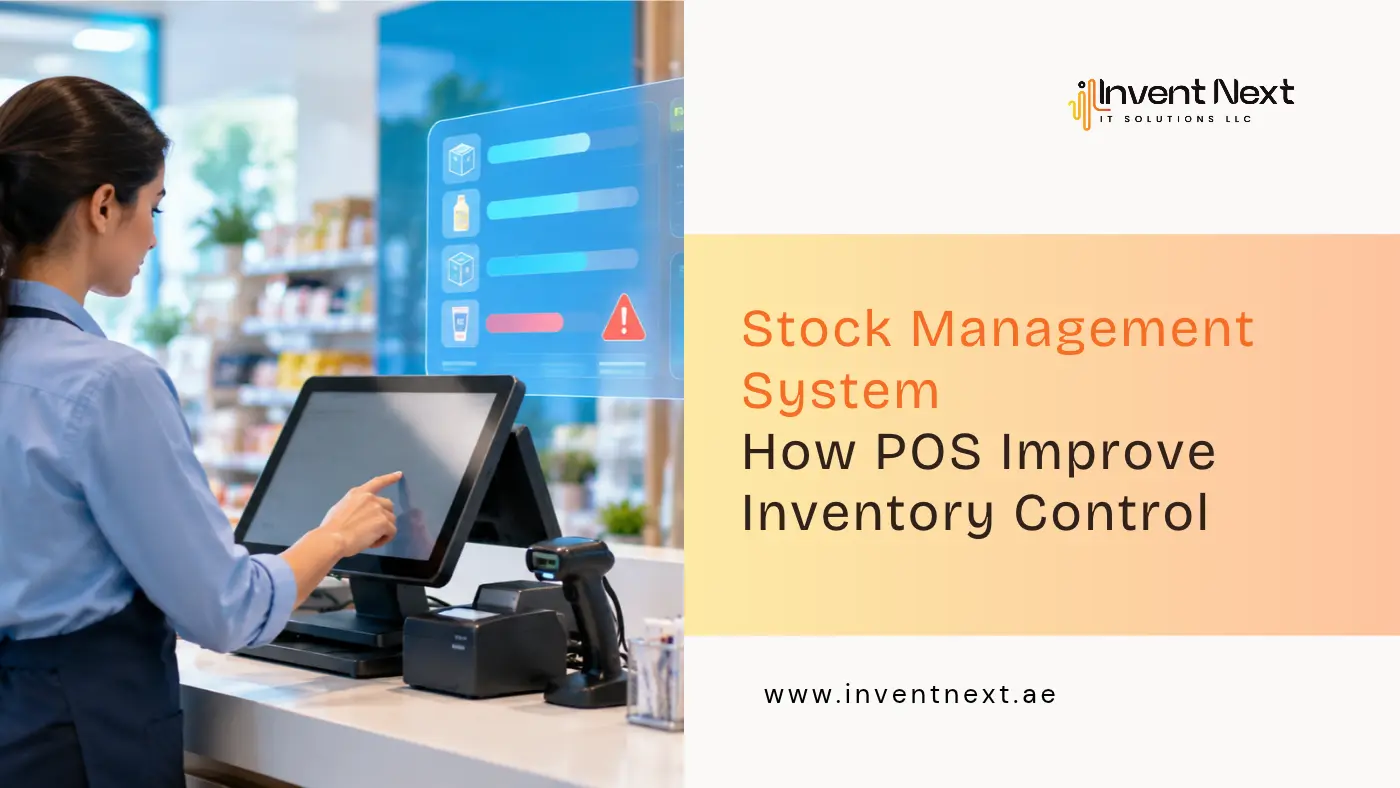
A customer asks for a product. Your screen says you have twelve. You walk to the shelf and find none. Somewhere between the last delivery and today, the numbers and the reality drifted apart, and nobody noticed until a sale was lost. This happens in shops of every size, and it is rarely about careless staff. It happens because stock is being tracked by hand while sales move at full speed. A modern stock management system built into your point of sale closes that gap, and this guide shows you how.
Why Spreadsheets and Memory Fail Busy Retailers
Manual tracking works when you stock fifty items and one person handles everything. Add more products, more staff, or a second branch, and cracks appear.
The losses are small but constant:
- Best sellers run out while slow items tie up your cash
- Damaged or expired goods get written off too late
- Billing mistakes and theft go unnoticed for weeks
- Stocktakes eat entire weekends
None of these look dramatic on their own. Together, they quietly cut into your margin every month.
How a POS Turns Every Sale Into Stock Data
A POS is far more than a digital till. Each scan tells your business something useful.
Real-Time Stock Updates
Every sale reduces the count straight away. Returns add the item back, and supplier deliveries add new units the moment you receive them. Nobody has to remember to update anything.
Low Stock Alerts
You set a minimum level for each product, and the system warns you before the shelf empties. That one alert often separates a good weekend from a frustrating one.
Barcode, Batch, and Expiry Control
Scanning removes most typing errors at the counter and during receiving. For food, cosmetics, and pharmacy items, batch and expiry tracking lets you sell older stock first and reduce waste.
Reports You Can Actually Use
Good reports answer plain questions. What earns the most margin? What has not moved in sixty days? Which branch is overstocked while another runs short? Once you see this, buying becomes a decision instead of a hunch.
Choosing the Right Software for Your Business Type
Not every business needs the same tool. Match the software to how you actually trade.
For Shops and Cafes
Smaller outlets need quick billing, VAT-ready receipts, and a screen that new staff can learn in an afternoon. A dependable POS system Abu Dhabi retailers can rely on should keep the counter fast while quietly updating stock behind it.
For Multi-Category Retail
Fashion, electronics, and gift stores deal with sizes, colours, seasonal pricing, and frequent returns. A good retail POS system Dubai shop owners can scale with will handle variants cleanly and keep discounts and loyalty rules in one place.
For Supermarkets
Thousands of SKUs, weighing scales, and nonstop promotions put real pressure on a system. The right supermarket and retail software in Dubai keeps checkout quick, price changes consistent, and shelf counts honest during the busiest hours.
For Traders and Warehouses
If you buy in bulk and move goods between locations, a counter tool will not be enough. Dedicated warehouse management software in Dubai traders use ties purchasing, storage, and sales together, so you always know what is in the building and what is on its way.
Benefits You Will Notice Quickly
When sales and inventory share one platform, the gains show up fast:
- Accurate numbers you can trust without a physical count
- Fewer stockouts thanks to early reorder alerts
- Lower holding costs as slow movers get spotted sooner
- Less shrinkage because every movement leaves a trail
- Faster stocktakes that take hours, not days
- Better cash flow from purchasing based on real demand
Expert Tips to Get More From Your System
Software helps, but habits decide the results. A reliable stock management system only stays reliable if you feed it clean information.
- Tidy your product data first. Consistent names, barcodes, and categories make every report sharper.
- Set reorder levels per product. A daily essential and a seasonal item should never share the same minimum.
- Do small weekly counts. Checking a few items regularly catches errors early and beats one painful annual count.
- Review reports on a schedule. Fifteen minutes every week is better than a panicked check at month end.
- Train everyone the same way. Receiving, billing, and returns must follow one process, or your data loses value.
- Watch supplier performance. Note who delivers late or short, then use that when you negotiate.
Common Mistakes to Avoid
Even strong tools fail when used carelessly. Watch for these:
- Skipping goods receiving. Unrecorded deliveries make your stock wrong from day one.
- Ignoring damages and returns. Untracked losses create gaps that are hard to trace later.
- Using one reorder level for all items. Demand differs, so alerts should too.
- Never auditing. Even the best system needs an occasional physical check.
- Choosing on price alone. The cheapest option often falls short within a year.
Frequently Asked Questions
What is the difference between a POS and inventory software?
A POS handles billing and payments at the counter. Inventory software tracks stock levels, purchasing, and movement. A modern POS combines both, so every sale updates your stock automatically.
Can one system manage stock across multiple branches?
Yes. Cloud-based platforms give you a live view of every location, make transfers easy to record, and help you balance stock between outlets.
How long does setup usually take?
A small shop can be up and running in a few days. Larger stores with thousands of products need extra time for data import, testing, and staff training.
Will it help me avoid dead stock?
It will. Sales reports highlight slow movers early, so you can run a promotion, bundle items, or stop reordering before cash gets stuck on the shelf.
Is a POS worth it for a small business?
Often, yes. Small shops lose the most to manual errors and wasted hours, so they tend to see the biggest improvement.
Conclusion: Know What You Have, Sell What You Know
Inventory is one of your biggest investments, yet many businesses manage it with the least precision. A POS-driven stock management system replaces guesswork with facts, so you buy smarter, sell faster, and stop losing money in the gaps. Once your sales and stock speak the same language, your business runs on clarity instead of instinct.
Ready to Take Control of Your Inventory?
Invent Next builds POS and inventory solutions for retailers, supermarkets, and traders across the UAE. Talk to our team and see how the right setup can streamline your stock from the first scan to the final sale.
Contact us and book your free demo today.