
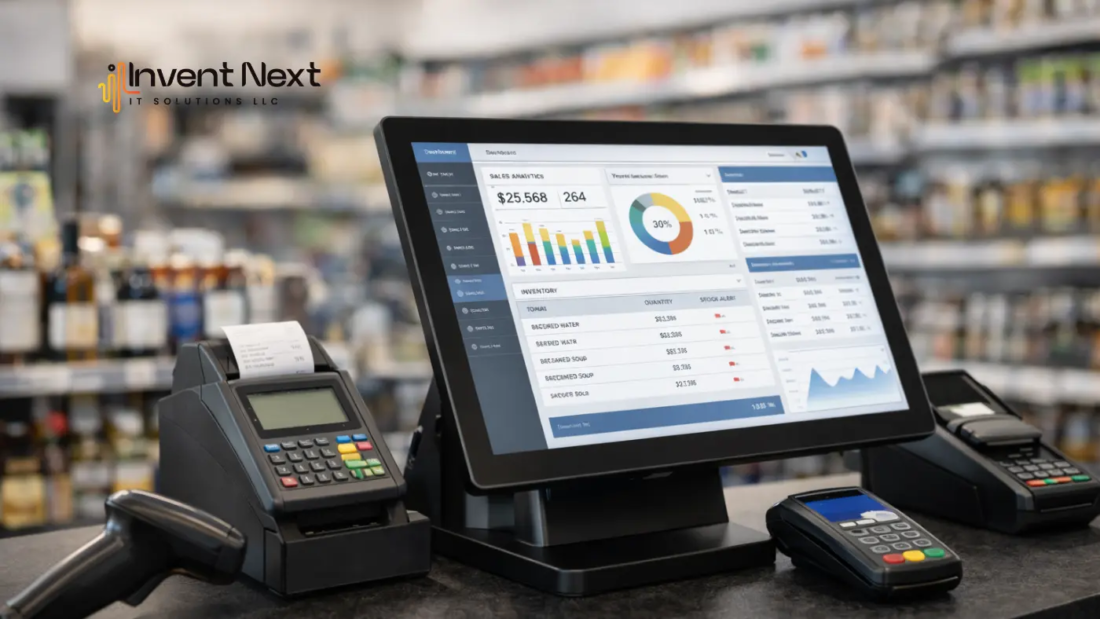
Every growing business reaches a point where its old POS system starts causing more frustration than support. Billing becomes slow, inventory doesn’t update properly, and reports are difficult to access. At first, these issues may seem minor. But over time, they affect daily operations, customer experience, and business growth. Many business owners know they need an upgrade, but they worry about one thing—losing their existing data. Sales records, customer details, and inventory information are too valuable to risk. The good news is that with proper planning, POS migration can be done safely without losing any data.
This blog explains how to upgrade your POS system smoothly while protecting your business information.
Why Businesses Eventually Outgrow Their POS System
When you first install a POS system, it meets your basic needs. But as your business grows, your requirements change. You may open new branches, add more products, or need detailed reports. Older systems often cannot handle these changes.
For example, imagine running a supermarket during peak hours. If your system slows down or freezes, customers get frustrated. Your staff struggles, and your operations become inefficient. These problems are clear signs that your system is no longer suitable. Modern POS systems are faster, more reliable, and designed to support business growth.
What Is POS Migration in Simple Terms?
POS migration means moving all your business data from your old POS system to a new one. This includes your product list, inventory levels, sales history, and customer information. Think of it like changing phones. When you upgrade to a new phone, you transfer your contacts, photos, and files. Your business POS upgrade works the same way. Everything important is transferred so your business can continue without interruption. When done correctly, POS migration ensures a smooth transition without losing valuable data.
The Biggest Concern: Protecting Your Data
Your POS system stores critical information that your business depends on every day. Losing that data can create confusion, errors, and financial problems. This is why backup is essential before migration. A secure backup ensures that your data is protected, even if unexpected issues occur. Most modern POS providers use secure cloud storage, which keeps your data safe and accessible at all times.
How to Upgrade Your POS System Safely
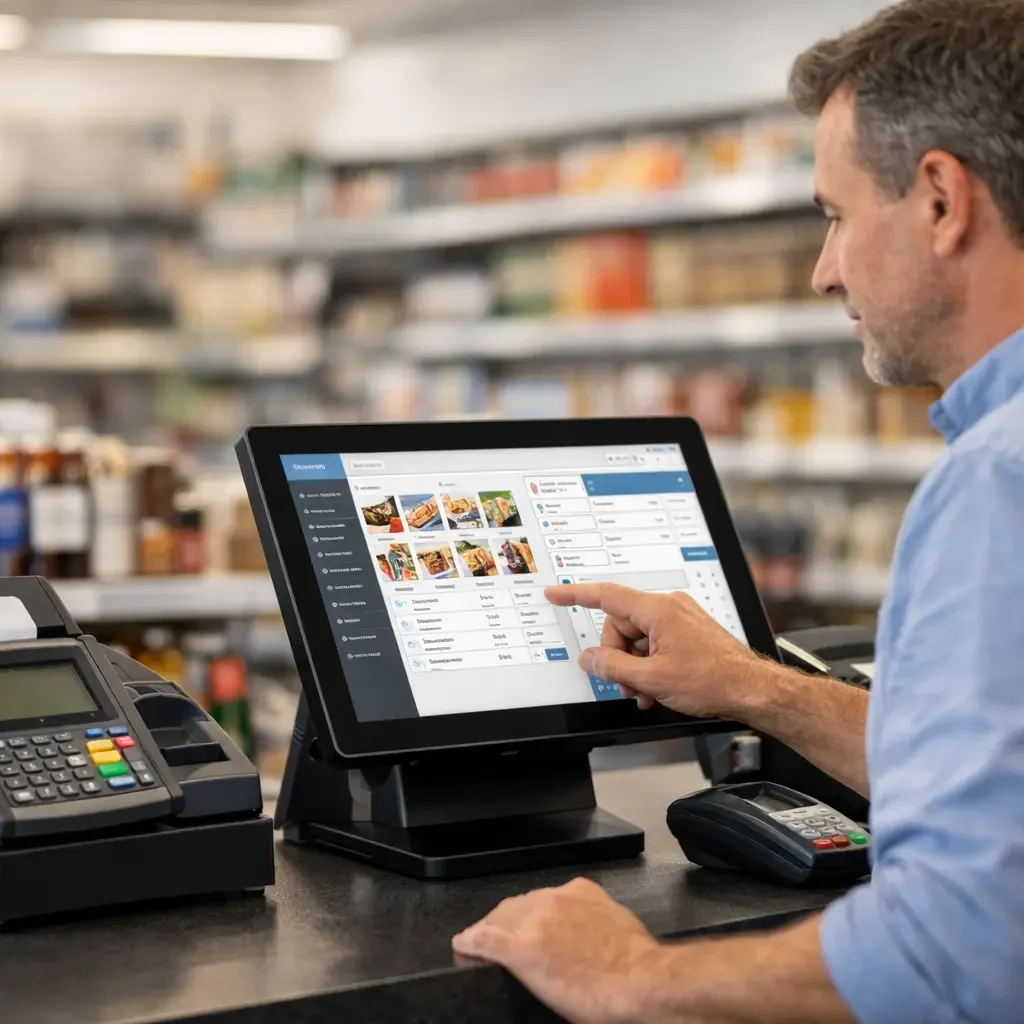
Upgrading your POS system doesn’t have to be complicated. The process becomes simple when handled properly. First, review your existing data. Make sure product names, prices, and inventory are accurate. Clean data helps the new system work better. Next, choose a modern POS system that fits your business needs. Many businesses work with experienced POS system suppliers in the UAE who understand how to handle migration securely. Before the upgrade begins, your data should be backed up. This step ensures that nothing is lost. Finally, once the new system is installed, your data is transferred and tested. This ensures everything works correctly before full use.
Real Example: Retail Store Upgrade
A retail store owner in Abu Dhabi was using an outdated POS system. He faced frequent delays at checkout, and inventory reports were often incorrect. This caused stock shortages and customer complaints. After upgrading to a cloud-based system, the changes were immediate. Billing became faster, inventory updated automatically, and reports were available instantly. Most importantly, all his previous sales and inventory data were transferred safely. His business continued smoothly without any disruption. This is how proper POS migration protects your business while improving efficiency.
Benefits of Upgrading to a Modern POS System
Improved speed: Faster billing reduces waiting time and improves customer satisfaction.
Better accuracy: Inventory updates automatically, helping you avoid stock errors.
Clear business insights: You can view sales reports, track performance, and make smarter decisions.
Stronger data security: Your business data is stored safely with automatic backups.
Higher operational efficiency: Daily tasks become easier, smoother, and more reliable.
Mistakes to Avoid During POS Migration
Some businesses make the mistake of rushing the upgrade. This can lead to errors and unnecessary stress. The most common mistake is skipping backup. Without backup, data recovery becomes difficult if problems occur. Another mistake is choosing the wrong system. Your POS system should match your business size and needs. Taking time to plan ensures a smooth and successful upgrade.
How POS Migration Helps Your Business Grow
A modern POS system does more than handle transactions. It gives you better control over your business. You can monitor sales in real time, track inventory accurately, and manage multiple locations easily. For example, a warehouse manager can instantly see stock levels and avoid shortages. A restaurant owner can track daily sales without manual calculations. These capabilities improve efficiency and help your business grow faster.
FAQ: Common Questions About POS Migration
Will I lose my data during migration?
No. When migration is done properly with backup, your data remains safe.
How long does migration take?
Most businesses complete the migration within a few hours or one day.
Is cloud POS better than traditional POS?
Yes. Cloud POS systems are faster, more secure, and accessible from anywhere.
Can my business continue during migration?
Yes. Migration is usually done during non-working hours to avoid interruptions.
Conclusion: Upgrade Your POS System with Confidence
Upgrading your POS system may feel like a big step, but it is necessary for business growth. An outdated system slows down operations, while a modern system improves speed, accuracy, and efficiency. With proper planning, POS migration can be completed safely without losing any data. Your business can continue operating smoothly while benefiting from better technology.
If you are looking for the best POS software, Invent Next provides complete solutions, including restaurant POS software, retail POS systems, POS systems for supermarkets, garage software, and warehouse management software. Whether you need a reliable POS system in Abu Dhabi or anywhere in the UAE, Invent Next offers secure and modern solutions tailored to your business.
Call +971 552088101 to upgrade your POS system and move your business forward with confidence.