pos-system-that-integrates-with-quickbooks

POS That Integrates with QuickBooks: A Complete Guide for Modern Businesses

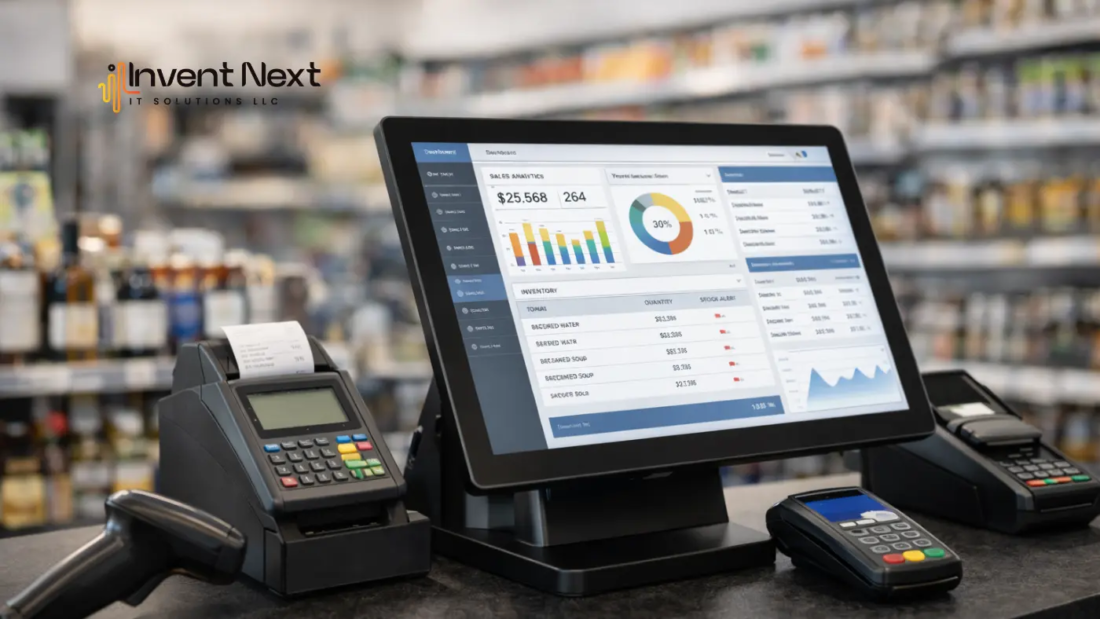
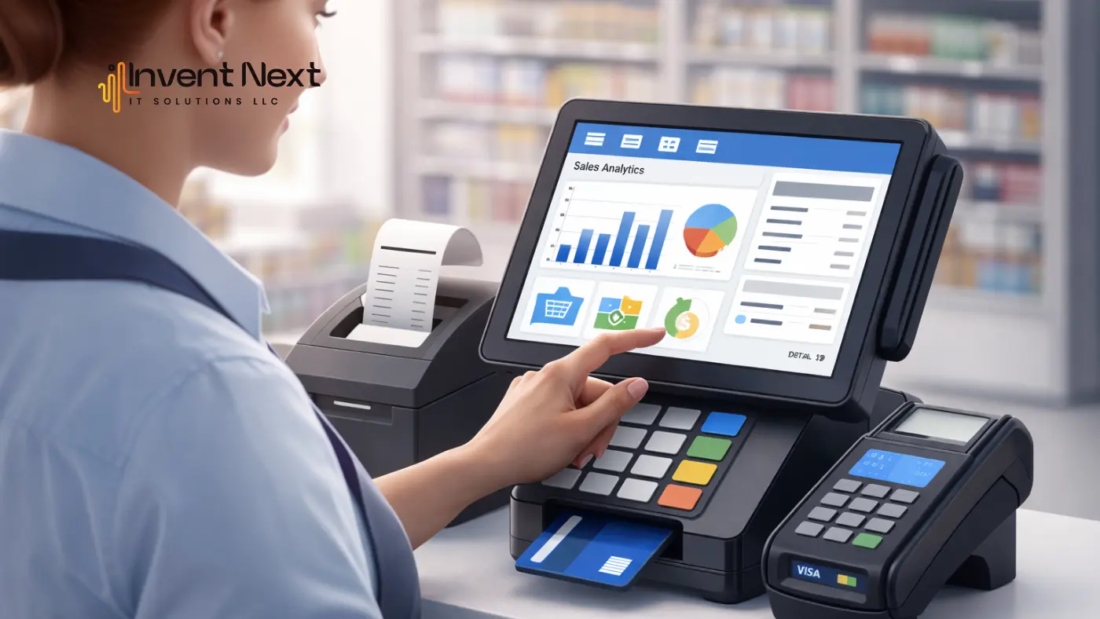
Businesses find it a hassle to manage their sales, inventory, and accounting separately because of the amount of time they spend doing so. Many businesses deal with having to manually transfer their sales data from their POS system to their accounting system. This can lead to errors and delays. This is why businesses have chosen to operate on a POS that integrates with QuickBooks to streamline their business processes.

A POS system will handle the transactions, while QuickBooks will handle the financial recordkeeping. Using both of these systems together will give you the ability to automate the accounting function, ensure the accuracy of the sales tracking, and provide real-time insight into the financial position of your business. Integration between the two systems will save business owners time, decrease the time spent doing manual processes, and improve the overall management of your business’s finances.

What is a POS system with QuickBooks integration?

A Point of Sale (POS) system is used by businesses to process customer transactions, manage inventory, and generate sales reports. QuickBooks is a popular accounting software designed to handle bookkeeping, financial reporting, and tax preparation.

When you use a POS that integrates with QuickBooks, transaction data from your POS system automatically syncs with the accounting software. This means sales information, taxes, and payment details are transferred instantly without manual data entry.

This integration creates a seamless connection between sales operations and financial management, allowing businesses to maintain accurate records and better understand their financial performance.

Why Businesses Need POS and QuickBooks Integration

The company’s sales and accounting departments experience a number of difficulties, including duplicate entries of data and costly mistakes in accounting and bookkeeping that take up too much time. Integrating a POS with QuickBooks allows businesses to transfer their financial data automatically, thereby reducing redundant tasks.

Some major reasons businesses choose to use an integrated system are:

  • To eliminate the need to manually enter all of the data in both systems
  • To enhance the overall accuracy of their accounting practices
  • To save time on bookkeeping tasks
  • To obtain real-time financial reporting
  • To reduce the amount of time they spend preparing for taxes

With integrated systems, businesses can spend more time focusing on growing their company and providing excellent customer service instead of performing daily administrative tasks.

Key Benefits of POS Integration with QuickBooks

Automated Accounting

Integrating a business’s existing Point of Sale software with its financial management software creates the opportunity for automated accounting. With all of the daily transactions that are entered into the POS system every day, they are automatically entered into QuickBooks, which keeps accounting personnel from having to enter them separately and allows the financial records to be continually updated.

Reduced Human Errors

The manual entry of business transactions into the financial management system often leads to mistakes being made due to the manual entry of duplicate transactions or transactions with values that are not correct. However, by automatically synchronizing the transactions through a POS system to the financial management software, human errors are greatly reduced, thus increasing the accuracy of the data in the financial management system.
Real-Time Financial Reports

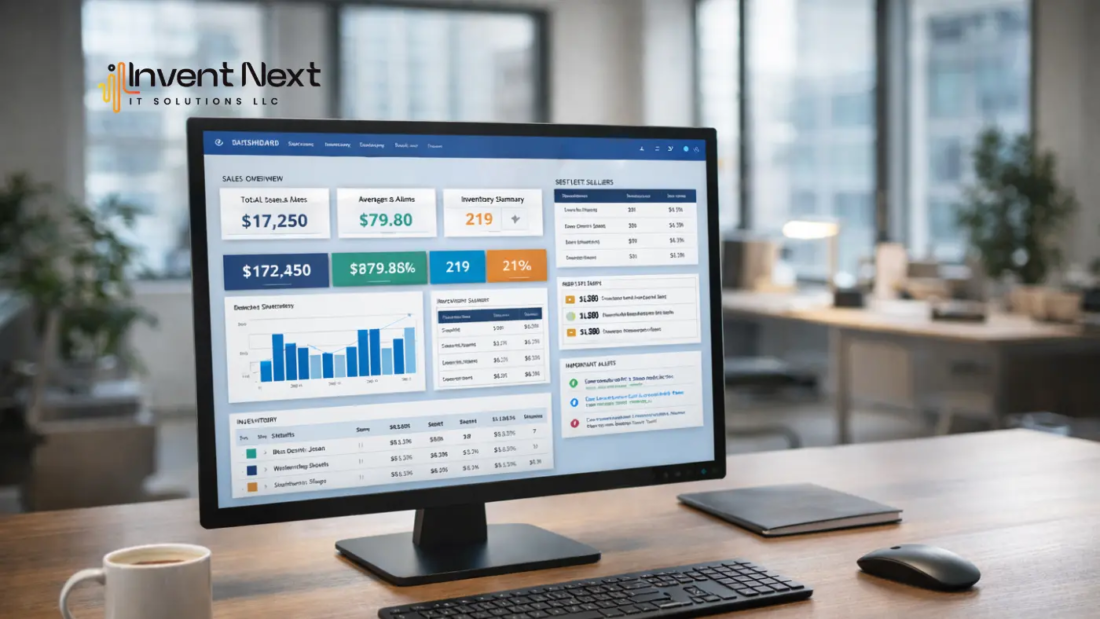
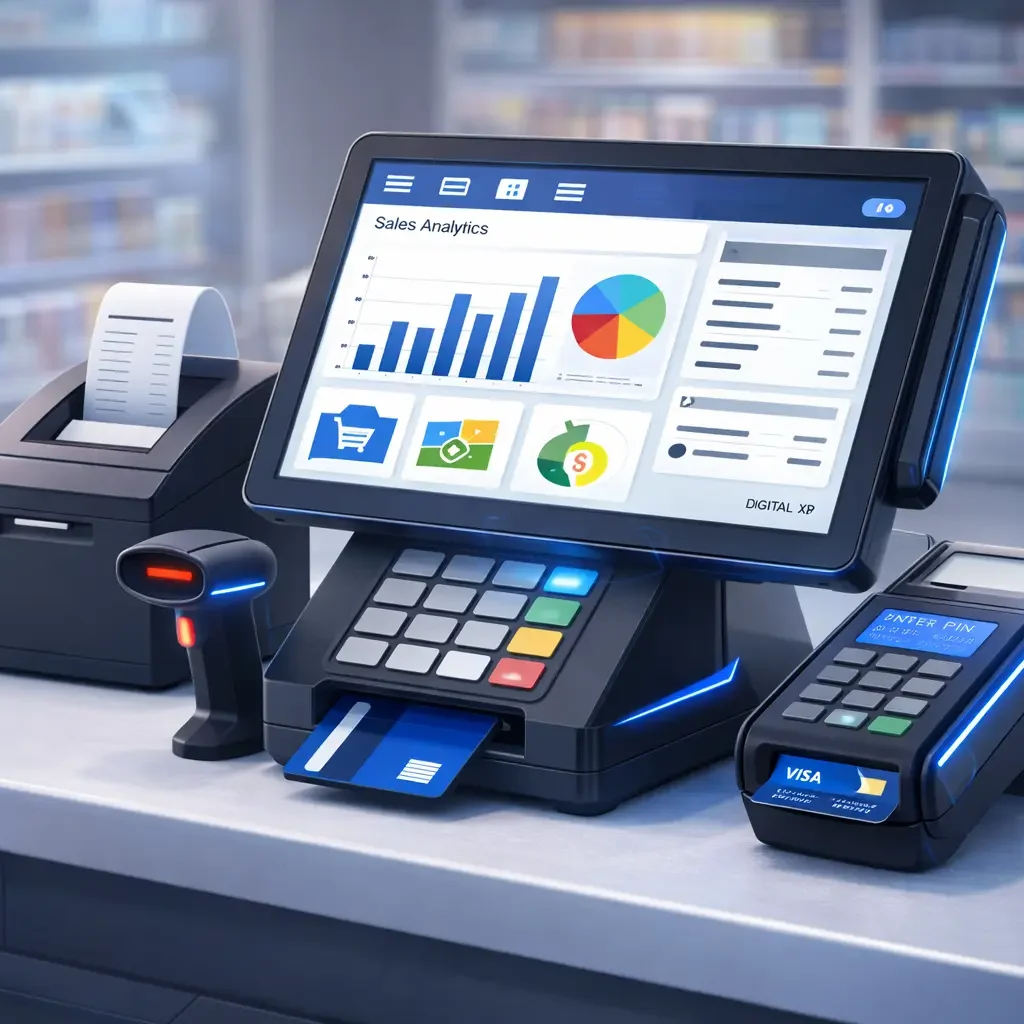
When the POS system and financial management system are synchronized in real time, business owners are able to access current reports, such as revenue and sales trends, and make educated decisions on financial matters.

Better Inventory Control

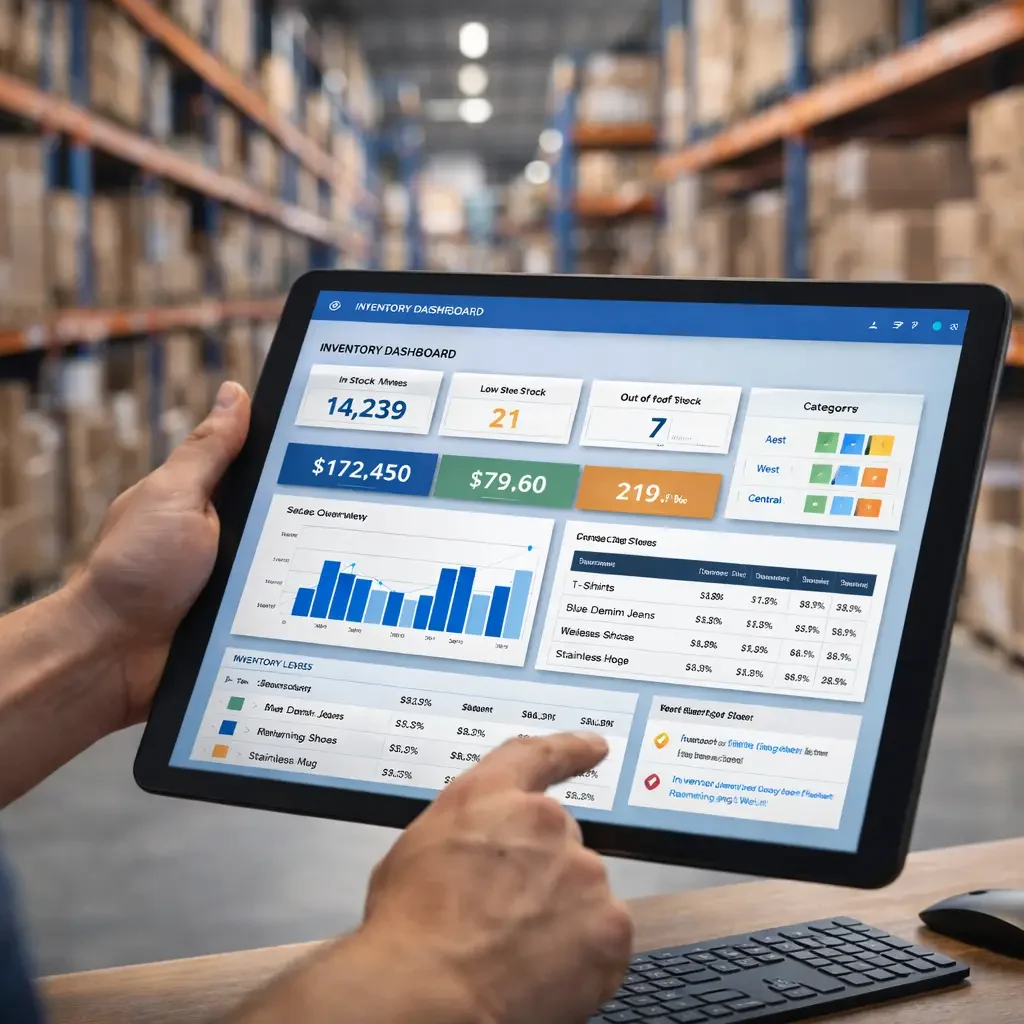
Most POS systems have the capability of automatically tracking inventory levels of the products being sold. With the integration of the POS system and the financial management software, changes to inventory levels will also be reflected in the financial records.

Easier Preparation of Taxes

Automated data entry by using the integration of the two systems makes the preparation of taxes much easier since the financial records have already been updated and organized. It allows businesses the opportunity to provide accurate financial reports without having to spend hours reviewing all transactions.

How POS and QuickBooks Integration Works

Integration of QuickBooks and POS ensures the fluid flow of both sales and financial data between both platforms; upon recording the sale via POS, the point of sale system transmits all pertinent data directly to QuickBooks, allowing for accurate processing of accounting records in real time.

This seamless data exchange improves financial transparency and operational efficiency.

Features to Look for in a POS That Integrates with QuickBooks

Consideration of features that meet both sales management and accounting integration is critical to the evaluation of a POS system by any business.

Sales Tracking – The creation of reporting that provides a detailed view of sales performance, customer shopping behaviors, and trends in product demand and supply are all essential aspects of an efficient POS system.

Inventory Synchronization – During every sale, stock quantities must be automatically updated to reflect accurate inventory levels. This prevents stock shortages and allows for enhanced inventory management.

Financial Reporting – Integrated financial reports allow the business owner to view information on profit, expense, and revenue in a single location.

Multi-Location Management—Effective inventory control and centralized reporting establish sound financial practices among multi-location operators.

Secure Payment Processing – Payment processing is crucial for the success of any POS system; a POS system should provide a means for processing customer payments securely while protecting the privacy of customers.

Industries That Benefit from POS and QuickBooks Integration

Retail Stores: Retail businesses process hundreds of transactions daily. An integrated retail POS system helps them track sales, inventory, and financial records automatically.

Restaurants and Cafes: Restaurants can manage orders, billing, and financial data efficiently with an integrated restaurant POS system.

E-commerce Businesses: Online stores benefit from automated accounting and simplified financial reporting.

Service-Based Businesses: Businesses such as auto garages, repair centers, and salons can easily manage billing, payments, and accounting using integrated systems.

How to Choose the Right POS System for QuickBooks

Choosing the right POS system in Abu Dhabi requires careful evaluation of several factors.

Compatibility

Ensure that the POS system supports seamless QuickBooks integration without requiring complicated configuration.

Ease of Use

The system should be simple for employees to use, reducing the need for extensive training.

Scalability

As businesses grow, the POS system should be capable of handling increased transactions and additional locations.

Customer Support

Reliable technical support ensures that businesses can quickly resolve any integration issues.

Common Challenges and Solutions

While integration offers many benefits, some businesses may experience challenges during implementation.

Data Synchronization Problems

An incorrect setup may cause synchronization issues. These can be resolved by properly configuring the integration settings.

Employee Training

Staff may need training to use the integrated system effectively. Providing simple onboarding sessions can help employees adapt quickly.

Software Compatibility

Not all POS systems support accounting integration. Choosing a POS that integrates with QuickBooks ensures smooth data synchronization and reliable performance.

Conclusion

Modern businesses require efficient tools to manage both sales and accounting operations. Using a POS that integrates with QuickBooks helps automate financial tasks, reduce errors, and improve operational efficiency.

Businesses gain better control over sales data, inventory management, and financial reporting by connecting POS systems with accounting software. Integration eliminates repetitive work and allows business owners to focus on growth and customer satisfaction. For businesses looking to streamline their operations, integrated POS solutions offer a practical and reliable way to manage sales and accounting within a single connected system.

If you’re looking for the best POS software, Invent Next offers complete business solutions, including restaurant POS softwareretail POS systemsPOS systems for supermarketsgarage software, and warehouse management software.

Call +971 552088101 today to speak with our experts and find the right POS solution for your business.

pos-system-for-convenience-store-in-dubai

POS System for Convenience Store: Why Modern Stores Can’t Run Efficiently Without It

It’s 9 PM, and your convenience store is at its busiest. Customers are walking in after work, grabbing snacks, drinks, and daily essentials. One customer reaches the counter, ready to pay quickly and leave. But the billing takes longer than expected. Your cashier searches for prices, enters details manually, and double-checks totals. The queue gets longer. One customer leaves without buying anything. Another looks frustrated. This is not just a billing delay—it’s a lost opportunity. Many convenience store owners face this situation daily without realizing how much it affects their business. Slow billing, stock confusion, and a lack of clear sales tracking create small problems that grow over time. This is exactly where the right pos system for convenience store operations makes a real difference. It simplifies billing, tracks inventory automatically, and gives store owners complete visibility into their business.

In fast-moving retail environments like the UAE, using modern POS technology is no longer optional. It’s a key part of running an efficient and profitable convenience store.

Why Traditional Billing Methods Hold Stores Back

Convenience stores operate differently from supermarkets. Customers visit these stores expecting quick service. They want to enter, buy what they need, and leave within minutes. When billing is done manually, it slows everything down. Staff need to enter product prices, calculate totals, and manage records separately. This not only takes time but also increases the chances of mistakes. Manual systems also make it difficult to track inventory. Store owners often don’t realize when stock is running low until it’s too late. This leads to missed sales and unhappy customers. Many retailers who adopted Retail software Abu Dhabi solutions noticed immediate improvements in billing speed and inventory accuracy.

What a POS System Actually Does

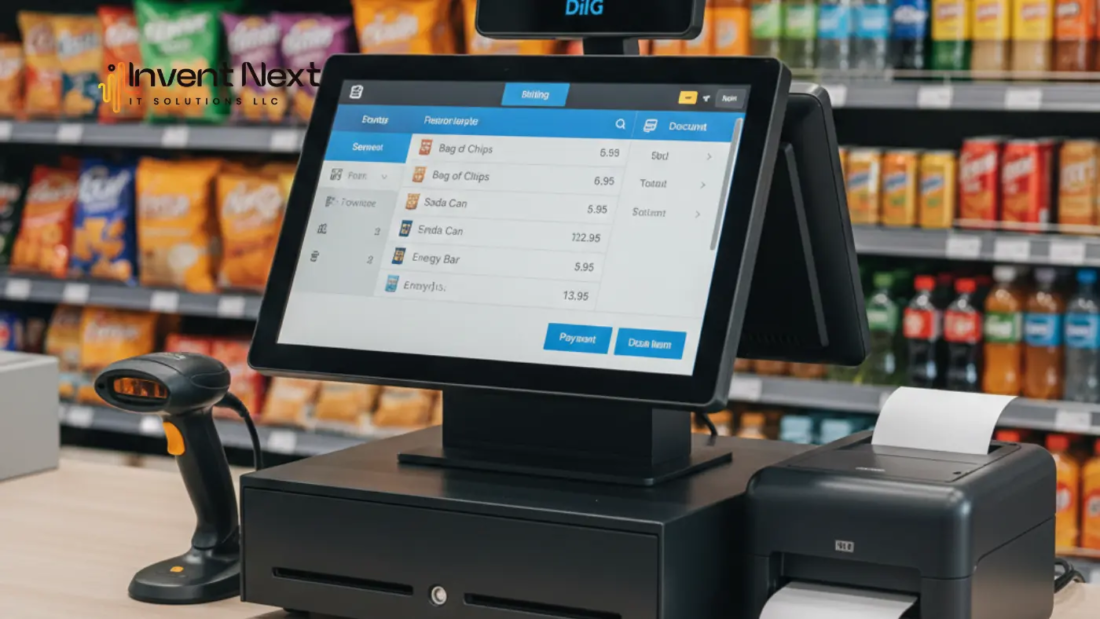
A POS system replaces manual billing and record-keeping with an organized digital solution. It handles billing, inventory, and sales tracking in one place. When a product barcode is scanned, the system instantly shows the price, adds it to the bill, and updates inventory automatically. The entire process takes seconds. This reduces staff workload and makes daily operations smoother. It also ensures that every transaction is recorded accurately. Retailers using Billing software Abu Dhabi platforms often find it easier to manage their stores and track performance.

Key Benefits of Using a POS System in a Convenience Store

A POS system improves multiple areas of store operations. The benefits go beyond just billing.

Faster billing and reduced waiting time
Customers can complete purchases quickly, which improves their experience and encourages repeat visits.

Accurate inventory tracking
Every product sold is automatically updated in the system, helping you avoid stock shortages.

Clear visibility into sales performance
Store owners can see daily sales, best-selling products, and overall business performance.

Reduced billing errors
Automated calculations eliminate manual mistakes.

Better control over business operations
All important store data is available in one place.

These improvements help store owners operate more efficiently and confidently.

Real-World Example: How a POS System Changes Daily Operations

A convenience store owner in a residential area struggled with slow billing and poor inventory management. During peak hours, customers had to wait longer, and some products ran out without notice. After installing a POS system, billing became faster, and inventory tracking improved. The store owner could see which products sold the most and restock them on time. Within a few months, store operations became smoother, and customer satisfaction improved significantly. This kind of transformation is common for retailers using Retail software Dubai solutions.

How POS Systems Help Store Owners Make Better Decisions

One of the biggest advantages of using a POS system is access to real-time information. Store owners no longer have to rely on guesswork.

You can easily identify:

  • Which products sell the most
  • Which items are not performing well
  • What time is your store busiest
  • How much revenue does your store generate daily

This information helps you make smarter decisions about stock and sales strategy. Many businesses using Retail pos system uae platforms rely on these insights to improve efficiency and profitability.

Important Features to Look for in a Convenience Store POS System

Choosing the right POS system is important for long-term success. The system should support your store’s daily needs without being complicated.

Look for features such as:

  • Fast and simple billing interface
  • Automatic inventory tracking
  • Barcode scanner compatibility
  • Sales reporting and analytics
  • Support for multiple payment methods

Retailers using the Retail Pos system Dubai often prefer systems that are easy to use and reliable.

Common Mistakes Store Owners Should Avoid

Some store owners choose POS systems without considering their long-term needs. This can create problems later. One common mistake is choosing a system only because it is cheap. Low-cost systems may lack important features or reliability. Another mistake is choosing software that is difficult to use. Staff should be able to learn and use the system quickly without confusion. It’s also important to choose a system that can support your business as it grows. The right pos system for convenience store environments should make operations easier, not more complicated.

How POS Systems Support Business Growth

As your store becomes busier, managing everything manually becomes harder. A POS system helps you stay organized and efficient, even as customer traffic increases. You can handle more transactions, manage inventory more effectively, and maintain better control over your business. This allows store owners to focus on improving customer service and expanding their business instead of worrying about operational challenges.

Frequently Asked Questions

Is a POS system necessary for small convenience stores?
Yes. Even small stores benefit from faster billing, better inventory tracking, and improved efficiency.

Will a POS system reduce billing mistakes?
Yes. Automated billing removes calculation errors and improves accuracy.

Is it difficult for staff to use a POS system?
No. Most POS systems are designed to be simple and easy to learn.

Can a POS system help increase profits?
Yes. By improving efficiency and reducing losses, POS systems help increase overall business performance.

Conclusion

Running a convenience store requires speed, accuracy, and good organization. Manual billing and inventory tracking create unnecessary challenges that slow down operations and affect customer experience. A modern pos system for convenience store operations simplifies billing, improves inventory management, and gives store owners clear insights into their business. It helps reduce errors, improve efficiency, and create a smoother experience for both staff and customers. In today’s competitive retail environment, investing in the right POS system is one of the smartest decisions a convenience store owner can make. It not only improves daily operations but also supports long-term business growth and success.

If you’re looking for the best POS software, Invent Next offers complete business solutions, including restaurant POS software, retail POS systems, POS systems for supermarkets, garage software, and warehouse management software.

Call +971 552088101 today to speak with our experts and find the right POS solution for your business.
pos-migration-how-to-upgrade-without-loosing-data

POS Migration: How to Upgrade Without Losing Data

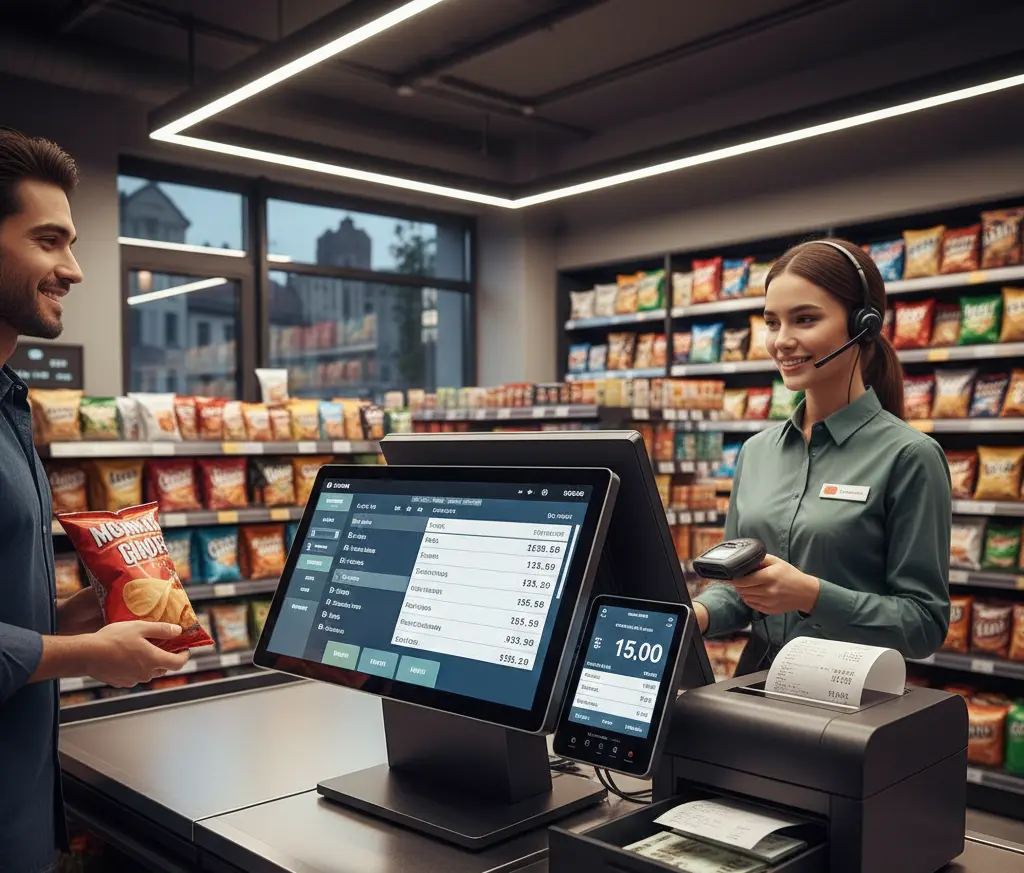
Every growing business reaches a point where its old POS system starts causing more frustration than support. Billing becomes slow, inventory doesn’t update properly, and reports are difficult to access. At first, these issues may seem minor. But over time, they affect daily operations, customer experience, and business growth. Many business owners know they need an upgrade, but they worry about one thing—losing their existing data. Sales records, customer details, and inventory information are too valuable to risk. The good news is that with proper planning, POS migration can be done safely without losing any data.

This blog explains how to upgrade your POS system smoothly while protecting your business information.

Why Businesses Eventually Outgrow Their POS System

When you first install a POS system, it meets your basic needs. But as your business grows, your requirements change. You may open new branches, add more products, or need detailed reports. Older systems often cannot handle these changes.

For example, imagine running a supermarket during peak hours. If your system slows down or freezes, customers get frustrated. Your staff struggles, and your operations become inefficient. These problems are clear signs that your system is no longer suitable. Modern POS systems are faster, more reliable, and designed to support business growth.

What Is POS Migration in Simple Terms?

POS migration means moving all your business data from your old POS system to a new one. This includes your product list, inventory levels, sales history, and customer information. Think of it like changing phones. When you upgrade to a new phone, you transfer your contacts, photos, and files. Your business POS upgrade works the same way. Everything important is transferred so your business can continue without interruption. When done correctly, POS migration ensures a smooth transition without losing valuable data.

The Biggest Concern: Protecting Your Data

Your POS system stores critical information that your business depends on every day. Losing that data can create confusion, errors, and financial problems. This is why backup is essential before migration. A secure backup ensures that your data is protected, even if unexpected issues occur. Most modern POS providers use secure cloud storage, which keeps your data safe and accessible at all times.

How to Upgrade Your POS System Safely

Upgrading your POS system doesn’t have to be complicated. The process becomes simple when handled properly. First, review your existing data. Make sure product names, prices, and inventory are accurate. Clean data helps the new system work better. Next, choose a modern POS system that fits your business needs. Many businesses work with experienced POS system suppliers in the UAE who understand how to handle migration securely. Before the upgrade begins, your data should be backed up. This step ensures that nothing is lost. Finally, once the new system is installed, your data is transferred and tested. This ensures everything works correctly before full use.

Real Example: Retail Store Upgrade

A retail store owner in Abu Dhabi was using an outdated POS system. He faced frequent delays at checkout, and inventory reports were often incorrect. This caused stock shortages and customer complaints. After upgrading to a cloud-based system, the changes were immediate. Billing became faster, inventory updated automatically, and reports were available instantly. Most importantly, all his previous sales and inventory data were transferred safely. His business continued smoothly without any disruption. This is how proper POS migration protects your business while improving efficiency.

Benefits of Upgrading to a Modern POS System

Improved speed: Faster billing reduces waiting time and improves customer satisfaction.

Better accuracy: Inventory updates automatically, helping you avoid stock errors.

Clear business insights: You can view sales reports, track performance, and make smarter decisions.

Stronger data security: Your business data is stored safely with automatic backups.

Higher operational efficiency: Daily tasks become easier, smoother, and more reliable.

Mistakes to Avoid During POS Migration

Some businesses make the mistake of rushing the upgrade. This can lead to errors and unnecessary stress. The most common mistake is skipping backup. Without backup, data recovery becomes difficult if problems occur. Another mistake is choosing the wrong system. Your POS system should match your business size and needs. Taking time to plan ensures a smooth and successful upgrade.

How POS Migration Helps Your Business Grow

A modern POS system does more than handle transactions. It gives you better control over your business. You can monitor sales in real time, track inventory accurately, and manage multiple locations easily. For example, a warehouse manager can instantly see stock levels and avoid shortages. A restaurant owner can track daily sales without manual calculations. These capabilities improve efficiency and help your business grow faster.

FAQ: Common Questions About POS Migration

Will I lose my data during migration?

No. When migration is done properly with backup, your data remains safe.

How long does migration take?

Most businesses complete the migration within a few hours or one day.

Is cloud POS better than traditional POS?

Yes. Cloud POS systems are faster, more secure, and accessible from anywhere.

Can my business continue during migration?

Yes. Migration is usually done during non-working hours to avoid interruptions.

Conclusion: Upgrade Your POS System with Confidence

Upgrading your POS system may feel like a big step, but it is necessary for business growth. An outdated system slows down operations, while a modern system improves speed, accuracy, and efficiency. With proper planning, POS migration can be completed safely without losing any data. Your business can continue operating smoothly while benefiting from better technology.

If you are looking for the best POS software, Invent Next provides complete solutions, including restaurant POS software, retail POS systems, POS systems for supermarkets, garage software, and warehouse management software. Whether you need a reliable POS system in Abu Dhabi or anywhere in the UAE, Invent Next offers secure and modern solutions tailored to your business.

Call +971 552088101 to upgrade your POS system and move your business forward with confidence.

franchise-pos-software-in-dubai

Centralized Inventory Control Using Franchise POS Software

Imagine running a successful franchise with multiple locations. Each branch is performing well, customers are happy, and sales are growing. But behind the scenes, there’s a problem. One store is overstocked with slow-moving items, while another branch is losing sales because the same products are out of stock. Managers are calling each other, checking spreadsheets, and trying to figure out where the inventory is. This confusion not only wastes time but also affects revenue and customer satisfaction. This is a common challenge in franchise businesses. As operations expand, managing inventory manually or using disconnected systems becomes inefficient. Centralized inventory control solves this problem by allowing franchise owners to monitor and manage stock across all locations from a single platform. With modern franchise pos software, businesses gain complete visibility, improve efficiency, and ensure that every branch operates smoothly.

What is Centralized Inventory Control?

Centralized inventory control is the process of managing inventory for multiple franchise locations through one unified system. Instead of each branch maintaining its own separate inventory records, all stock information is stored and updated in real time within a central platform.

This means whenever a product is sold, restocked, or transferred between branches, the system updates automatically. Business owners and managers can instantly check stock levels, track product movement, and make informed decisions without relying on manual reports. Businesses using a Retail pos system uae often benefit from centralized inventory because it ensures consistent product availability and improves operational efficiency across all stores.

Why Centralized Inventory Control is Essential for Franchise Businesses

Franchise businesses operate across multiple locations, and without centralized control, inventory management can quickly become complicated. Manual processes increase the risk of errors, delays, and miscommunication. Centralized inventory control provides several important advantages:

  • Real-time stock visibility across all locations
  • Accurate inventory tracking
  • Faster and easier stock transfers
  • Reduced risk of overstocking and stock shortages
  • Improved operational efficiency

With reliable franchise pos software, franchise owners can manage inventory efficiently and eliminate common operational challenges.

How Franchise POS Software Enables Centralized Inventory Management

Modern POS systems are designed to connect all franchise locations into a single network. This allows businesses to manage inventory, sales, and operations from one centralized dashboard. Whenever a product is sold, the system automatically updates stock levels. This ensures that inventory data remains accurate and up to date at all times.

For example, restaurants using Restaurant Pos software in Dubai can monitor ingredient usage across branches, ensuring that every location has the necessary supplies to operate smoothly.

Similarly, supermarkets using pos systems for supermarket Dubai can manage thousands of products efficiently while maintaining accurate stock records.

Warehouse operations using Warehouse management software in Dubai benefit from centralized inventory control by improving stock tracking and distribution efficiency.

Automotive service businesses using garage software in Dubai can track spare parts inventory across multiple service centers, ensuring faster service and better resource management.

Key Business Benefits of Centralized Inventory Control

Real-Time Inventory Visibility

Centralized inventory systems provide instant visibility into stock levels across all franchise locations. Business owners can quickly identify low-stock items and take action before it affects sales. This visibility improves decision-making and ensures smooth operations.

Improved Inventory Accuracy

Manual inventory tracking often leads to mistakes. Automated inventory updates reduce errors and ensure accurate stock records. Accurate inventory helps businesses avoid selling unavailable products and improves customer trust.

Efficient Stock Transfers

Centralized systems make it easy to transfer inventory between locations. If one branch runs low on stock, products can be transferred from another branch quickly. This helps maintain product availability and reduces lost sales.

Reduced Operational Costs

Centralized inventory management helps businesses avoid overstocking and unnecessary purchases. By maintaining optimal stock levels, businesses can reduce storage costs and improve profitability. Automation also reduces manual work, saving time and labor costs.

Better Demand Forecasting

Centralized inventory systems provide valuable insights into sales trends and product performance. Businesses can use this data to forecast demand and maintain appropriate stock levels. This improves inventory planning and prevents stock shortages.

Scalability and Business Growth

As franchise businesses grow, managing inventory becomes more complex. Centralized POS systems allow businesses to scale easily without losing control over inventory. New locations can be added to the system, and inventory management remains efficient and organized.

Real-World Use Cases Across Industries

Centralized inventory control is valuable for various franchise industries:

  • Retail chains managing product availability across multiple stores
  • Restaurant franchises tracking ingredients and supplies
  • Supermarkets handling large product inventories
  • Warehouses manage storage and distribution
  • Automotive service centers tracking spare parts

Centralized inventory ensures smooth operations and improves overall business efficiency.

Essential Features to Look for in Franchise POS Software

When choosing a POS system, franchise businesses should consider the following features:

  • Real-time inventory tracking
  • Multi-location inventory management
  • Automated stock updates
  • Inventory transfer between locations
  • Detailed inventory reports
  • Cloud-based access
  • Secure data storage

A reliable franchise pos software provides these features and helps businesses maintain complete control over their inventory.

FAQs

What is franchise POS software?

Franchise POS software is a system that helps businesses manage sales, inventory, and operations across multiple franchise locations from a central platform.

How does centralized inventory control improve efficiency?

It provides real-time inventory updates, reduces errors, and simplifies stock management across all locations.

Can centralized inventory control reduce business costs?

Yes, it helps prevent overstocking, reduces inventory waste, and improves overall operational efficiency.

Is centralized inventory suitable for small franchise businesses?

Yes, centralized inventory systems benefit businesses of all sizes by improving accuracy and efficiency.

Gain Complete Control and Confidence Across Your Franchise Network

Inventory management plays a critical role in the success of any franchise business. Without centralized control, managing stock across multiple locations can lead to confusion, inefficiency, and lost opportunities.

By implementing centralized inventory control using modern POS technology, franchise businesses can streamline operations, improve accuracy, and enhance overall efficiency. Business owners gain real-time visibility into inventory, reduce operational costs, and ensure that every location runs smoothly. With the right system in place, franchise businesses can focus on growth, deliver better customer experiences, and build a strong foundation for long-term success.

Searching for a reliable POS system in Dubai or across the UAE? Take full control of your business with the Invent Next POS System. Manage inventory, sales, and multiple locations from one powerful platform. Invent Next offers POS solutions to simplify operations, enhance efficiency, and support business growth. Call +971 552088101 now and get in touch with us today.

tablet-pos-system-for-restaurants-in-uae

Tablet POS System for Restaurants: A Smart Solution for Faster and Better Service

The restaurant industry in Dubai and across the UAE is evolving rapidly. Customers expect fast service, accurate billing, and seamless payment options. At the same time, restaurant owners must manage orders, staff, inventory, and customer experience efficiently. Traditional billing systems often slow down operations and limit flexibility, especially during busy hours.

A Tablet POS System for Restaurants offers a modern, mobile solution that helps restaurants improve service speed and operational efficiency. With the support of advanced point of sale software, Dubai businesses rely on, restaurants can streamline billing, reduce errors, and enhance overall performance. This technology is becoming essential for restaurants that want to stay competitive and deliver a professional dining experience.

What is a Tablet POS System for Restaurants?

A tablet POS system is a digital restaurant management and billing solution that runs on a tablet device, such as an Android tablet or iPad. It allows staff to take orders, generate bills, and accept payments directly from the tablet without returning to a fixed billing counter. Restaurants using point of sale software can connect billing, kitchen communication, inventory tracking, and reporting into one system. This creates a smooth workflow and improves coordination between staff and kitchen teams.

Key Features of Tablet POS Systems

Tablet POS systems include essential tools that help restaurants manage daily operations efficiently. Some of the key features include:

  • Order taking directly from the table
  • Instant bill generation
  • Real-time sales tracking
  • Menu management and updates
  • Inventory tracking and stock control
  • Multiple payment method support
  • Staff and table management
  • Cloud-based reporting and access

These features help restaurants operate smoothly and improve service quality.

Major Benefits of Using Tablet POS Systems

1. Faster Order Processing

Tablet POS systems allow staff to take orders instantly and send them directly to the kitchen. This reduces waiting time and improves service speed. Benefits include:

  • Faster food preparation
  • Reduced customer waiting time
  • Increased table turnover
  • Improved operational efficiency

Many restaurants adopt Restaurant Pos software providers to improve speed and ensure accurate order handling.

2. Improved Order Accuracy

Manual order-taking often leads to mistakes. Tablet POS systems eliminate these issues by digitizing the order process. This helps restaurants:

  • Reduce human errors
  • Improve communication with the kitchen
  • Deliver accurate customer orders
  • Reduce food waste caused by mistakes

Accurate order processing improves customer satisfaction and trust.

3. Better Table Management

Tablet POS systems provide a clear overview of the table status. Staff can see which tables are occupied, available, or reserved. This improves:

  • Seating efficiency
  • Staff coordination
  • Customer service speed
  • Overall workflow management

Efficient table management allows restaurants to serve more customers without increasing space.

4. Easy Menu Management

Restaurant managers can easily update menu items, prices, and offers directly from the system. Advantages include:

  • Instant menu updates
  • Accurate pricing
  • Easy addition of new items
  • Better control over menu performance

Using the best Restaurant management software makes menu management simple and efficient.

5. Flexible and Secure Payment Options

Tablet POS systems support multiple payment methods, allowing restaurants to meet modern customer preferences. Supported payment methods include:

  • Cash payments
  • Credit and debit cards
  • Contactless payments
  • Mobile wallet payments
  • QR code payments

This flexibility improves customer convenience and speeds up the billing process.

6. Real-Time Reporting and Business Insights

Tablet POS systems provide real-time data that helps restaurant owners make informed decisions. Owners can monitor:

  • Daily and monthly sales
  • Popular menu items
  • Staff performance
  • Peak business hours
  • Overall restaurant performance

These insights help improve efficiency and profitability.

7. Improved Staff Productivity

Tablet POS systems simplify staff tasks and reduce workload. Staff can:

  • Take orders faster
  • Process payments easily
  • Manage tables efficiently
  • Focus more on customer service

Improved productivity leads to better service quality and customer satisfaction.

Real-World Use Case Example

During busy dinner hours, restaurants often struggle to manage orders efficiently using traditional methods. Staff usually write orders on paper and then enter them into a billing system, which can cause delays and increase the chances of errors. This slows down service and affects the overall customer experience.

With a tablet POS system, staff can enter orders directly at the table, and the information is instantly sent to the kitchen. Bills are generated automatically, and payments can be processed immediately without requiring customers to wait. This makes the entire process faster, more accurate, and more convenient for both staff and customers.

Why Tablet POS Systems Are Ideal for Restaurants in the UAE

Restaurants in Dubai and across the UAE operate in a fast-paced environment where speed and efficiency are essential. Tablet POS systems help improve service speed, reduce billing errors, and simplify daily operations. Restaurant owners can also monitor sales, manage inventory, and track performance in real time.

These systems are suitable for all types of food businesses, including cafés, fast food outlets, and fine dining restaurants. By improving efficiency and enhancing customer experience, tablet POS systems help restaurants stay competitive and achieve long-term success.

Frequently Asked Questions (FAQ)

1. What is a tablet POS system for restaurants?

A tablet POS system is a restaurant billing and management system that runs on a tablet. It allows staff to take orders, generate bills, and process payments efficiently.

2. Is a tablet POS system suitable for small restaurants?

Yes, tablet POS systems are ideal for small restaurants because they are affordable, easy to use, and improve efficiency without requiring expensive hardware.

3. Can tablet POS systems manage inventory?

Yes, tablet POS systems track inventory automatically. They monitor stock levels, ingredient usage, and help prevent shortages.

4. Do tablet POS systems support card and digital payments?

Yes, tablet POS systems support multiple payment options, including cards, mobile wallets, and contactless payments.

5. Can restaurant owners monitor their business remotely?

Yes, cloud-based tablet POS systems allow owners to monitor sales, reports, and business performance from anywhere.

The Smart Choice for Growing Restaurants

Tablet POS systems have become an essential tool for modern restaurants in Dubai and across the UAE. They improve speed, accuracy, and efficiency while simplifying daily operations. By allowing staff to take orders, process payments, and manage tables directly from a tablet, restaurants can provide faster and more reliable service. These systems also provide valuable insights that help restaurant owners make better decisions and improve profitability. With improved efficiency, better customer experience, and scalable features, tablet POS systems are a smart investment for restaurants looking to grow and succeed in today’s competitive market.

Looking for the best POS system in Dubai or anywhere in the UAE? Invent Next provides reliable POS solutions to streamline your restaurant operations and improve efficiency. Contact +971 552088101 now to get started

restaurant-pos-system-uae

Key Business Benefits of Using Restaurant POS Software for Growing Restaurants

Growth is an important milestone for any restaurant. An increase in customers, orders, and revenue signals progress, but it also brings new operational challenges. Processes that once worked smoothly can start to feel inefficient as the business scales. At this stage, adopting the right technology becomes essential for maintaining control and consistency.

Many growing restaurants explore Restaurant POS software as a way to manage increasing operational demands while maintaining service quality. When used correctly, POS software supports growth rather than complicating it.

Handling Higher Order Volumes With Confidence

As restaurants grow, the volume of daily orders rises significantly. Managing this increase manually often leads to delays, miscommunication, and staff stress. A structured digital system helps centralize order processing and billing, ensuring smoother coordination between service and kitchen teams.

With better order flow and reduced confusion, restaurants can handle peak-hour demand more efficiently without sacrificing accuracy or speed.

Reducing Errors That Affect Profitability

Mistakes in orders or billing can quickly impact both revenue and reputation. Even small errors can lead to customer dissatisfaction and food wastage over time.

A reliable restaurant POS setup helps standardize transactions and minimize human error. Orders are recorded accurately, prices are applied consistently, and billing becomes more transparent. This level of accuracy protects profit margins and builds customer trust.

Improving Speed of Service and Staff Efficiency

Speed plays a critical role in customer satisfaction. Slow service not only affects table turnover but also impacts the overall dining experience.

By simplifying order entry and checkout, point of sale software Dubai allows staff to spend less time on administrative tasks and more time focusing on service. Faster operations improve efficiency while reducing pressure on employees during busy periods.

Gaining Better Control Over Inventory and Costs

Inventory management becomes more complex as restaurants expand. Without proper tracking, wastage and stock mismanagement can increase operating costs.

POS systems connect sales activity with inventory usage, providing clear insights into stock movement. This helps restaurant owners plan purchases accurately, reduce waste, and control food costs more effectively as the business grows.

Making Data-Driven Business Decisions

Growth requires informed decision-making. Guesswork can lead to missed opportunities or inefficient resource allocation.

Access to sales reports, performance trends, and peak-hour data allows restaurant owners to make strategic decisions about menus, pricing, and staffing. A well-implemented point of sale system in the UAE supports smarter planning and long-term stability.

Supporting Better Staff Management

As teams grow, managing performance and accountability becomes more challenging. Manual tracking methods often lack accuracy and consistency.

Digital systems provide clear visibility into staff activity and sales handling. This transparency helps identify training needs, improve accountability, and maintain operational discipline across the team.

Maintaining Customer Experience During Expansion

One of the biggest risks during growth is a decline in service quality. Longer wait times, order mistakes, or billing delays can negatively affect customer perception.

By streamlining operations and improving service speed, restaurant POS software helps maintain a consistent customer experience. Satisfied customers are more likely to return and recommend the restaurant, supporting sustainable growth.

Building a Strong Foundation for the Future

Growth is not only about increasing sales but also about building systems that can support long-term success. Scalable technology ensures that operations remain organized and manageable as the business evolves.

With structured workflows and reliable data, restaurant owners can focus on strategy and expansion rather than daily operational issues.

Conclusion: A Smart Step Toward Sustainable Growth

For growing restaurants, efficiency, accuracy, and control are essential. Investing in the right POS solution helps simplify operations, reduce losses, and support informed decision-making.

When implemented thoughtfully, POS software becomes a valuable business tool that strengthens daily operations and prepares restaurants for future expansion. Used correctly, it supports growth without compromising service quality or profitability.

warehouse-pos-system-dubai

How Warehouse POS Reduce Stock Loss and Shrinkage

It usually starts with a small doubt. A warehouse manager notices that a fast-moving item runs out sooner than expected. The system says stock is available, but the shelf is empty. No alarms were triggered, no obvious mistakes were made, yet the numbers do not add up. Over time, these small mismatches grow into larger losses that quietly eat into profits. This is a common reality for businesses that lack visibility and control over inventory movement. When warehouse POS systems are combined with reliable point of sale software, these silent losses become easier to detect, track, and prevent. Warehouse POS systems are no longer limited to billing or transaction recording. They have evolved into operational control tools that connect inventory movement, staff activity, and reporting into a single, dependable workflow. Discover how a warehouse POS reduces stock loss.

Where Stock Loss Really Comes From

Inventory shrinkage rarely happens because of one major failure. More often, it is caused by repeated small issues such as manual entry errors, misplaced items, incorrect receiving, unverified dispatch, or unclear staff responsibility. When systems operate separately, these problems remain hidden.

An integrated warehouse POS setup supported by a structured point of sale system ensures that every inventory movement is captured in real time. This consistency removes gaps where losses typically occur and brings clarity to daily operations.

Real-Time Inventory as a Loss Prevention Tool

One of the biggest advantages of a warehouse POS system is real-time inventory visibility. Every time goods are received, transferred, or dispatched, stock levels update instantly. This eliminates reliance on estimates or delayed records.

With continuous visibility supported by Warehouse management software Dubai, discrepancies are identified early instead of weeks later during audits. Early detection allows teams to investigate issues while they are still manageable, preventing small losses from becoming long-term problems.

Accountability Built into Daily Operations

In many warehouses, inventory issues arise because responsibility is unclear. When too many people can adjust stock or bypass procedures, accountability disappears. Warehouse POS systems solve this by introducing role-based access controls.

Each staff member operates within defined permissions. All actions are logged with user details and timestamps, creating a transparent activity trail. When combined with a centralized Warehouse management system in Dubai, this approach significantly reduces unauthorized handling and internal errors without slowing down operations.

Accuracy Through Automated Identification

Manual data entry is one of the most common causes of stock discrepancies. Even experienced staff can make mistakes during high-volume operations. Warehouse POS systems reduce this risk through barcode-based processing.

Scanning items during receiving, picking, packing, and dispatch ensures that the correct product and quantity are recorded every time. This accuracy is essential in environments where speed and precision must work together to prevent losses.

Securing High-Risk Stages: Receiving and Dispatch

Most inventory losses occur during receiving and dispatch, where goods change hands quickly. Without proper verification, short deliveries, over-shipments, or misplaced items can go unnoticed.

A warehouse POS system introduces structured validation at these critical stages. Incoming goods are matched against records, and outgoing items are confirmed before dispatch. When these workflows are supported by Warehouse management software Dubai, discrepancies are flagged immediately, allowing corrective action before stock leaves control.

Turning Data into Early Warnings

Warehouse POS systems do more than track stock; they generate insights. Reporting tools highlight unusual adjustments, repeated corrections, or sudden stock drops. These patterns often point to process gaps or operational weaknesses.

Using insights generated through a reliable Warehouse management system in Dubai, management teams can address root causes instead of reacting to losses after they occur. Over time, this data-driven approach strengthens inventory discipline and reduces shrinkage.

Less Reliance on Disruptive Audits

Physical audits remain important, but relying solely on periodic checks allows losses to accumulate silently. Warehouse POS systems support continuous validation, making audits faster and more accurate when they are conducted.

Instead of shutting down operations for lengthy counts, businesses gain confidence in their inventory data throughout the year, reducing disruption and improving operational stability.

Conclusion

Stock loss and shrinkage are rarely unavoidable. They are usually the result of limited visibility, manual processes, and disconnected systems. Warehouse POS systems address these challenges by providing real-time tracking, built-in accountability, and accurate data capture across every inventory touchpoint.

By strengthening daily workflows and connecting sales, inventory, and warehouse operations through a unified system, businesses can protect inventory value, improve operational control, and build long-term resilience. In modern warehouse environments, loss prevention is no longer about reacting after problems occur—it is about designing processes that make losses easier to detect and harder to ignore.

retail-pos-software-in-dubai-abudhabi-uae

Common Problems Faced by Retailers Without POS Software in Dubai

Running a retail business in Dubai is highly competitive, and customer expectations continue to rise. Shoppers demand fast billing, accurate pricing, and product availability, while retailers must handle inventory, staff, and reporting efficiently. However, many businesses still operate without retail software in Dubai, relying instead on manual systems or basic billing tools. As a result, daily operations often become slow, error-prone, and difficult to scale. Understanding common problems faced without retail POS clearly shows why POS software has become a necessity rather than a luxury for modern retailers.

Billing Delays and Long Checkout Queues

One of the most noticeable problems retailers face without POS software is slow billing. Manual price entry and outdated billing methods increase checkout time. During peak hours, this leads to long queues and frustrated customers. Consequently, some shoppers abandon their purchases.

In a fast-paced retail environment, speed matters. Therefore, retailers without a reliable Retail POS often struggle to meet customer expectations and maintain a positive brand image.

Frequent Billing and Pricing Errors

Manual billing systems increase the chances of incorrect pricing, missed items, and calculation mistakes. Over time, these small errors accumulate and cause revenue loss. Moreover, repeated billing issues can weaken customer trust and damage business credibility.

POS software minimizes these risks by automating pricing, discounts, and tax calculations. As a result, retailers can ensure consistency and transparency across every transaction.

Poor Inventory Control

Another major challenge is inventory management. Without automation, retailers usually update stock levels only at the end of the day. Because of this, staff lack visibility into real-time product availability.

This situation leads to overstocking of slow-moving items or running out of fast-selling products. In competitive retail markets, poor inventory control directly affects sales and increases operating costs.

Lack of Real-Time Business Insights

Retailers operating without POS software often lack clear, data-driven insights. Sales trends, peak hours, and customer buying behavior remain difficult to track when records are scattered or manual. As a result, decision-making becomes reactive rather than strategic.

Access to centralized reporting helps retailers understand performance more clearly. Therefore, data visibility plays a vital role in long-term business planning.

Difficulty Managing Staff and Daily Operations

As a retail business grows, managing staff manually becomes increasingly complex. Tracking shifts, monitoring performance, and ensuring accountability require significant effort. Without digital tools, productivity often suffers.

A structured POS system simplifies these tasks by recording transactions by user. In addition, it helps business owners manage operations with greater control and clarity.

Inefficient Handling of Discounts and Promotions

Retail promotions are common in Dubai, especially during seasonal sales and shopping festivals. However, without POS software, staff often apply discounts manually. This approach can lead to inconsistencies, confusion at checkout, and revenue leakage.

POS systems allow retailers to predefine offers and promotions. As a result, discounts apply accurately across all transactions, ensuring consistency and customer confidence.

Challenges in VAT Compliance and Reporting

VAT compliance is mandatory for businesses in the UAE. Retailers using manual systems often struggle to maintain accurate tax records. Because manual reporting takes time, errors can occur during filings or audits.

Modern POS systems simplify VAT calculations and reporting. Therefore, retailers can remain compliant while reducing administrative effort and risk.

Limited Scalability for Business Growth

Manual systems may support small operations initially. However, they quickly become a limitation as the business expands. Managing higher sales volumes, larger inventories, or multiple branches becomes difficult without centralized control.

A scalable Retail POS system in the UAE supports business growth by maintaining accuracy and efficiency across operations. As a result, retailers can expand without compromising service quality.

Reduced Customer Experience and Loyalty

Ultimately, operational inefficiencies affect the customer experience. Billing delays, stock shortages, and inconsistent pricing reduce satisfaction. In a city like Dubai, where customers have many options, poor service can easily drive them to competitors.

By streamlining operations, POS software enables faster service and better stock availability. Consequently, retailers can build stronger customer trust and long-term loyalty.

Conclusion

Retailers in Dubai who operate without POS software face challenges that limit efficiency, accuracy, and growth. From billing delays and inventory issues to compliance risks and limited visibility, manual systems often hold businesses back. Therefore, adopting a modern POS solution is essential for retailers aiming to remain competitive.

By improving daily operations and supporting smarter decision-making, POS software helps retailers deliver better customer experiences and achieve sustainable success in Dubai’s evolving retail landscape.

warehouse-management-pos-software

What Is Warehouse Management Software? A Beginner’s Guide

In a growing business, the warehouse is more than just a storage space—it is the center of inventory movement, order fulfillment, and operational efficiency. When stock levels increase and order volumes rise, managing everything manually becomes difficult and error-prone. This is where Warehouse Management Software (WMS) plays a crucial role. For beginners, understanding WMS is the first step toward building a more organized and scalable business operation.

Understanding Warehouse Management Software

Warehouse Management Software is a digital system designed to manage and control daily warehouse activities. It helps businesses track inventory from the moment goods arrive until they are dispatched. Instead of relying on spreadsheets or paperwork, WMS provides real-time visibility into stock levels, locations, and movements.

At its core, WMS acts as a central platform that connects inventory data with warehouse processes. It ensures that every product is stored, picked, packed, and shipped accurately. When integrated with trading platforms or Trading software, it also aligns warehouse activities with sales and purchasing operations, creating a smooth and connected business workflow.

How Warehouse Management Software Works

When goods are received, the software records the quantity, product details, and storage location. As items move within the warehouse—whether for internal transfers, picking, or dispatch—the system updates stock levels automatically. This real-time tracking reduces confusion and prevents mismatches between physical stock and records.

Warehouse staff can use the system to locate items quickly, follow optimized picking paths, and complete orders faster. Management teams gain access to dashboards and reports that show inventory status, order progress, and overall warehouse performance.

Key Business Benefits of Using WMS

One of the biggest benefits of warehouse management software is improved inventory accuracy. Real-time updates minimize errors such as overstocking, stock shortages, or misplaced items. This accuracy directly impacts customer satisfaction and reduces operational losses.

Efficiency is another major advantage. By automating routine tasks and organizing workflows, WMS saves time and reduces manual effort. Faster order processing leads to timely deliveries and better service quality.

Warehouse management software also supports better decision-making. Detailed reports on stock movement, order trends, and storage utilization help businesses plan inventory more effectively and reduce unnecessary costs.

Real-World Use Cases

Warehouse management software is widely used by trading companies, distributors, wholesalers, and businesses handling physical goods. For example, a trading business managing multiple products can use WMS to ensure that inventory levels match sales orders in real time. This prevents selling unavailable stock and improves order fulfillment speed.

In growing businesses, WMS supports scalability by handling increased inventory and transaction volumes without disrupting operations. It also works seamlessly with trading systems to connect warehouse activities with billing, purchasing, and financial reporting.

Conclusion

Warehouse Management Software is no longer a complex tool reserved for large enterprises. It has become an essential solution for businesses looking to improve accuracy, efficiency, and control over their inventory. For beginners, adopting WMS is a smart step toward organized operations and long-term growth. When combined with trading software, it creates a powerful system that supports smooth workflows, better decisions, and a stronger foundation for business success.

autogarage-pos-system

How Modern Garage Software Is Transforming Auto Workshop Operations

Auto repair workshops today operate in a fast-paced and highly competitive environment. Customers expect quick service, accurate billing, and clear communication at every stage of vehicle repair. However, managing job cards, spare parts, technicians, and customer records manually often leads to delays, errors, and operational stress. This is why many workshop owners are now turning to garage software in Dubai to modernize their operations and stay competitive.

Centralized Management for Daily Workshop Activities

Modern garage management software brings all workshop operations under one centralized platform. From vehicle check-in to job assignment and final invoicing, every step becomes organized and traceable. Service advisors can create digital job cards within seconds, assign tasks to technicians, and monitor job progress in real time.

This centralized workflow reduces dependency on paperwork and verbal communication, which are common causes of errors. Managers gain better visibility into daily operations, ensuring smoother coordination between front-desk staff and technicians. As a result, workshops experience improved efficiency and faster turnaround times.

Accurate Spare Parts and Inventory Control

Inventory management is one of the biggest challenges in auto workshops. Garages handle hundreds of spare parts, each with varying compatibility, demand, and pricing. Without proper tracking, this often results in missing parts, excess stock, or delayed repairs.

Garage software automates inventory updates whenever spare parts are issued or purchased. Stock levels remain accurate in real time, helping workshops avoid service delays and unnecessary overstocking. This level of control allows businesses to plan purchases better and reduce inventory-related losses.

Streamlined Billing and Financial Transparency

Billing errors can damage customer trust and affect business reputation. With garage software, billing and payment processes become seamless and transparent. Invoices are generated instantly with detailed breakdowns of labor, spare parts, and taxes.

Integrated reporting tools help workshop owners track daily revenue, service profitability, and technician performance without manual calculations. This financial clarity supports better decision-making and long-term planning.

Enhanced Customer Experience and Retention

Customer satisfaction improves significantly when workshops adopt digital systems. Complete service histories are stored securely, enabling quicker diagnosis and more personalized service. Customers appreciate clear invoices, timely updates, and consistent service quality.

Automated service reminders and follow-ups help workshops stay connected with customers even after the repair is complete. These small touches build trust, encourage repeat visits, and strengthen long-term customer relationships.

Building a Scalable and Future-Ready Workshop

As workshops grow, managing operations manually becomes increasingly difficult. Implementing garage software in Dubai creates a strong foundation for scalability. Whether it’s handling more vehicles, hiring additional technicians, or expanding to multiple locations, digital systems support growth without operational chaos.

By embracing modern garage software, auto workshops gain better control, reduce operational stress, and position themselves for sustainable success in an evolving automotive market.