
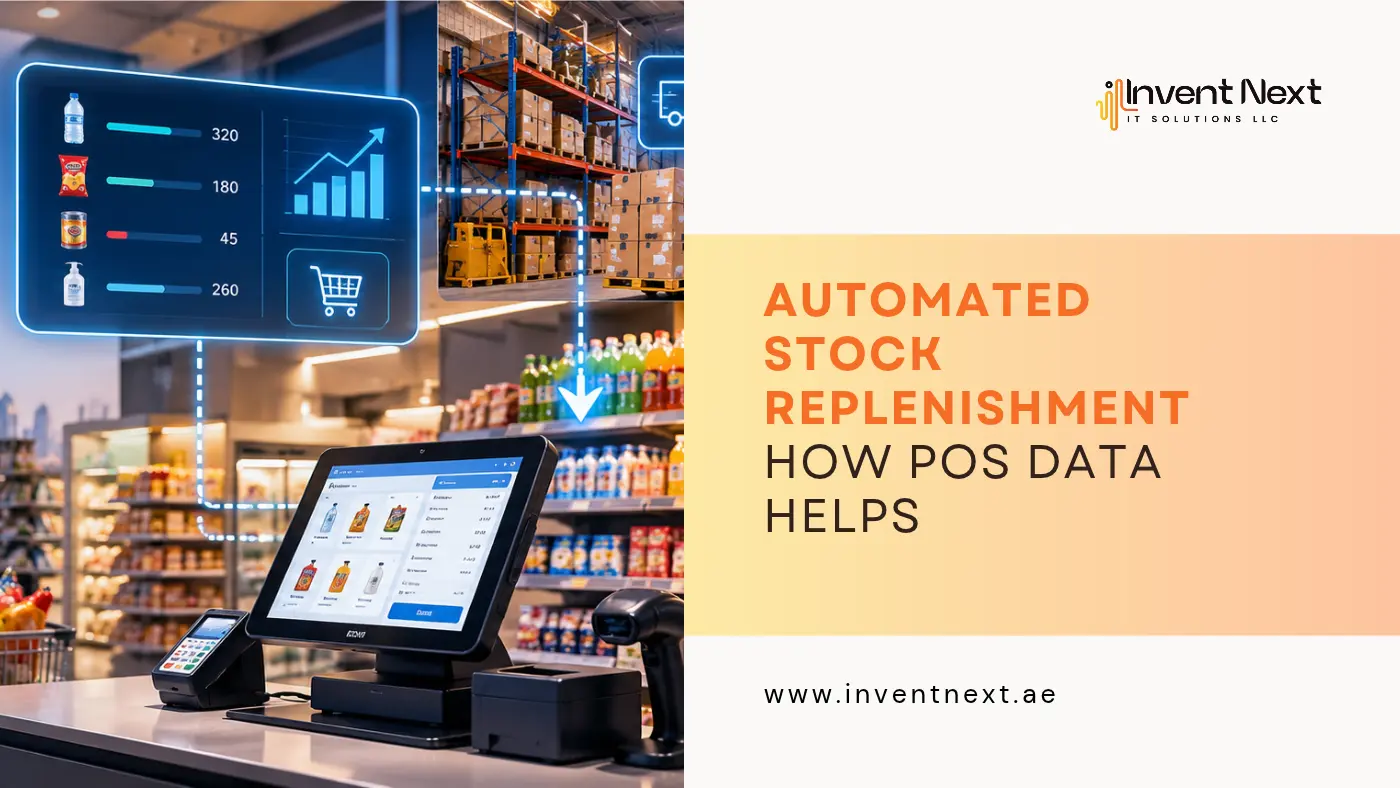
A customer walks into a store looking for a product they bought last week. They reach the shelf, only to find it empty. The business has lost a sale, and the customer may decide to shop somewhere else. Now consider the opposite situation. A retailer orders far more products than customers actually need. The items remain in storage for months, occupy valuable space, and lock money into inventory that is not moving. Automated stock replenishment helps businesses maintain optimal inventory levels by using real-time sales and stock data to identify when products need to be reordered
Both situations come from the same underlying problem: not knowing when to buy, how much to buy, and which products actually need replenishment. Modern POS technology can help solve this problem by turning everyday sales transactions into useful inventory information. Instead of treating the POS as nothing more than a billing system, retailers can use its sales data to understand product movement, identify demand patterns, and make purchasing decisions at the right time.
This is where automated stock replenishment becomes particularly useful. It connects what is happening at the checkout with what needs to happen in the stockroom or warehouse.
Why Inventory Problems Often Start With Poor Sales Visibility
Inventory rarely becomes a problem overnight. A popular product may sell a few extra units every day. A seasonal item may suddenly become more popular. A promotion may increase demand considerably. If nobody notices these changes, the stock level can fall much faster than expected.
Manual inventory checks are not always enough to catch these changes early. A POS system records every completed transaction. When this information is connected to inventory management, retailers can see which products are moving and how quickly stock is being consumed. This creates a more practical foundation for purchasing decisions.
What Makes POS Data Useful for Replenishment?
The most valuable POS data is not simply the number of products sold. The real advantage comes from looking at sales information as a pattern.
For instance, a retailer may discover that:
- One product sells consistently throughout the month
- Another sells mainly on weekends
- A third product performs well only during certain seasons
- A particular branch sells considerably more than other locations
- A promotional campaign causes a sudden increase in demand
- Some products remain in stock for long periods
These patterns give purchasing teams information they cannot get from looking at a single stock count. A good inventory system turns these observations into practical actions.
How POS Data Can Trigger a Replenishment Process
Consider a supermarket selling packaged food products. The business starts the week with 500 units of a particular item. Customers purchase the product throughout the week, and every sale is recorded through the POS.
Instead of waiting for an employee to physically count the remaining products, the inventory record can change as transactions take place. Once the quantity approaches the business’s defined reorder level, the system can flag the product for attention.
The purchasing team can then review:
- Current stock
- Recent sales
- Expected demand
- Supplier delivery time
- Existing purchase orders
- Safety stock requirements
The team can then decide whether to reorder, transfer stock from another branch, or wait. The important point is that the decision starts with actual sales activity rather than guesswork.
The Difference Between Reordering and Smart Reordering
Simply ordering stock whenever inventory becomes low is not enough. Imagine two products both have 20 units remaining. Product A sells two units per day. Product B sells 15 units per day. Although both products have the same quantity available, Product B is much closer to becoming unavailable.
This is why sales velocity matters. A POS system can provide the historical sales information needed to understand how quickly different products are moving. When businesses combine this information with reorder thresholds and supplier lead times, their replenishment decisions can become much more precise.
Why Real-Time Stock Information Matters
A retailer can have thousands of transactions in a single day. Updating inventory manually after every sale is difficult and creates opportunities for errors. A connected POS system Abu Dhabi businesses use can help keep sales and inventory information synchronized, allowing teams to identify stock changes without waiting for a manual report.
This becomes even more important when a business operates multiple branches. A product that is unavailable at one location may still be available at another. Instead of immediately placing a new supplier order, management can first check whether existing inventory can be moved between locations.
The Business Benefits of Smarter Replenishment
Better replenishment affects much more than the stockroom.
Fewer missed sales
When fast-selling products are monitored properly, businesses have a better opportunity to replenish them before customers find an empty shelf.
Less unnecessary inventory
Buying too much stock can create storage problems and tie up business capital. Sales information can help purchasing teams avoid ordering quantities based purely on assumptions.
More efficient staff time
Employees can spend less time checking shelves, updating spreadsheets, and searching through separate records.
Better purchasing decisions
Historical sales information gives purchasing teams evidence when deciding what to buy and when to buy it.
Improved customer experience
Customers are more likely to find the products they want when inventory is actively monitored and replenished.
Better cash utilization
Reducing unnecessary stock can help businesses avoid keeping excessive amounts of money tied up in products that are not selling.
Setting the Right Reorder Level
Technology cannot compensate for poorly configured inventory rules. A reorder level should reflect the way a product actually sells.
Businesses should consider:
- Average daily sales
- Supplier lead time
- Minimum order quantity
- Seasonal changes
- Promotional activity
- Safety stock
- Delivery frequency
- Product importance
Suppose a retailer normally sells 30 units of a product every day and the supplier needs five days to deliver a new shipment. The retailer could potentially sell around 150 units while waiting for the next delivery. The business therefore needs to consider this expected demand when defining its reorder threshold.
The exact calculation will vary by business, product, and supply chain. The important principle is to build reorder rules around actual operating conditions.
How Retail Software Strengthens the Process
POS data becomes even more useful when it is part of a wider retail management system. A POS software Abu Dhabi solution can bring sales, inventory, purchasing, reporting, and other operational information together rather than leaving each function in a separate system.
This gives management a broader view of what is happening across the business. For example, a manager can look at product sales, identify a drop in available stock, check whether a purchase order is already in progress, and determine whether another branch has excess inventory. That is much more useful than simply seeing the words “low stock.”
Using Sales History Instead of Guesswork
One of the biggest mistakes in inventory management is assuming that yesterday’s sales represent tomorrow’s demand. Customer behaviour changes. A product may become popular because of a promotion. Weather can influence certain categories. Holidays can affect purchasing patterns. A new competitor can also change demand. POS reports can reveal these changes over time.
A retailer can compare recent sales with previous periods and determine whether a change is temporary or part of a longer trend. For example, if a product normally sells 100 units per month but suddenly reaches 180 units, purchasing managers can investigate what caused the increase before changing their replenishment strategy.
Managing Inventory Across Multiple Retail Locations
Inventory becomes more complicated when a business operates several branches. One location might sell a product rapidly while another has dozens of unused units. A centralized system can make these differences easier to identify.
A Retail Software Abu Dhabi solution can help businesses view inventory and sales information across locations, making it easier to coordinate stock transfers and purchasing activity. This can reduce situations where one branch has excess inventory while another struggles with shortages.
Why Dubai Retail Businesses Need Better Stock Control
Retailers in Dubai operate in a market where customers have many choices. Product availability can therefore influence whether a customer completes a purchase. A Retail software Dubai platform can help businesses bring sales and inventory information into a more organized workflow.
Rather than waiting for end-of-day or end-of-week reports, managers can use current information to identify products that deserve attention. The result is a purchasing process that can respond more closely to actual customer demand.
Turning a POS Into an Inventory Intelligence Tool
A POS system should not be limited to printing receipts and accepting payments. A retail POS system Dubai businesses use can also provide information that supports product planning, stock monitoring, sales analysis, and purchasing decisions.
The more consistently a business uses these reports, the easier it becomes to recognize patterns. For example, management may discover that certain products consistently sell together. That insight can influence purchasing quantities, promotions, product placement, and stock planning.
Why Supermarkets Need Stronger Replenishment Controls
Supermarkets face a particularly demanding inventory environment. They may manage thousands of SKUs across food, beverages, household products, personal care items, and other categories. Each category can have a completely different sales cycle.
A POS software for supermarket in UAE solution can help connect checkout activity with product-level inventory information, making it easier to understand how quickly individual items are being consumed. For larger stores, this visibility can help purchasing teams focus their attention on products that require immediate action.
Likewise, POS systems for supermarket Dubai businesses can support more structured stock monitoring by connecting sales activity with inventory records.
Connecting Store Sales With Warehouse Stock
A store may show low stock while the warehouse has plenty of the same product. Without connected information, the business might unnecessarily place another supplier order. This is where warehouse integration becomes important.
Warehouse management software Dubai businesses use can provide information about warehouse quantities, incoming stock, transfers, and product movement. When warehouse and POS information are connected, management can determine whether the best action is to purchase more stock or move existing stock to where it is needed. That small distinction can prevent unnecessary purchasing costs.
Inventory Management Beyond Retail Stores
The same principle can apply to businesses that keep operational stock rather than traditional retail products. Automotive workshops, for example, need to maintain parts and consumables so technicians can complete customer jobs without unnecessary delays.
A garage software in Dubai solution can help businesses connect service activity with parts information, making it easier to identify items that are frequently used and need to be available. The underlying idea remains the same: business activity creates information, and that information can support better stock decisions.
Expert Tips for Improving Replenishment
Technology is only one part of the solution. Businesses also need sensible inventory practices.
Begin With Your Most Important Products
Do not try to redesign your entire inventory process overnight. Start with products that have high sales volume, high margins, or a history of causing stock shortages.
Review Inventory Rules Frequently
Demand is not fixed. Revisit reorder levels when sales patterns, suppliers, pricing, or customer behaviour change.
Separate Fast and Slow Movers
A product that sells every day should not be managed in exactly the same way as an item that sells once a month. Different products need different stock strategies.
Consider Supplier Reliability
Two suppliers may offer the same product but have very different delivery times. Your replenishment strategy should account for actual supplier performance.
Use Safety Stock Carefully
Safety stock can protect against unexpected demand or delayed deliveries, but excessive safety stock defeats the purpose of efficient inventory management.
Common Mistakes Businesses Should Avoid
Even sophisticated software can produce poor results when the underlying process is weak.
Avoid:
- Using identical reorder levels for every product
- Ignoring supplier lead times
- Treating every product as equally important
- Ordering large quantities without checking demand
- Forgetting seasonal changes
- Failing to investigate stock discrepancies
- Keeping sales and warehouse records disconnected
- Never reviewing historical sales data
The objective is not to automate every decision blindly. The objective is to give employees better information so they can make faster and more accurate decisions.
Frequently Asked Questions
What information does a POS system provide for inventory management?
A POS system can provide information about product sales, transaction frequency, sales trends, branch performance, and changes in stock quantities. When connected with inventory software, this information can support purchasing and replenishment decisions.
Can POS data predict future inventory requirements?
POS data can help estimate future demand by showing historical purchasing patterns. However, businesses should also consider factors such as promotions, seasonality, supplier lead times, and unusual changes in customer behaviour.
Is automated replenishment suitable for small retailers?
Yes. Small retailers can benefit because even a limited product range can create stock management challenges. Automation can reduce repetitive manual work and help owners identify products that need attention.
Does automated replenishment eliminate the need for inventory staff?
No. Staff still play an important role in reviewing recommendations, checking supplier conditions, handling unusual demand, and resolving stock discrepancies. Automation supports their work rather than completely replacing it.
Can POS and warehouse systems share inventory information?
Yes, when the systems support integration. Connecting store sales with warehouse information can help businesses determine whether stock should be purchased, transferred, or redistributed.
Final Thoughts
Good inventory management is ultimately about timing. Order too late and customers may leave without making a purchase. Order too early or in excessive quantities and valuable cash can become trapped in products that sit on shelves.
POS data gives businesses a clearer view of what customers are actually buying. When that information is combined with inventory rules, supplier lead times, and warehouse data, businesses can create a much more responsive stock management process.
The value of automated stock replenishment lies in making inventory decisions more connected to real customer activity. Instead of depending entirely on manual counts and assumptions, businesses can use the information already being generated by everyday transactions. For retailers and businesses across the UAE, the right technology can turn inventory management from a repetitive administrative task into a more organized and informed business process.
Ready to improve your inventory and retail operations? Invent Next provides business software solutions designed to help UAE businesses manage sales, inventory, retail operations, and more efficiently. Contact Invent Next and find the right solution for your business.