
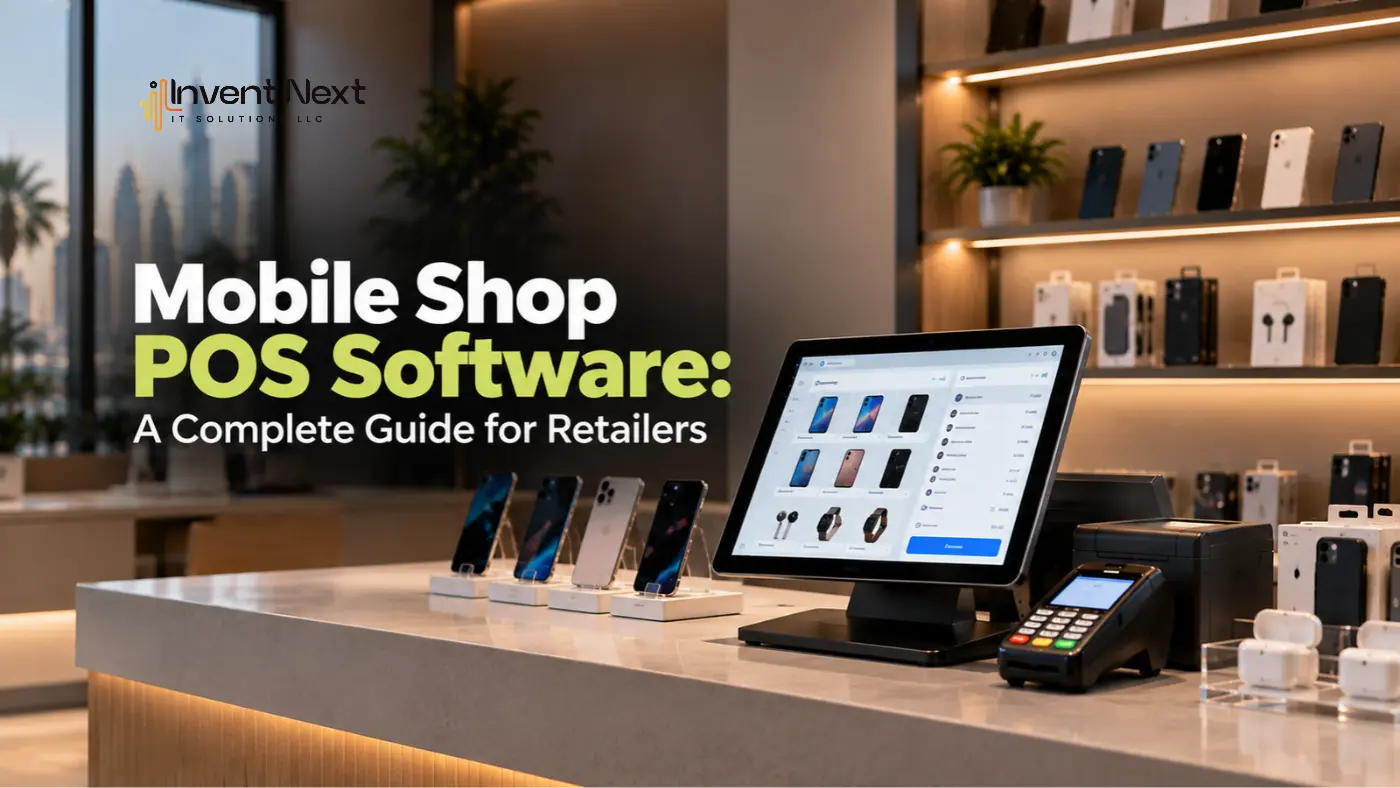
Running a mobile phone shop is no longer just about selling smartphones. Today, retailers handle accessories, repairs, SIM cards, warranties, trade-ins, installment sales, and a growing range of products. With so many transactions and product details to manage, relying on manual billing or spreadsheets can quickly become difficult. This is where mobile shop POS software can make a noticeable difference.
A modern POS system can help mobile retailers manage sales, inventory, customer information, billing, and reports from a central platform. Instead of switching between different tools, store employees can handle many daily tasks through one system.
But choosing the right POS solution is not simply about finding software with the most features. The real question is whether the system fits the way your mobile shop operates and whether it can support the business as it grows.
What Is Mobile Shop POS Software?
A Point of Sale system is software used to manage transactions and other retail activities. For mobile phone shops, a POS system can be configured to handle products such as smartphones, tablets, chargers, cases, earphones, smartwatches, and other accessories. Depending on the solution, it can also support services such as repairs, warranty tracking, customer records, and product exchanges.
A typical mobile retail POS system may include:
- Product and inventory management
- Barcode scanning
- Billing and invoicing
- Customer management
- Sales reporting
- Purchase management
- Discount management
- Returns and exchanges
- Employee management
- Payment tracking
- Warranty information
- Multi-store management
The right system can reduce repetitive administrative work and give store owners better visibility into everyday operations.
Why Do Mobile Shops Need a POS System?
Mobile phone retailers often deal with products that have different prices, models, colours, storage capacities, serial numbers, and warranty periods. Keeping track of all this information manually can lead to mistakes.
For example, a customer may ask whether a particular smartphone model is available in a specific storage variant. An employee should be able to check the system quickly instead of searching through shelves or manually updating a spreadsheet. A POS system can connect product information, sales records, and inventory data, making these tasks easier to manage.
Businesses researching POS software Abu Dhabi should look beyond basic billing features and consider inventory control, product tracking, reporting, payment integration, and scalability.
Key Features to Look for in a Mobile Shop POS System
Not every POS platform is designed specifically for mobile retailers. Before choosing software, it is worth looking at the features that can have the biggest impact on daily operations.
1. Detailed Product Management
Mobile shops can have hundreds of products and product variations. The system should make it easy to manage information such as:
- Brand
- Model
- Storage capacity
- Colour
- Purchase price
- Selling price
- Stock quantity
- Barcode
- Serial number
- Warranty details
Having this information organised can make both selling and inventory management easier.
2. Barcode and Serial Number Tracking
Smartphones and other electronic devices often require more detailed product tracking than ordinary retail products. Barcode and serial number functionality can help retailers identify individual products and maintain accurate transaction records. This can also be useful when handling returns, warranty claims, or exchanges.
3. Fast Billing and Payments
Customers visiting a mobile shop may purchase a phone along with several accessories. A good POS system should allow employees to add multiple products to one transaction, apply discounts, calculate taxes, and process payments efficiently. Faster billing can improve the checkout experience while reducing manual calculation errors.
4. Real-Time Inventory Management
Inventory is one of the most important parts of mobile retail management. A POS system can automatically update stock when products are sold or returned. Store owners can then identify low-stock items and popular products without manually counting everything. For retailers comparing retail software Dubai solutions, real-time inventory visibility should be an important consideration, particularly for stores carrying multiple brands and product categories.
Benefits of Using POS Software in a Mobile Shop
The right POS system can provide benefits beyond faster billing.
Better Inventory Control
Store owners can see how much stock is available and identify products that need to be reordered.
Faster Customer Service
Employees can quickly search for products, check prices, verify availability, and complete transactions.
More Accurate Sales Records
Every transaction can be recorded digitally, making it easier to review sales and identify discrepancies.
Improved Business Reporting
Owners can analyse sales by product, category, employee, or period and use this information when planning future purchases.
Easier Customer Management
Customer information and purchase history can be stored in one place, helping retailers provide more personalised service.
Reduced Manual Work
Automating repetitive tasks can give employees more time to focus on customers and sales.
How POS Software Helps Manage Mobile Accessories
Accessories can account for a significant part of mobile retail sales. Cases, screen protectors, chargers, cables, power banks, earphones, and smartwatches can quickly create a large and diverse inventory. A POS system allows these products to be organised into categories and tracked alongside smartphones and other devices.
This makes it easier to identify which accessories sell frequently and which products are sitting in inventory for longer periods. Retailers can then use sales information to adjust their purchasing decisions and create relevant product bundles.
Managing Repairs and After-Sales Services
Many mobile shops also provide repair and maintenance services. Depending on the POS platform, retailers may be able to record repair orders, customer information, device details, service status, charges, and collection information.
This can make it easier for employees to answer customer questions such as:
- Has the repair been completed?
- What service was performed?
- How much does the customer need to pay?
- When was the device received?
- What accessories were included?
Keeping service information organised can improve communication between employees and customers.
POS and Warehouse Management for Growing Mobile Retailers
As a mobile retail business expands, inventory may no longer be stored in one shop. Products might be held in a warehouse and distributed across multiple branches. This is where integration becomes particularly useful.
Retailers researching warehouse management software Dubai should consider whether their warehouse and POS systems can exchange inventory information. Connected systems can help businesses understand stock availability across stores and storage locations.
For example, if a smartphone is unavailable at one branch but available at another, employees can identify the available stock and arrange an internal transfer instead of immediately placing a new purchase order.
Multi-Branch Mobile Shop Management
Managing multiple mobile stores using separate spreadsheets can quickly become complicated. A centralised POS solution can provide a single view of sales and inventory across different locations. Depending on the system, managers may be able to monitor:
- Branch sales
- Product availability
- Employee activity
- Stock transfers
- Discounts
- Returns
- Revenue
- Best-selling products
This can give business owners a clearer picture of how each location is performing. For businesses looking at retail POS software Abu Dhabi, multi-branch support can be especially important when planning for expansion.
Common Mistakes to Avoid When Choosing POS Software
Choosing a POS system simply because it is inexpensive can create problems later. Here are some common mistakes to avoid.
Choosing a System Without Understanding Your Requirements
Make a list of your current processes before comparing software. Consider sales, inventory, repairs, accessories, warranties, returns, and reporting.
Ignoring Scalability
Your POS system should be capable of supporting additional products, employees, branches, and transactions as your business grows.
Overlooking Integration
If the POS cannot integrate with accounting, e-commerce, inventory, or payment systems, employees may have to enter the same information repeatedly.
Choosing a Complicated Interface
Software should make daily work easier. If employees need extensive training just to complete basic transactions, productivity can suffer.
Not Checking Support
Technical problems can directly affect sales. Before purchasing, understand what support the provider offers and how quickly assistance is available.
Expert Tips for Choosing the Right POS System
Before making a final decision, consider these practical steps:
- Map your daily workflow. Understand how products arrive, get stored, sold, returned, or transferred.
- Check product tracking capabilities. Make sure the system supports the level of detail required for smartphones and electronics.
- Test the reporting tools. Reports should provide information that helps you make purchasing and sales decisions.
- Request a demonstration. Let employees test the system before committing.
- Check integration options. Consider accounting, online stores, payment systems, and inventory tools.
- Think about future growth. Choose software that can support your plans for additional locations and products.
Frequently Asked Questions
1. What is mobile shop POS software?
It is a retail management solution designed to help mobile phone stores manage billing, sales, inventory, customers, products, and other daily operations.
2. Can POS software track smartphone serial numbers?
Many modern POS systems support serial number or device-level tracking. This can be useful for managing sales, returns, exchanges, and warranty information.
3. Can a POS system manage mobile accessories?
Yes. A POS system can manage smartphones alongside accessories such as cases, chargers, cables, earphones, screen protectors, and power banks.
4. Can POS software support multiple mobile shop branches?
Many POS solutions offer multi-location functionality, allowing businesses to monitor sales and inventory across multiple stores.
5. Can a POS system integrate with accounting software?
Depending on the platform, POS software can integrate with accounting and other business applications, helping reduce duplicate data entry.
Final Thoughts
Managing a mobile phone shop requires accurate information, efficient billing, and strong inventory control. As product ranges grow and customer expectations increase, manual processes can become increasingly difficult to manage. A well-designed mobile shop POS software solution can bring sales, inventory, customer information, product tracking, and reporting into one organised system.
The key is to choose software that fits your business rather than simply choosing the platform with the longest list of features. Think about your current workflow, your product range, the number of branches you operate, and where you want the business to be in the future. The right POS system should not make your business more complicated. It should make everyday operations simpler, give you better visibility, and help your team serve customers with greater confidence.
Looking for the Right POS Solution?
At Invent Next, we help businesses explore technology solutions that match their operational needs. Whether you are running a single mobile shop or managing multiple retail locations, our team can help you identify suitable POS and business management solutions.
Contact Invent Next today to discuss your requirements and discover a smarter way to manage your retail operations.