
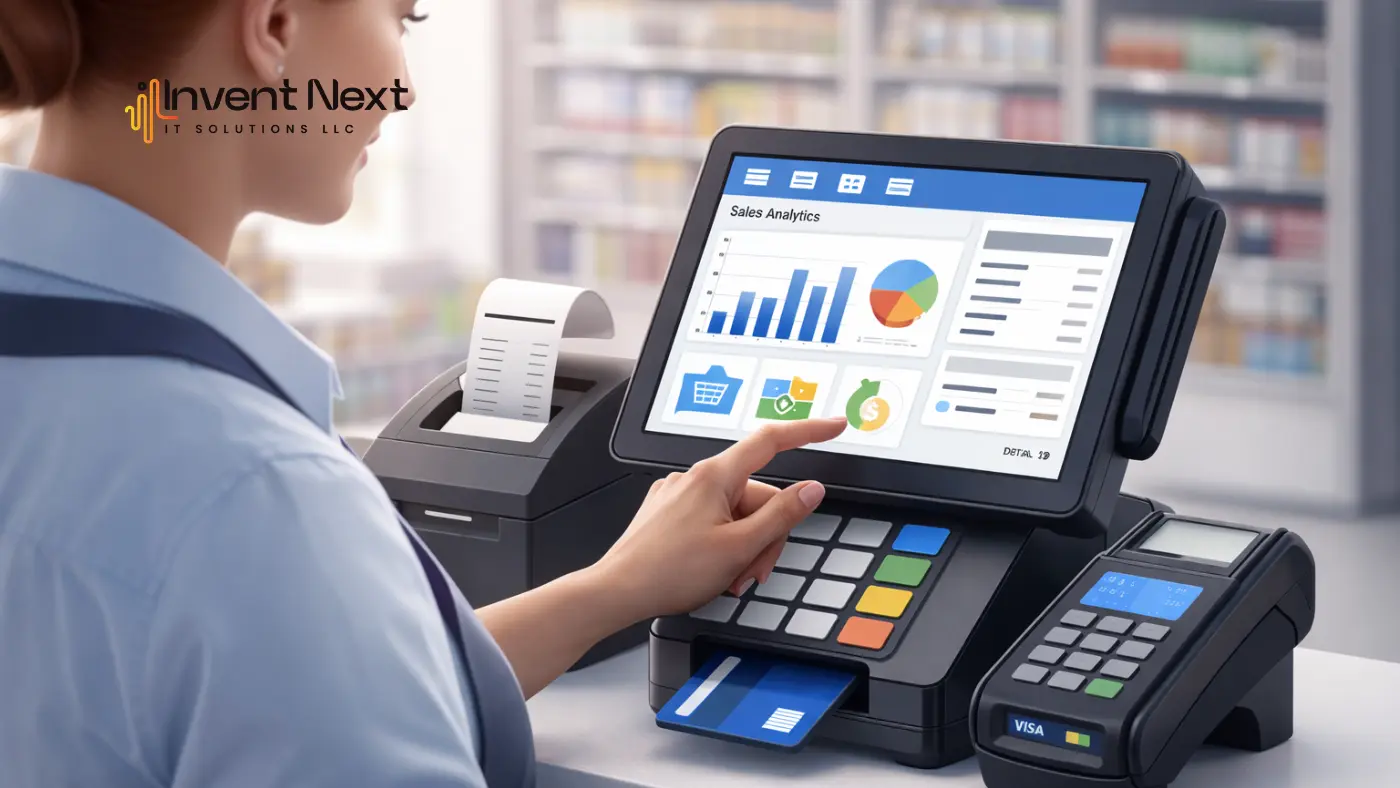
Businesses find it a hassle to manage their sales, inventory, and accounting separately because of the amount of time they spend doing so. Many businesses deal with having to manually transfer their sales data from their POS system to their accounting system. This can lead to errors and delays. This is why businesses have chosen to operate on a POS that integrates with QuickBooks to streamline their business processes.
A POS system will handle the transactions, while QuickBooks will handle the financial recordkeeping. Using both of these systems together will give you the ability to automate the accounting function, ensure the accuracy of the sales tracking, and provide real-time insight into the financial position of your business. Integration between the two systems will save business owners time, decrease the time spent doing manual processes, and improve the overall management of your business’s finances.
What is a POS system with QuickBooks integration?
A Point of Sale (POS) system is used by businesses to process customer transactions, manage inventory, and generate sales reports. QuickBooks is a popular accounting software designed to handle bookkeeping, financial reporting, and tax preparation.
When you use a POS that integrates with QuickBooks, transaction data from your POS system automatically syncs with the accounting software. This means sales information, taxes, and payment details are transferred instantly without manual data entry.
This integration creates a seamless connection between sales operations and financial management, allowing businesses to maintain accurate records and better understand their financial performance.
Why Businesses Need POS and QuickBooks Integration
The company’s sales and accounting departments experience a number of difficulties, including duplicate entries of data and costly mistakes in accounting and bookkeeping that take up too much time. Integrating a POS with QuickBooks allows businesses to transfer their financial data automatically, thereby reducing redundant tasks.
Some major reasons businesses choose to use an integrated system are:
- To eliminate the need to manually enter all of the data in both systems
- To enhance the overall accuracy of their accounting practices
- To save time on bookkeeping tasks
- To obtain real-time financial reporting
- To reduce the amount of time they spend preparing for taxes
With integrated systems, businesses can spend more time focusing on growing their company and providing excellent customer service instead of performing daily administrative tasks.
Key Benefits of POS Integration with QuickBooks
Automated Accounting
Integrating a business’s existing Point of Sale software with its financial management software creates the opportunity for automated accounting. With all of the daily transactions that are entered into the POS system every day, they are automatically entered into QuickBooks, which keeps accounting personnel from having to enter them separately and allows the financial records to be continually updated.
Reduced Human Errors
The manual entry of business transactions into the financial management system often leads to mistakes being made due to the manual entry of duplicate transactions or transactions with values that are not correct. However, by automatically synchronizing the transactions through a POS system to the financial management software, human errors are greatly reduced, thus increasing the accuracy of the data in the financial management system.
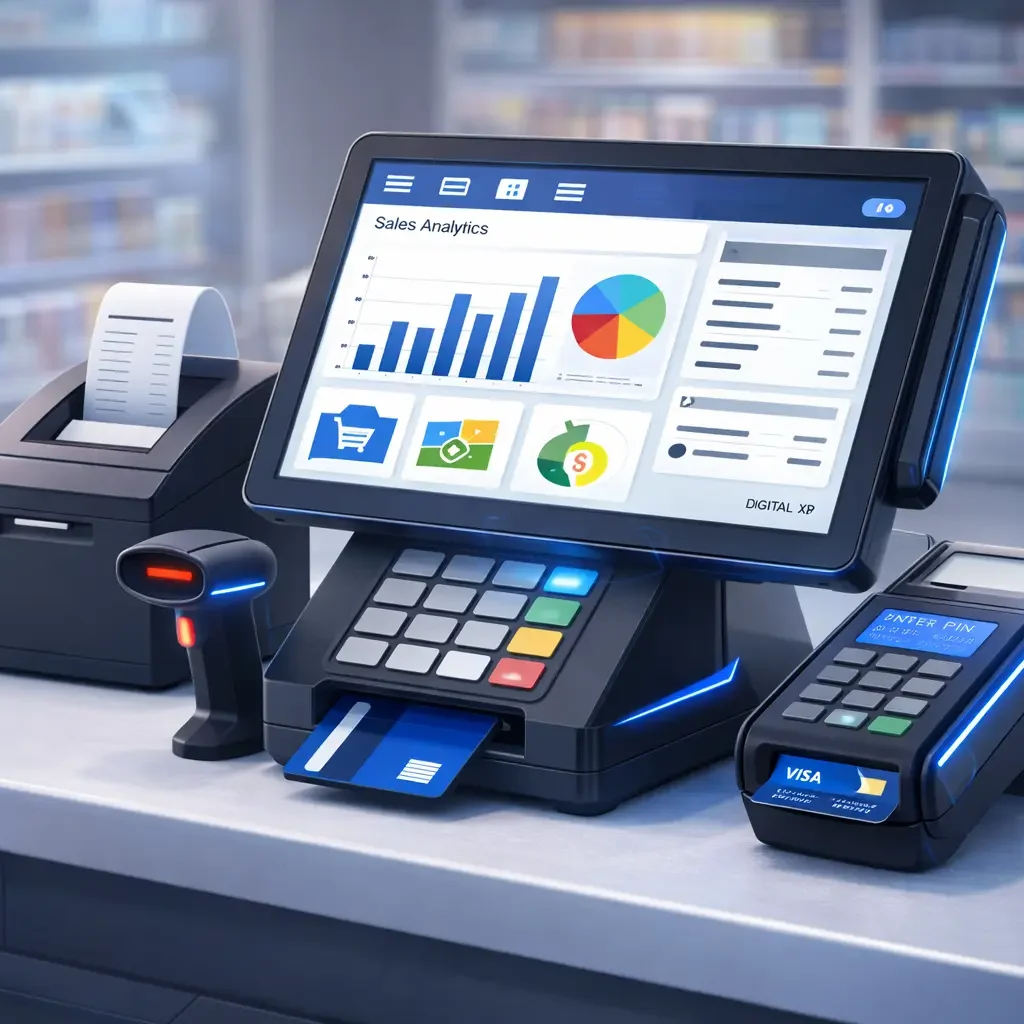
Real-Time Financial Reports
When the POS system and financial management system are synchronized in real time, business owners are able to access current reports, such as revenue and sales trends, and make educated decisions on financial matters.
Better Inventory Control
Most POS systems have the capability of automatically tracking inventory levels of the products being sold. With the integration of the POS system and the financial management software, changes to inventory levels will also be reflected in the financial records.
Easier Preparation of Taxes
Automated data entry by using the integration of the two systems makes the preparation of taxes much easier since the financial records have already been updated and organized. It allows businesses the opportunity to provide accurate financial reports without having to spend hours reviewing all transactions.
How POS and QuickBooks Integration Works
Integration of QuickBooks and POS ensures the fluid flow of both sales and financial data between both platforms; upon recording the sale via POS, the point of sale system transmits all pertinent data directly to QuickBooks, allowing for accurate processing of accounting records in real time.
This seamless data exchange improves financial transparency and operational efficiency.
Features to Look for in a POS That Integrates with QuickBooks
Consideration of features that meet both sales management and accounting integration is critical to the evaluation of a POS system by any business.
Sales Tracking – The creation of reporting that provides a detailed view of sales performance, customer shopping behaviors, and trends in product demand and supply are all essential aspects of an efficient POS system.
Inventory Synchronization – During every sale, stock quantities must be automatically updated to reflect accurate inventory levels. This prevents stock shortages and allows for enhanced inventory management.
Financial Reporting – Integrated financial reports allow the business owner to view information on profit, expense, and revenue in a single location.
Multi-Location Management—Effective inventory control and centralized reporting establish sound financial practices among multi-location operators.
Secure Payment Processing – Payment processing is crucial for the success of any POS system; a POS system should provide a means for processing customer payments securely while protecting the privacy of customers.
Industries That Benefit from POS and QuickBooks Integration
Retail Stores: Retail businesses process hundreds of transactions daily. An integrated retail POS system helps them track sales, inventory, and financial records automatically.
Restaurants and Cafes: Restaurants can manage orders, billing, and financial data efficiently with an integrated restaurant POS system.
E-commerce Businesses: Online stores benefit from automated accounting and simplified financial reporting.
Service-Based Businesses: Businesses such as auto garages, repair centers, and salons can easily manage billing, payments, and accounting using integrated systems.
How to Choose the Right POS System for QuickBooks
Choosing the right POS system in Abu Dhabi requires careful evaluation of several factors.
Compatibility
Ensure that the POS system supports seamless QuickBooks integration without requiring complicated configuration.
Ease of Use
The system should be simple for employees to use, reducing the need for extensive training.
Scalability
As businesses grow, the POS system should be capable of handling increased transactions and additional locations.
Customer Support
Reliable technical support ensures that businesses can quickly resolve any integration issues.
Common Challenges and Solutions
While integration offers many benefits, some businesses may experience challenges during implementation.
Data Synchronization Problems
An incorrect setup may cause synchronization issues. These can be resolved by properly configuring the integration settings.
Employee Training
Staff may need training to use the integrated system effectively. Providing simple onboarding sessions can help employees adapt quickly.
Software Compatibility
Not all POS systems support accounting integration. Choosing a POS that integrates with QuickBooks ensures smooth data synchronization and reliable performance.
Conclusion
Modern businesses require efficient tools to manage both sales and accounting operations. Using a POS that integrates with QuickBooks helps automate financial tasks, reduce errors, and improve operational efficiency.
Businesses gain better control over sales data, inventory management, and financial reporting by connecting POS systems with accounting software. Integration eliminates repetitive work and allows business owners to focus on growth and customer satisfaction. For businesses looking to streamline their operations, integrated POS solutions offer a practical and reliable way to manage sales and accounting within a single connected system.
If you’re looking for the best POS software, Invent Next offers complete business solutions, including restaurant POS software, retail POS systems, POS systems for supermarkets, garage software, and warehouse management software.
Call +971 552088101 today to speak with our experts and find the right POS solution for your business.
Add a Comment