
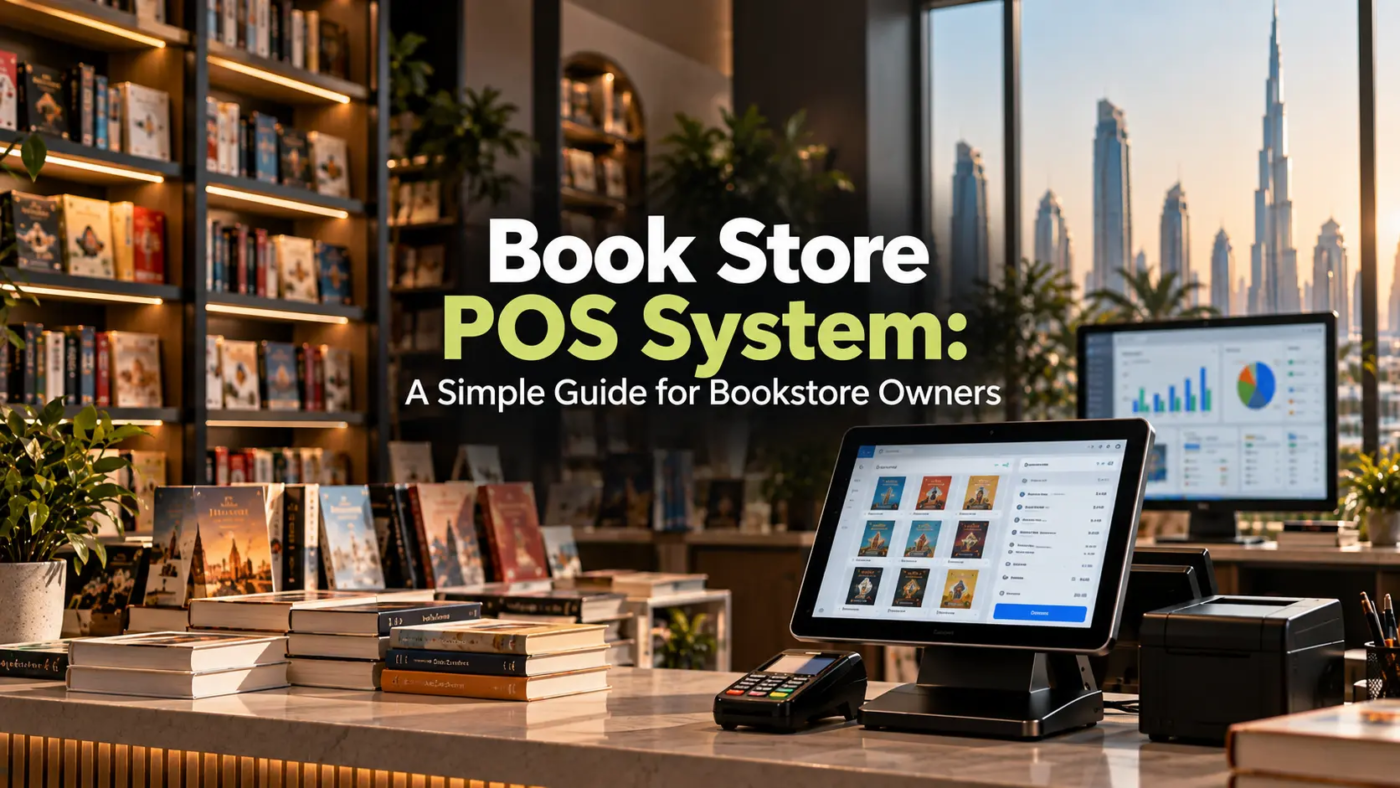
Running a bookstore involves much more than putting books on shelves and processing customer payments. Store owners need to keep track of hundreds or even thousands of titles, monitor stock levels, manage purchases, handle returns, record sales, and understand which products are performing well.
When these tasks are managed manually, even a small mistake can create bigger problems. A book that appears available in the system may already be sold out, a popular title may not be reordered on time, or sales information may be difficult to analyse.
This is where a bookstore POS system can make everyday bookstore operations easier. From billing and inventory management to sales reports and customer information, a modern POS solution can bring several important tasks together in one place.
What Is a Book Store POS System?
A Point of Sale system is software designed to manage sales transactions and other retail activities. For bookstores, the system can be configured to handle the specific requirements of selling books and related products. Instead of relying on handwritten bills, spreadsheets, or separate inventory records, bookstore owners can use POS software to manage important information digitally.
Depending on the solution, a POS system may include:
- Book and product catalogues
- Barcode scanning
- Billing and invoicing
- Inventory tracking
- Sales reporting
- Purchase management
- Customer records
- Discount management
- Returns and exchanges
- Employee access controls
The goal is simple: make routine bookstore operations faster, more organised, and easier to monitor.
Why Do Bookstores Need a POS System?
A bookstore can have a large and constantly changing inventory. New titles arrive, old titles sell, damaged products may need to be removed, and customers may request specific books that are currently unavailable. Managing all of this manually can become difficult as the business grows.
A POS system can help bookstore owners keep better control over daily operations by connecting sales and inventory information. For example, when a customer purchases a book, the sale can be recorded and the available stock can be updated automatically. This means employees do not need to manually change inventory records after every transaction.
For businesses considering POS software Abu Dhabi, it is also important to look at features such as barcode scanning, inventory control, reporting, payment integration, and support for multiple locations.
Key Features of a Bookstore POS System
Not every POS system offers the same features. Before choosing one, bookstore owners should understand which capabilities are most useful for their operations.
1. Fast and Accurate Billing
Billing is one of the most important functions of any POS system. Employees can scan a product barcode, add it to the customer’s bill, apply discounts where applicable, and complete the payment without manually entering every product detail. This can reduce billing errors and help customers move through the checkout process more quickly.
2. Inventory Management
Inventory management is particularly important for bookstores because there can be a large number of individual products.
A POS system can help track:
- Available stock
- Sold quantities
- Low-stock items
- New arrivals
- Product movement
- Damaged or returned products
This gives store owners better visibility into what is actually available.
3. Barcode Scanning
Manually entering book names and prices for every transaction takes time and creates opportunities for errors. With barcode scanning, employees can quickly identify products and add them to a transaction. This is especially useful for bookstores with a large inventory.
4. Sales Reports
A bookstore POS system can provide reports that help owners understand business performance.
Reports may include:
- Daily and monthly sales
- Best-selling books
- Slow-moving products
- Sales by category
- Transaction history
- Revenue trends
- Discount activity
These insights can help owners make better purchasing and stocking decisions.
How POS Software Can Improve Bookstore Inventory Management
Inventory is often one of the biggest challenges for bookstore owners. Having too much stock can tie up money and valuable shelf space. Having too little stock can result in missed sales, especially when customers are looking for popular titles.
A POS system can make inventory information easier to access. For example, if a particular book consistently sells quickly, the store owner can identify the trend through sales reports and plan future purchases accordingly. Businesses evaluating Retail software Dubai solutions should also consider whether the system provides real-time inventory visibility and supports purchasing workflows.
Benefits of Using a POS System in a Bookstore
A well-configured POS solution can provide several practical benefits.
Faster Store Operations
Employees can complete transactions, process returns, and check product information more quickly.
Better Inventory Visibility
Store owners can see current stock levels without manually checking every shelf or spreadsheet.
Fewer Manual Errors
Automated calculations, barcode scanning, and digital records can reduce common billing and inventory mistakes.
Easier Reporting
Instead of calculating sales information manually, owners can generate reports from the system.
Improved Customer Service
Employees can quickly check product availability and provide customers with accurate information.
Better Business Decisions
Sales and inventory data can help owners understand customer demand and plan purchasing more effectively.
Can a POS System Help With More Than Books?
Yes. Modern retail POS platforms can manage different types of products, including stationery, educational materials, gifts, office supplies, magazines, and other products commonly sold in bookstores.
This flexibility can be useful for businesses that have expanded beyond books. For example, retailers comparing POS software for supermarket UAE solutions may also look for features such as barcode management, product categorisation, inventory control, promotions, and detailed sales reporting. Similar capabilities can be useful for bookstores with diverse product ranges.
POS System and Warehouse Management
Larger bookstores may have a separate storage facility or warehouse where additional inventory is kept before being moved to the retail store. In such cases, connecting sales and inventory information with warehouse operations can provide better stock visibility.
Businesses researching Warehouse management software Dubai should consider whether their warehouse system can integrate with their POS and inventory platforms. Integration can help reduce duplicate data entry and make it easier to understand where products are located.
For example, the store may show that a particular title is unavailable on the sales floor while the warehouse still has several units available. With connected systems, employees can identify the available stock and arrange a transfer when required.
Expert Tips for Choosing a Bookstore POS System
Choosing software should not be based only on the number of features listed on a product page.
Before making a decision, consider these practical points:
- Understand your inventory size: A small independent bookstore may have different requirements from a large multi-branch retailer.
- Check barcode support: Make sure the system can handle your product identification process.
- Look at reporting features: Reports should provide information that is actually useful for business decisions.
- Consider scalability: Choose software that can support additional products, employees, or branches as the business grows.
- Check integrations: If you already use accounting, payment, e-commerce, or inventory software, check whether integration is available.
- Ask about support: Reliable technical support can be important when the POS system is used every day.
- Request a demonstration: Testing the software before purchasing can help employees understand whether it fits their workflow.
Common Mistakes to Avoid
Even the right software can create problems if it is poorly implemented.
Choosing Based Only on Price
The cheapest system may not provide the features, support, security, or scalability your business needs.
Ignoring Employee Training
Employees should know how to process sales, returns, discounts, stock adjustments, and other common tasks.
Not Maintaining Product Data
Incorrect prices, duplicate products, or outdated inventory records can affect the accuracy of reports.
Forgetting About Future Growth
A system that works for one small store may not be suitable if you plan to open additional branches.
Overlooking Integration
If your POS cannot communicate with your accounting, inventory, or online sales platforms, employees may have to enter the same information multiple times.
What Should Bookstore Owners Look For?
The right system depends on the size and requirements of the business. A small independent bookstore may prioritise simple billing and inventory tracking, while a larger retailer may require advanced reporting, multi-store management, purchasing, warehouse integration, and accounting connectivity.
When evaluating retail software in Abu Dhabi, bookstore owners should focus on how well the software fits their actual workflow rather than simply choosing the platform with the longest feature list. A good POS system should make everyday work easier, not create unnecessary complexity.
Frequently Asked Questions
1. What is a bookstore POS system?
A bookstore POS system is software used to manage sales, billing, inventory, product information, customer records, and reporting for a bookstore.
2. Can a POS system manage bookstore inventory?
Yes. Many POS systems can track stock levels, sales, product movement, low-stock items, returns, and other inventory-related information.
3. Can a bookstore POS system manage stationery and other products?
Yes. Most modern POS systems can manage different product categories, including stationery, gifts, educational supplies, magazines, and other retail products.
4. Can POS software integrate with accounting systems?
Many POS platforms offer integrations with accounting and other business management systems. The available integrations depend on the software provider.
5. Is a POS system suitable for a multi-branch bookstore?
Yes. Businesses with multiple branches can benefit from POS software that supports centralised inventory, branch-level sales tracking, user permissions, and consolidated reporting.
Final Thoughts
Managing a bookstore efficiently requires more than simply keeping track of sales. Owners need accurate inventory information, efficient billing, useful reports, and a clear understanding of what customers are buying. A bookstore POS system can bring these everyday activities into one organised platform, helping businesses reduce manual work and gain better visibility into their operations.
The key is to choose software based on your actual business requirements. Consider your inventory, number of products, sales volume, employees, locations, integrations, and future growth before making a decision. The right technology should work quietly in the background while making your team’s daily tasks simpler and giving you better control over your business.
Looking for the Right POS Solution?
At Invent Next, we help businesses find and implement technology solutions that fit their operational requirements. Whether you are setting up a new bookstore, upgrading an existing billing system, or looking for integrated retail and inventory management, our team can help you explore the right solution.
Contact Invent Next today to discuss your POS requirements and discover a smarter way to manage your retail business.