
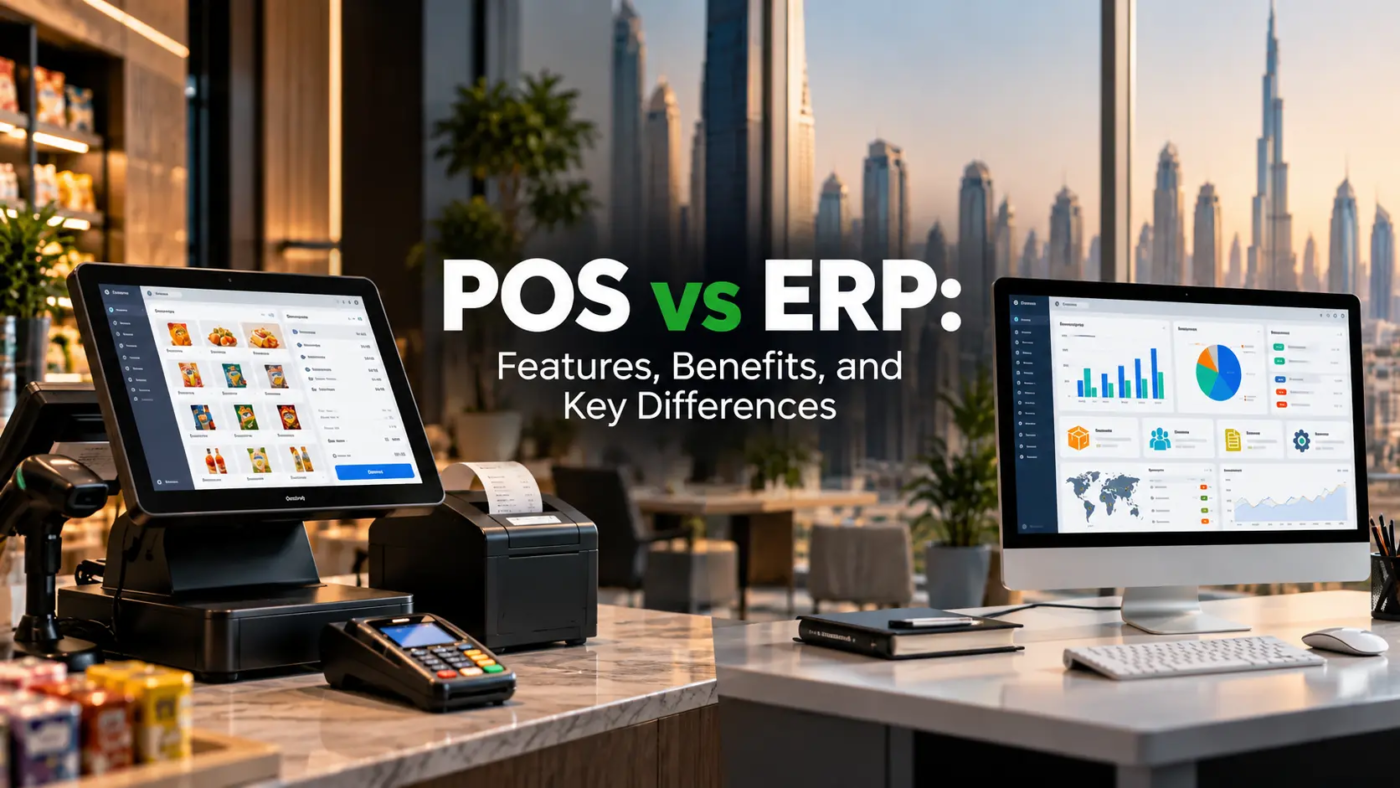
Running a business today involves much more than simply making sales. Businesses need to manage inventory, monitor finances, understand customer behaviour, coordinate employees, track purchases, and make informed decisions. The software you choose can have a direct impact on how efficiently all of these activities are handled. This is where the difference between POS vs ERP becomes important.
A Point of Sale system is primarily designed to manage transactions and sales-related activities, while an Enterprise Resource Planning system connects multiple areas of a business through one integrated platform. Although both systems can help improve efficiency, they serve different purposes and are designed for different business needs.
Understanding their features, benefits, and differences can help business owners choose technology that supports their current operations while preparing them for future growth.
What Is a POS System?
A Point of Sale, or POS, system is software used to process sales transactions and manage activities connected to selling products or services. Modern POS systems are much more than digital cash registers.
Depending on the industry and software provider, a POS system can include:
- Billing and invoicing
- Payment processing
- Product and inventory tracking
- Customer information
- Sales reporting
- Discount and promotion management
- Employee sales tracking
- Tax calculations
- Barcode scanning
For example, a retail store can use a POS system to record every sale and automatically update its inventory. A restaurant can use it to manage orders, bills, tables, and payments. Businesses looking for POS software Abu Dhabi can therefore evaluate solutions based on their industry, transaction volume, inventory requirements, and reporting needs.
What Is an ERP System?
ERP stands for Enterprise Resource Planning. Unlike a POS system, an ERP platform is designed to connect different business functions within a single system.
An ERP may bring together:
- Accounting and finance
- Procurement
- Inventory management
- Sales
- Human resources
- Payroll
- Supply chain operations
- Customer management
- Warehouse operations
- Business reporting
Instead of keeping information across separate systems and spreadsheets, an ERP allows different departments to work with connected business data. For a growing company, this can make it easier to understand what is happening across the entire organisation rather than looking only at individual transactions.
POS vs ERP: What Is the Main Difference?
The simplest way to understand the difference is to look at their primary purpose. A POS system focuses mainly on sales and customer transactions. An ERP focuses on managing and integrating broader business operations.
For example, a retail business may use a POS system to process a customer’s purchase, accept payment, and update product stock. An ERP can go further by connecting that sale with purchasing, accounting, warehouse operations, supplier information, and financial reporting.
Here is a simplified comparison:
| Feature | POS | ERP |
| Sales transactions | Yes | Yes, depending on system |
| Billing | Yes | Usually available |
| Inventory management | Yes | Advanced |
| Accounting | Limited or integrated | Comprehensive |
| Procurement | Limited | Yes |
| HR and payroll | Usually limited | Yes |
| Warehouse management | Basic to advanced | Advanced |
| Customer management | Yes | Yes |
| Business-wide reporting | Limited | Comprehensive |
| Multi-department integration | Limited | Yes |
Key Features of POS Software
A modern POS system can provide several features that make everyday sales operations easier.
1. Faster Billing and Payments
POS software can speed up checkout by automating calculations, discounts, taxes, and payment processing. This can reduce manual errors and help employees serve customers more efficiently.
2. Real-Time Inventory Updates
When a product is sold, the system can automatically adjust the available stock. This gives businesses better visibility into product availability.
3. Sales Reporting
Businesses can review information such as daily sales, best-selling products, transaction volumes, and revenue trends.
For businesses evaluating retail software Dubai solutions, reporting capabilities are particularly important because they can help managers understand which products and sales periods are performing well.
4. Customer Management
Many POS platforms allow businesses to maintain customer profiles, purchase histories, loyalty information, and promotional data.
5. Employee Management
Depending on the software, managers can track employee sales, shifts, permissions, and user activity.
Key Features of ERP Software
ERP systems provide a broader set of capabilities because they are designed to manage multiple business functions.
1. Integrated Financial Management
ERP software can connect sales, purchases, expenses, invoices, payments, and other financial information. This can reduce the need to manually transfer data between different systems.
2. Advanced Inventory Management
Businesses can monitor stock levels, product movement, purchasing requirements, and inventory across multiple locations.
3. Procurement Management
ERP systems can help businesses manage suppliers, purchase orders, approvals, and procurement processes.
4. Warehouse Operations
Businesses with complex storage and distribution requirements can use ERP capabilities to monitor inventory movement and warehouse processes.
Companies researching warehouse management software Dubai solutions should consider whether the platform can integrate warehouse activities with purchasing, sales, inventory, and financial operations.
5. Business Intelligence and Reporting
ERP systems can provide management with broader visibility into business performance. Instead of looking at sales data alone, decision-makers can examine information from different departments.
Benefits of Using a POS System
A POS system can be particularly valuable for businesses where sales transactions are at the centre of daily operations.
Key benefits include:
- Faster checkout
- More accurate billing
- Better inventory visibility
- Easier sales tracking
- Improved customer service
- Automated sales reports
- Reduced manual work
- Better control over discounts and promotions
For example, a supermarket may process hundreds or thousands of transactions every day. A dedicated POS software for supermarket UAE solution can help manage billing, product information, stock levels, promotions, and sales reporting from one platform.
Benefits of Using an ERP System
ERP software becomes increasingly valuable as business operations become more complex.
Some major advantages include:
- Centralised business information
- Improved coordination between departments
- Better financial visibility
- More structured procurement
- Advanced inventory management
- Improved warehouse control
- Automated workflows
- Comprehensive business reporting
- Support for multi-location operations
A growing company may initially manage different functions using separate tools. However, as the number of employees, products, suppliers, and locations increases, managing disconnected systems can become difficult. An ERP can help bring these processes together.
Can a Business Use Both POS and ERP?
Yes. POS and ERP systems do not necessarily need to compete with each other. In many businesses, they can work together. The POS system can handle front-end activities such as sales and customer transactions, while the ERP manages broader business operations in the background.
For example:
Customer purchase → POS records sale → Inventory updates → ERP receives transaction data → Accounting records revenue → Management reviews performance
This type of integration can reduce duplicate data entry and give management a more complete view of business operations. Restaurants may also benefit from specialized restaurant software in Dubai that can connect ordering, billing, inventory, and other operational processes with broader business systems.
Common Mistakes to Avoid When Choosing Business Software
Choosing software based only on price can create problems later. Businesses should consider their operational requirements before making a decision. Common mistakes include:
Choosing More Features Than You Need
A small business may not need a complex ERP system immediately. Paying for features that employees rarely use can increase costs and complexity.
Ignoring Scalability
The opposite mistake is choosing a system that only works for the company’s current size. If the business expands rapidly, replacing the system can become expensive and disruptive.
Overlooking Integration
If the POS, accounting, inventory, and other systems cannot communicate properly, employees may have to enter the same information multiple times.
Not Training Employees
Even good software will not deliver its full value if employees do not understand how to use it correctly.
POS or ERP: Which One Does Your Business Need?
There is no single solution that works for every business.
A POS system may be sufficient when the primary requirement is managing sales, payments, customers, and basic inventory. An ERP may be more appropriate when the business needs to coordinate multiple departments, locations, financial processes, procurement activities, inventory, and other operations.
For some growing businesses, the practical solution may be a POS system integrated with an ERP rather than choosing only one. The right decision depends on the size of the business, operational complexity, budget, industry, and future growth plans.
Frequently Asked Questions
1. Is a POS system the same as an ERP?
No. A POS system primarily manages sales transactions and related activities, while an ERP connects multiple areas of a business such as finance, procurement, inventory, HR, and operations.
2. Can POS software integrate with ERP software?
Yes. Many modern business systems can integrate POS and ERP platforms, allowing sales and inventory information to move between systems.
3. Does a small business need an ERP?
Not necessarily. A small business with straightforward operations may only need a POS or a few specialised systems. ERP becomes more useful when operations become larger or more complex.
4. Can an ERP replace a POS system?
Some ERP platforms include POS functionality, but whether they can fully replace a dedicated POS depends on the business and the ERP’s capabilities.
5. What should businesses consider before choosing POS or ERP software?
Businesses should evaluate their sales volume, inventory complexity, number of locations, accounting requirements, integration needs, employee workflows, budget, and future growth plans.
Final Thoughts
The difference between POS and ERP comes down largely to scope. A POS system is built around sales and customer transactions. An ERP is designed to connect and manage broader business operations. For businesses that are growing, the choice is not always about selecting one over the other. In many cases, integrating the two can provide both efficient sales management and stronger operational control.
Before choosing a system, look beyond features and consider how the software will fit into your actual business processes. The right technology should simplify daily work, improve visibility, reduce repetitive tasks, and support the way your business plans to grow.
Looking for the Right Business Software?
At Invent Next, we help businesses identify and implement technology solutions that align with their operational requirements. Whether you need POS software, ERP solutions, inventory management, or integrated business systems, our team can help you explore the right approach for your business.
Contact Invent Next today to discuss your business software requirements and find a solution built around the way your business operates.