
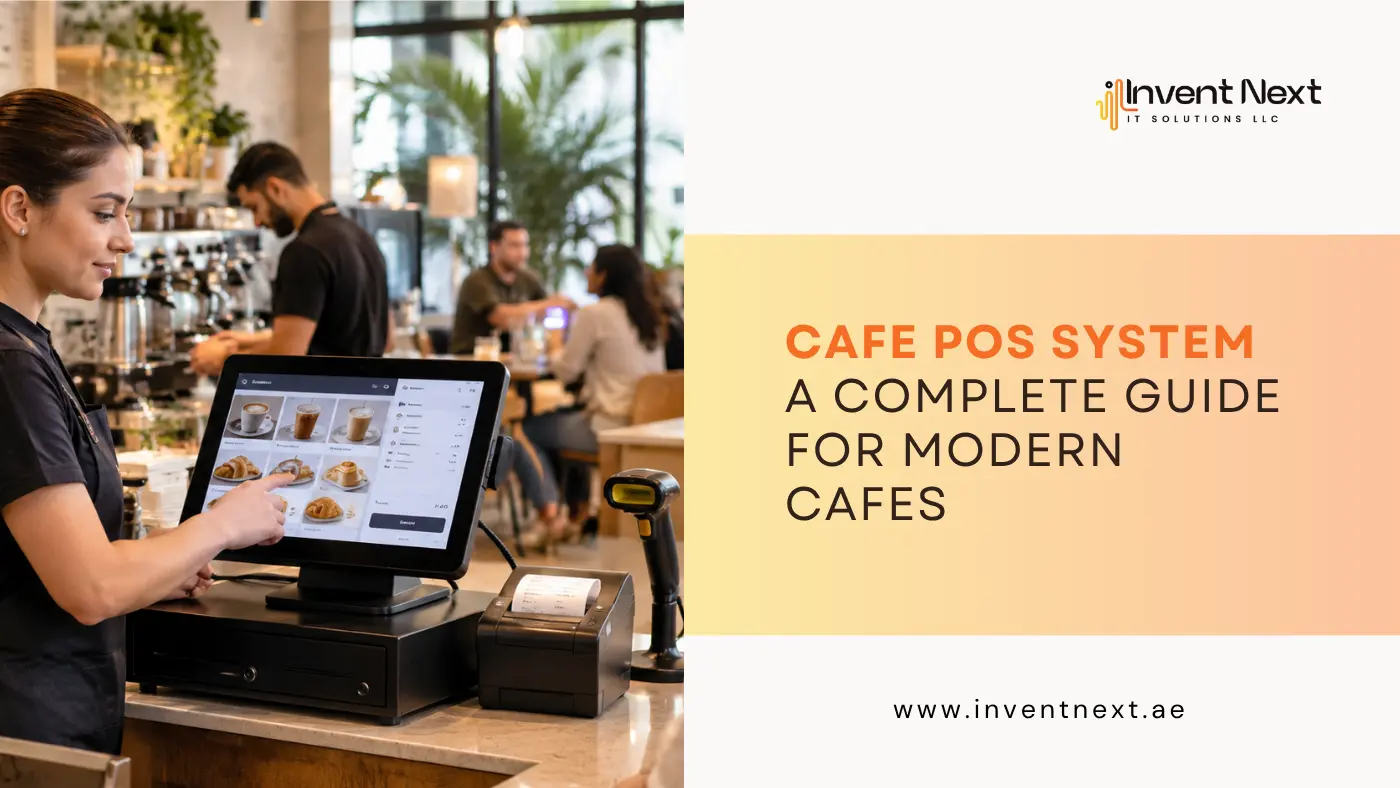
Running a cafe involves much more than serving great coffee. Orders need to be recorded correctly, payments must be processed quickly, ingredients have to be monitored, staff need to stay coordinated, and customers expect a smooth experience from the moment they order until they leave.
This is where a cafe POS system can make a significant difference. Instead of relying on separate tools for billing, orders, inventory, and sales reports, cafes can manage many of these everyday tasks through one integrated platform. Whether you operate a small coffee shop, a busy cafe, or a growing chain, choosing the right POS solution can help reduce manual work and give you better control over your business.
What Is a Cafe POS System?
A cafe POS system is software and hardware used to manage sales, orders, billing, payments, and other daily cafe operations. At its simplest, it records what a customer orders and calculates the bill. Modern systems, however, can do considerably more.
Depending on the solution, a cafe POS can help with:
- Order taking and billing
- Cash and card payments
- Menu management
- Inventory tracking
- Staff management
- Customer management
- Sales reports
- Discounts and promotions
- Multiple payment methods
- Kitchen order management
For example, when a customer orders a cappuccino and a sandwich, the order can be entered into the POS. The system calculates the total, sends the relevant information to the kitchen, updates sales records, and adjusts inventory based on the items sold. That reduces the need for repetitive manual entry.
Why Do Modern Cafes Need a POS System?
A busy cafe can process dozens or even hundreds of transactions in a day. Managing all of them manually becomes difficult as the business grows. A POS system can bring consistency to these processes.
Faster Order Processing
Speed matters in the cafe business. Customers visiting during breakfast or lunch rushes do not want to spend several minutes waiting for their order to be entered. A POS allows staff to select items quickly, apply modifications, and send orders to the appropriate preparation area.
More Accurate Billing
Manual calculations can lead to incorrect totals, missed items, or pricing mistakes. A POS calculates bills automatically based on the menu prices configured in the system. This can reduce common billing errors and make transactions easier to review.
Better Inventory Control
Inventory is one of the biggest challenges for cafes because many ingredients have limited shelf lives.
A good system can help monitor items such as:
- Coffee beans
- Milk
- Syrups
- Bread
- Vegetables
- Meat
- Packaging materials
- Desserts
When inventory information is connected with sales data, managers have a clearer picture of what is being consumed and what needs to be reordered.
Key Features to Look for in a Cafe POS System
Not every POS solution offers the same capabilities. Before choosing one, cafe owners should consider the features that directly support their daily workflow.
1. Easy Order Management
The interface should be simple enough for employees to learn quickly. At the same time, staff should be able to add items, modify orders, apply discounts, and process payments without unnecessary steps. In addition, for cafes offering dine-in, takeaway, and delivery, the system should make it easy to distinguish between different order types.
2. Menu Management
Menu items, prices, modifiers, and availability can change frequently. A POS should allow managers to update menu information without complicated procedures. For example, if a cafe introduces a seasonal cold coffee, the manager should be able to add the item, set its price, and make it available for ordering quickly.
3. Inventory Management
Inventory tracking becomes especially valuable when a cafe has a large menu. In addition, the system should help monitor stock levels and identify frequently used ingredients. As a result, managers can make purchasing decisions based on actual sales rather than guesswork.
4. Payment Processing
Customers may want to pay using cash, cards, mobile wallets, or other digital methods. A POS should support the payment methods relevant to the cafe’s target customers and location.
5. Sales Reports
Sales data can reveal patterns that are difficult to identify from a cash drawer alone.
Useful reports can include:
- Daily sales
- Best-selling products
- Sales by category
- Payment summaries
- Employee sales
- Discount reports
- Peak sales periods
These reports can help owners understand what is actually driving revenue.
How a Cafe POS Improves Customer Experience
The value of POS technology is not limited to the back office. Customers can notice the difference too. Consider a cafe during the morning rush. Several customers are waiting, takeaway orders are coming in, and the kitchen is handling multiple tickets. Without an organized system, employees may struggle to keep track of orders.
With a properly configured POS, orders can be recorded clearly and routed to the right preparation area. Staff can see what needs to be prepared, while customers receive accurate bills and faster service. This becomes even more important for businesses using restaurant POS software Abu Dhabi, where cafes and restaurants may need to manage high transaction volumes while supporting different payment and ordering requirements.
POS and Inventory: A Powerful Combination
Inventory management deserves particular attention because food waste can directly affect profitability. For example, suppose a cafe notices that it sells significantly more iced beverages during the summer months. In this case, historical POS data can help the manager identify this trend. As a result, instead of ordering the same quantity of every ingredient throughout the year, the cafe can adjust purchasing according to demand.
This can help with:
- Reducing overstock
- Preventing stock shortages
- Limiting food waste
- Improving purchasing decisions
- Maintaining consistent availability
The result is better control over both inventory and operating costs.
Using POS Data to Make Better Business Decisions
One of the biggest advantages of modern POS technology is access to usable business data. For example, imagine that a cafe discovers through its sales reports that a particular breakfast combo sells extremely well between 8 AM and 10 AM, while another menu item rarely sells. Based on these insights, the owner can reconsider menu placement, promotions, pricing, or preparation levels.
Choosing a POS for Cafes in Different Markets
The right system depends partly on where and how the cafe operates. For businesses looking for a POS system Abu Dhabi, important considerations may include payment integration, reporting capabilities, inventory management, ease of use, and local business requirements.
A cafe operating in a competitive market such as Dubai may have different operational needs. Businesses exploring restaurant software in Dubai should consider whether the platform can support their current workflow and scale as the business expands. The goal should not simply be to purchase the system with the longest feature list. A better approach is to identify the problems the cafe needs to solve and choose technology accordingly.
Expert Tips for Choosing the Right Cafe POS
Before committing to a POS solution, keep these practical points in mind:
Choose Simplicity Over Complexity
A system packed with features is not necessarily better. If employees struggle to use it, the technology can slow down operations rather than improve them.
Check Scalability
A small cafe today could become a multi-location business later. Choose a platform that can support additional products, employees, outlets, and transactions as the business grows.
Ask About Support
Technical problems can disrupt sales. Reliable customer support and proper onboarding should be part of the evaluation process.
Consider Integration
Check whether the POS can work with relevant payment systems, accounting tools, kitchen systems, inventory tools, or other software used by the cafe.
Review Reporting Features
Do not overlook reports. Good reporting can become one of the most valuable features once the business starts collecting consistent sales data.
Common Cafe POS Mistakes to Avoid
Even a good POS system can underperform if it is poorly implemented.
Avoid these common mistakes:
- Choosing based only on price: The cheapest option may lack important features or support.
- Ignoring employee training: Staff should understand the system before using it during busy periods.
- Failing to update menu prices: Incorrect menu information can create billing problems.
- Not reviewing reports: Collecting data is useful only when managers actually use it.
- Ignoring inventory: POS data can be valuable for stock control, so inventory features should not be treated as an afterthought.
- Choosing a system without considering future growth: Replacing software every time the business expands can become expensive and disruptive.
Benefits of Using a Cafe POS System
A well-implemented POS solution can provide several operational benefits:
- Faster order processing
- More accurate billing
- Better inventory visibility
- Easier employee management
- Improved sales tracking
- Better customer service
- Reduced manual paperwork
- More informed purchasing decisions
- Easier business reporting
- Greater operational control
The biggest benefit is often not a single feature. It is having different parts of the cafe operation connected through one system.
Frequently Asked Questions
What does a cafe POS system do?
A cafe POS system manages transactions, orders, billing, payments, menu items, and often inventory and sales reporting. More advanced systems can also support employee and customer management.
Is a POS system useful for a small cafe?
Yes. For instance, small cafes can benefit from faster billing, easier sales tracking, inventory monitoring, and automated reports. Ultimately, the key is choosing a system that matches the cafe’s size and operational requirements.
Can a POS system manage cafe inventory?
Modern POS systems can track inventory and connect stock movement with sales. This can help cafe owners monitor consumption, identify low-stock items, and make better purchasing decisions.
Can a cafe POS system support multiple outlets?
Many POS platforms are designed to support multiple locations. Depending on the solution, managers may be able to monitor sales, inventory, employees, and other information across different branches.
How should I choose a POS system for my cafe?
Start by identifying your requirements for billing, ordering, inventory, payments, reporting, and integrations. Once you have defined these needs, compare systems based on usability, scalability, support, security, and total cost rather than choosing solely on price.
Ready to Upgrade Your Cafe Operations?
A cafe’s success depends on hundreds of small decisions and daily interactions. For this reason, the right technology can make those processes easier to manage without getting in the way of the customer experience. In addition, a POS system can connect billing, orders, inventory, payments, and reporting into a more organized workflow. More importantly, it can give cafe owners clearer information about what is happening inside the business.
Looking for a reliable POS solution to simplify billing, orders, inventory, and sales management? Invent Next IT Solutions provides smart POS solutions designed to help cafes and other businesses improve efficiency and manage daily operations with greater control.
Get in touch with Invent Next IT Solutions today and find the right POS solution for your cafe.