
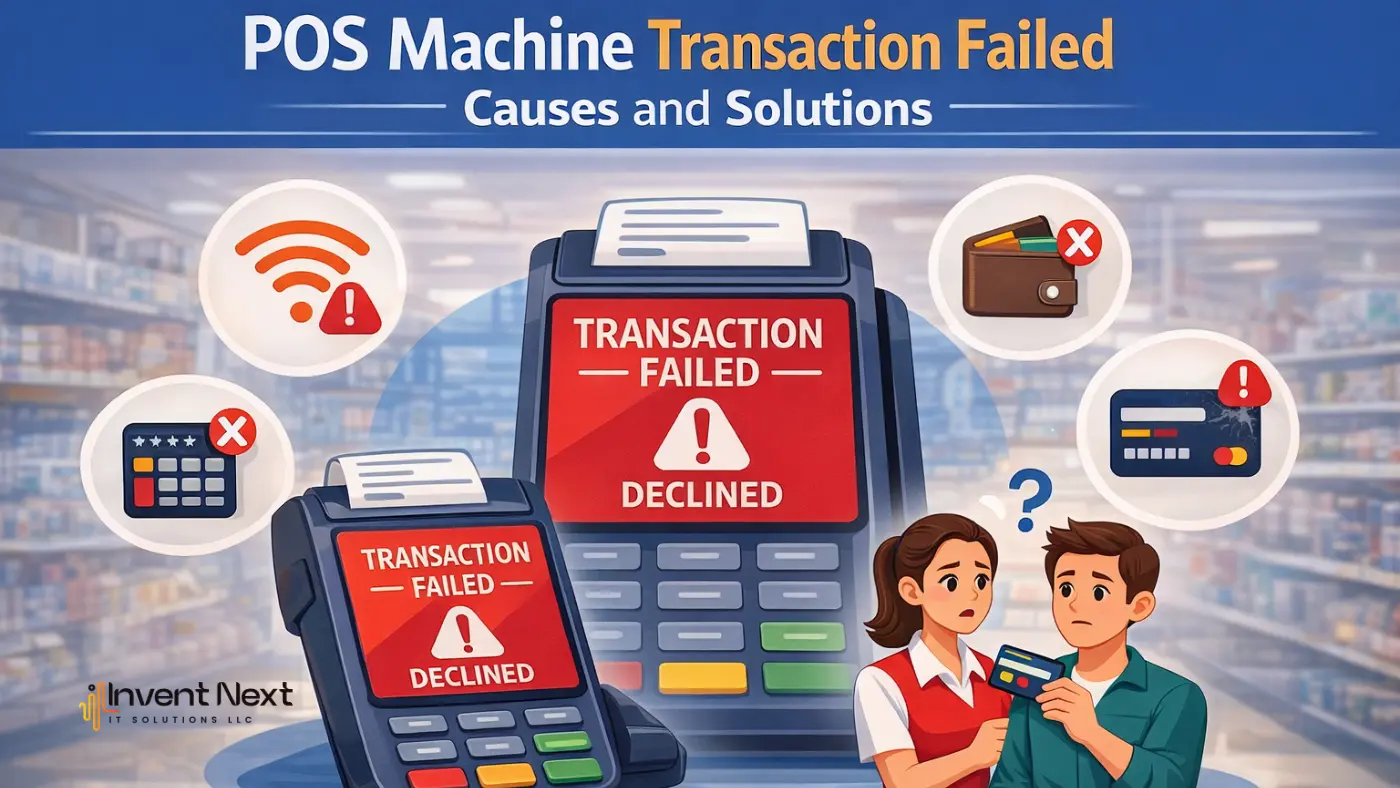
Digital payment systems have completely transformed the way modern businesses handle transactions. From small retail stores to large supermarkets, restaurants, and service centers, businesses increasingly rely on Point of Sale (POS) machines to process card payments quickly and securely. These devices allow businesses to accept debit cards, credit cards, and contactless payments, making the checkout process faster and more convenient for customers.
However, despite the efficiency of modern payment technology, businesses sometimes encounter technical problems during transactions. One of the most common issues is when a POS machine transaction failed message appears during payment processing.
When a transaction fails, it can slow down the payment process, cause confusion at the checkout counter, and occasionally irritate both customers and employees. Recurring payment failures can cause operational disruptions and negatively impact the customer experience for businesses that deal with a high volume of transactions on a daily basis. Maintaining seamless payment processing requires knowing why these problems arise and how to fix them.
This blog describes how point-of-sale (POS) systems handle transactions, the most frequent reasons why transactions fail, troubleshooting techniques that companies can use, and doable solutions to avoid these problems in the future.
Understanding POS Machine Transaction Failures
A payment failure occurs when the POS device, payment processor, and issuing bank cannot complete the authorization process for a card payment. When the POS machine transaction failed, a notification appeared, indicating that the payment request could not be successfully processed.
Transaction failures can be caused by a number of technical and financial factors. These may include card problems, inaccurate PIN entry, internet connection issues, or brief disruptions to the banking server. In certain situations, the issue might be transient and can be fixed by trying the transaction again. In other situations, companies might need to look into the matter more thoroughly.
Businesses can swiftly identify the issue and take the required actions to fix it without causing customers any delays by being aware of these possible causes.
How POS Machines Process a Payment
To get a grasp on what causes a failed payment, you need to know how a point of sale can be used to process payments with either debit or credit cards.
- When a user either inserts, taps, or swipes their debit card, the POS provides the information needed to communicate with the payment processor.
- As soon as the card is inserted, it will be read by the POS, either via magnetic stripe or smart card.
- The POS then sends the transaction through the network to the payment processor for final authorization from the issuing bank.
- The payment processor verifies the account holder’s information with the issuing bank to verify that the transaction has been approved.
- At this point, the Issuing Bank will confirm that the card is eligible and that there are sufficient funds available to approve the transaction.
- The Issuing Bank will either approve or deny the transaction based on the above two criteria.
If any problems occur between any of the steps above, then the payment will not complete on the first try.
Common Reasons for POS Machine Transaction Failures
There are several reasons why POS machines may fail to process payments. Understanding these causes can help businesses respond more effectively when issues occur.
Poor Network Connectivity
A strong and stable internet (or mobile) network will help POS machines connect with their respective bank networks. In cases where an internet connection is weak or intermittent, POS machines may encounter issues with sending the payment request correctly.
One of the primary reasons for payment failure is due to network interruptions, which are common in regions with inconsistent connectivity.
Insufficient Funds in the Customer’s Account
When a customer does not possess adequate funds in his/her bank account to finance a specific payment, it follows that the issuing bank will automatically decline that payment. When this happens, it becomes necessary for the customer to find another card or form of payment.
Incorrect PIN Entry
Entering the wrong PIN multiple times can cause the bank to decline the payment for security reasons. Some banks temporarily block transactions after repeated incorrect attempts.
Expired or Damaged Cards
Cards that are physically damaged, scratched, or expired may not be properly read by the POS machine. Chip damage or magnetic stripe issues can prevent the device from accessing the required card data.
Bank Server or Payment Gateway Issues
Occasionally, the issue may not be related to the POS machine itself. Temporary downtime in banking servers or payment gateways can interrupt the transaction authorization process.
During such situations, even valid transactions may fail until the banking systems return to normal operation.
POS Machine Software Errors
Like any digital device, POS machines require regular software updates. Outdated software or internal system glitches may interfere with payment processing and cause transaction failures.
Types of POS Transaction Errors Businesses May See
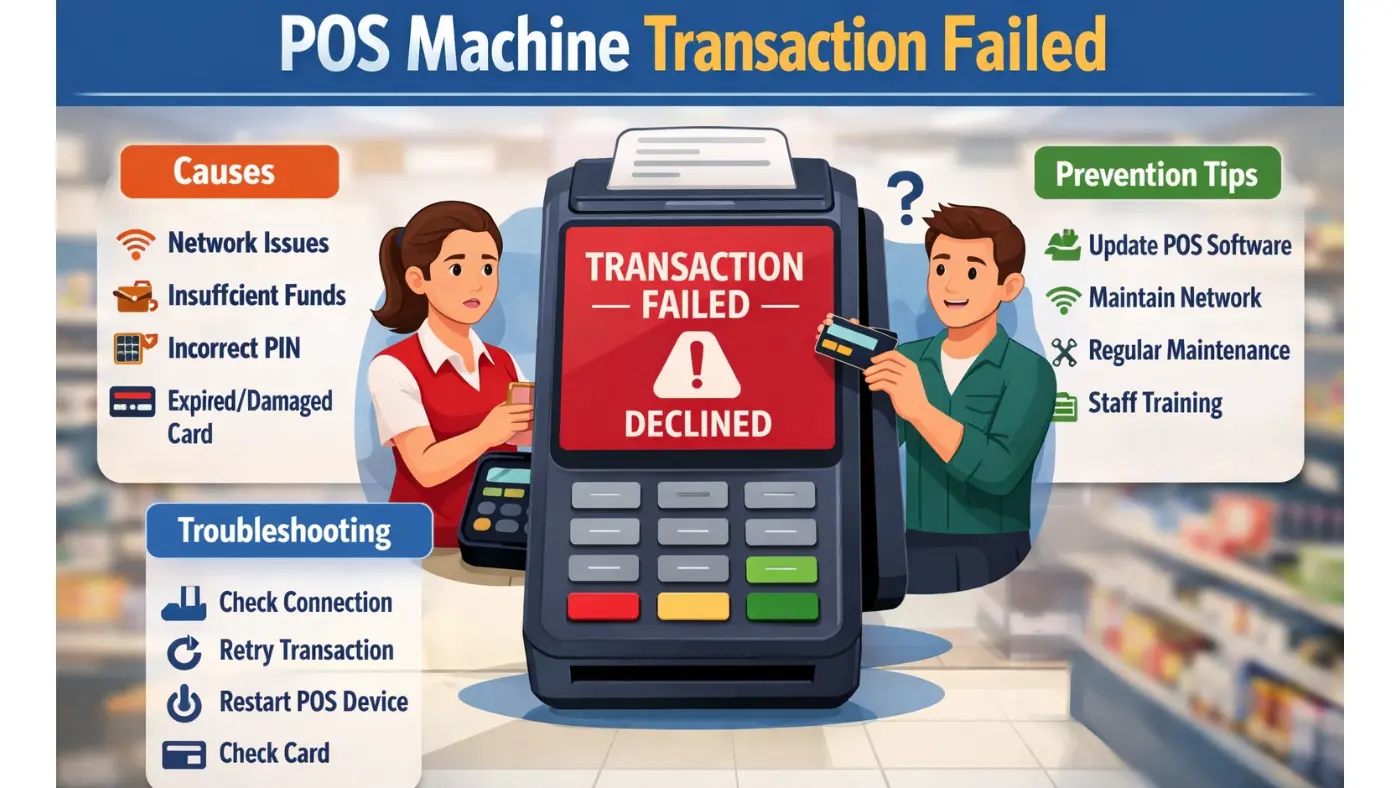
POS machines often display different error messages depending on the cause of the transaction failure. Some of the most common messages include:
- Transaction declined
- Network error
- Invalid card
- Processing error
- Transaction timeout
Each message indicates a different issue. For example, a network error may suggest connectivity problems, while an invalid card message may indicate a damaged or unsupported card. Understanding these messages helps businesses take the correct troubleshooting steps quickly.
How Businesses Can Troubleshoot Transaction Failures
When a payment issue occurs, businesses can follow several simple troubleshooting steps before contacting technical support.
Check the Internet connection.
Ensure the POS device is connected to a stable internet or mobile network. Restarting the router or switching to a backup network may help restore connectivity.
Retry the Transaction
Sometimes payment failures occur due to temporary network delays. Retrying the transaction after a few seconds may allow the system to process the payment successfully.
Restart the POS device.
Restarting the POS machine can clear temporary system errors and refresh the device’s internal processes.
Check the Customer’s Card.
Verify whether the card is valid, properly inserted, and not physically damaged. If the card cannot be read, customers may try tapping the card or using another payment method.
Offer Alternative Payment Options
If the card continues to fail, customers may use another card, mobile payment application, or digital wallet to complete the purchase.
Preventing POS Machine Transaction Failures
Although some payment failures are unavoidable, businesses can reduce the chances of transaction errors by implementing preventive measures.
Maintain Reliable Internet Connectivity
Using high-speed and stable internet connections ensures smooth communication between POS devices and banking systems.
Keep POS systems updated.
Regular software updates improve system performance, fix bugs, and ensure compatibility with the latest payment technologies.
Perform Routine Device Maintenance
Cleaning the card reader, checking cables, and ensuring proper device functioning can prevent hardware-related issues.
Train Employees to Handle Payment Issues
Staff members should understand how POS machines work and how to troubleshoot basic payment problems quickly.
Upgrade to Modern POS Technology
Advanced POS systems support multiple payment methods, including contactless payments, mobile wallets, and QR code transactions. These systems often include better security and reliability features.
Industries That Depend on POS Machines
POS machines are widely used across different industries where secure and efficient payment processing is required.
Retail stores rely on POS devices to process customer payments and track sales transactions. Restaurants and cafés use POS systems to manage orders and payments during busy hours. Supermarkets require fast and reliable POS machines to handle high transaction volumes efficiently. Service businesses such as salons, repair shops, and clinics also depend on POS systems to simplify billing and payment collection.
For these businesses, preventing payment interruptions is essential for maintaining efficient operations and customer satisfaction.
Conclusion
POS machines are an essential part of modern business operations, enabling fast and secure digital payments. However, occasional technical issues may occur during payment processing. When a POS machine transaction failed message appears, which can slow down checkout and create inconvenience for customers.
By understanding the causes of transaction failures and implementing preventive strategies such as reliable internet connections, regular software updates, and proper staff training, businesses can minimize payment disruptions. Maintaining a reliable POS system not only improves transaction efficiency but also enhances customer trust and ensures a smoother payment experience for both businesses and their customers.
If you’re looking for the best POS software, Invent Next offers complete business solutions, including restaurant POS software, retail POS systems, POS systems for supermarkets, garage software, and warehouse management software.
Call +971 552088101 today to speak with our experts and find the right POS solution for your business.